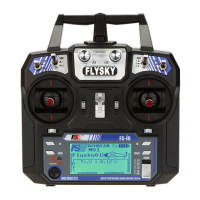
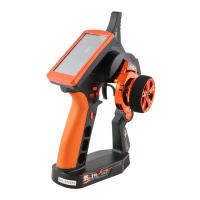
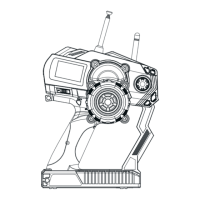
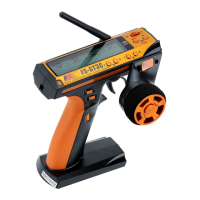
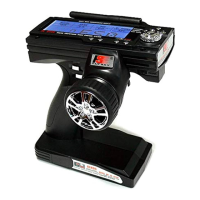
(Pic 21.67) (Pic 21.68)
Screen Calibration:
You can use a pen to touch
the cross center point to calibrate.
After calibrating, it will exit or
press return button to exit.
Units:
Select length and the
temperature unit.
Length:
Metric uses millimeter,
kilometer and kilometer per hour.
Imperial uses inch, mile and mile
per hour.
Temperature:
Celsius and Fahrenheit degree
for your option.
(Pic 21.69)
USB Function Details:
None: the USB interface can be used only to charge the battery of the transmitter.
FS-i10: when connected to a computer, the transmitter acts as a standard HID with 4 axes (one for
each channel) and 10 buttons (1-10) and can be used as the main controller in any compatible
simulation software.
1. Connect the transmitter to the computer by the Micro USB cable.
2. Switch on the transmitter, then touch system-----USB function-----FS-I10 simulator.
After that, the computer will automatic identify the HID.
3. In the computer control panel, double click Game controller-----FS-I10 emulator to test whether
the simulating function is ok.
Sticks mode
(Pic 21.70) (Pic 21.71)
This function is used to switch the Mode 1,Mode 2, Mode 3 , and
Mode 4. After mode switching, the relevant stick will switch automatically.
Press reset button to Mode 2 by the default.
http://www.flysky-cn.com
46



 To Next Page
 Loading...