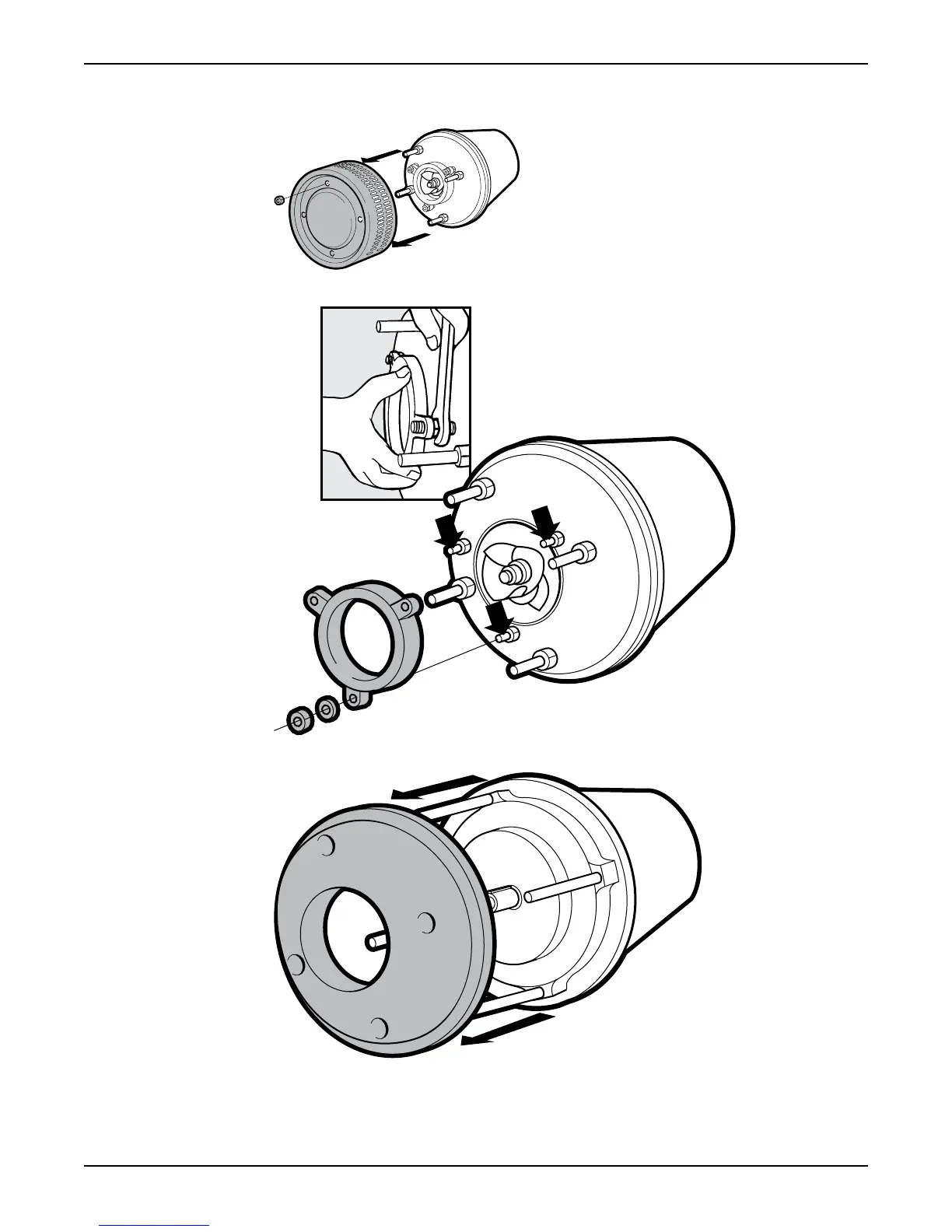
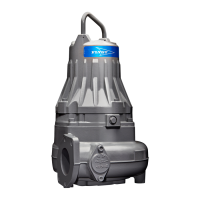
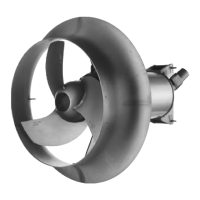
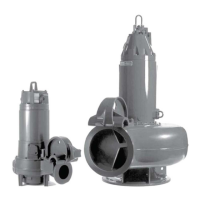
2. Remove the items in the illustrations:
a) Remove the nuts and the strainer.
b) Remove the nuts and the suction cover.
c) Remove the nuts and the diffuser.
3. Remove the impeller:
a)
Lock the impeller to prevent rotation.
Maintenance
2125 Installation, Operation, and Maintenance Manual 35


 To Next Page