Web Configuration FIP11/FIP11W/FIP11WP User Manual
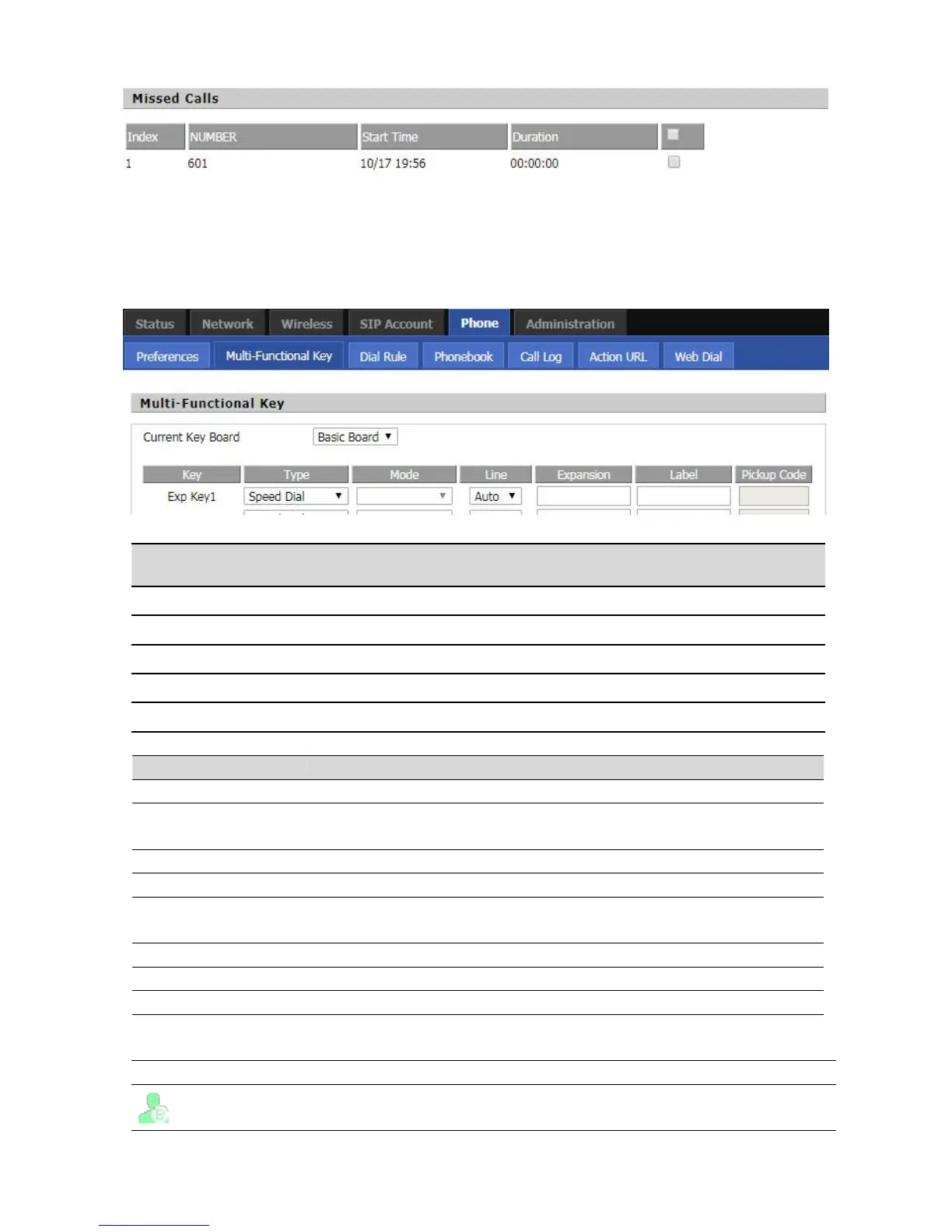
Hide the function key and disable it
Do the emergency dial key to use, set the emergency call number, use the key to
dial out directly
Listen the status of the setup number
Function shortcuts, including phone book, call log, SMS, login / logout
The call resides while the other party is on hold, transferring the call to another
extension and continuing the conversation.
Can set this key as line key
The monitored account is idle
Select the corresponding shortcut key function on the Shortcut Keys.
Select Line / Auto Select.


 To Next Page