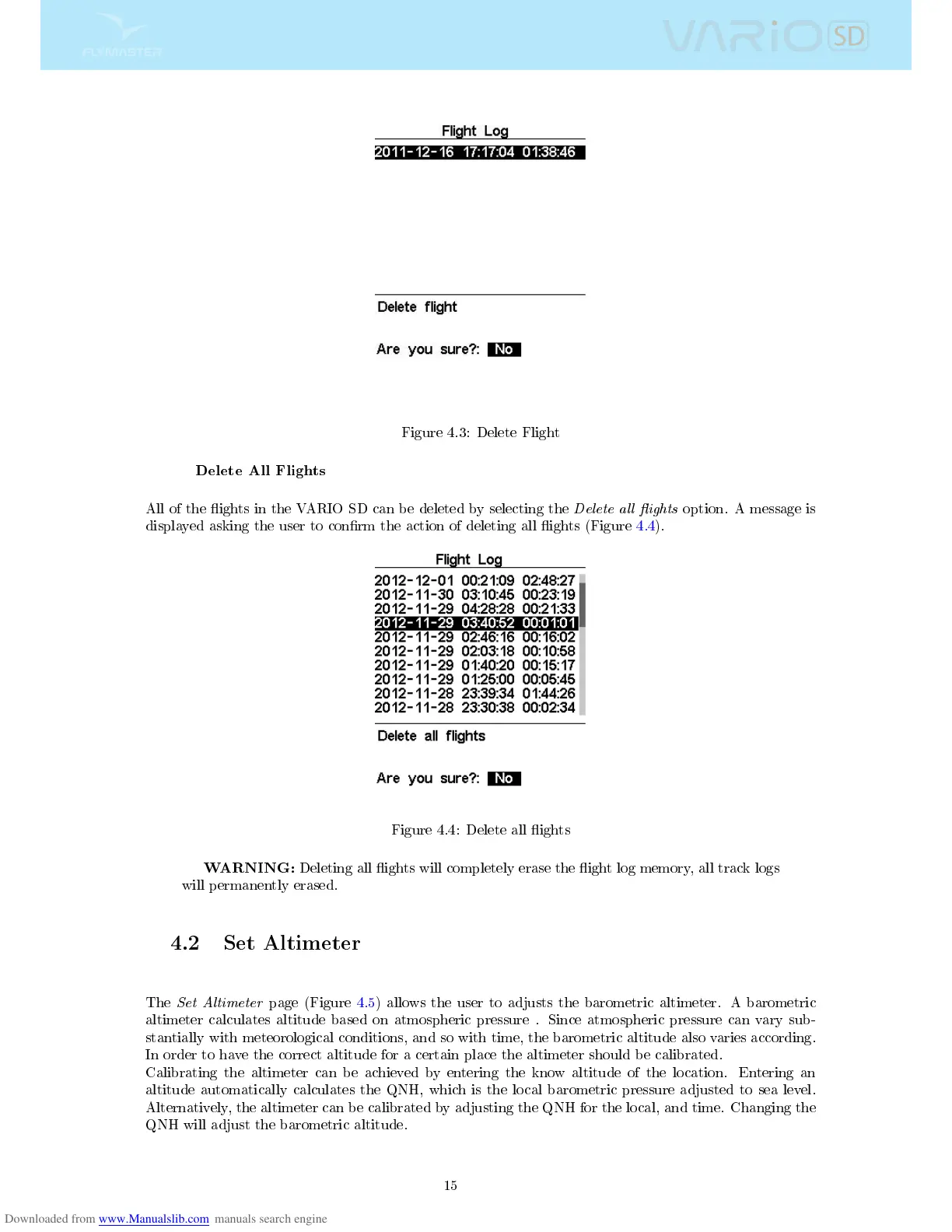
Figure 4.3: Delete Flight
Delete All Flights
All of the ights in the VARIO SD can be deleted by selecting the
Delete all ights
option. A message is
displayed asking the user to conrm the action of deleting all ights (Figure 4.4).
Figure 4.4: Delete all ights
WARNING:
Deleting all ights will completely erase the ight log memory, all track logs
will permanently erased.
4.2 Set Altimeter
The
Set Altimeter
page (Figure 4.5) allows the user to adjusts the barometric altimeter. A barometric
altimeter calculates altitude based on atmospheric pressure . Since atmospheric pressure can vary sub-
stantially with meteorological conditions, and so with time, the barometric altitude also varies according.
In order to have the correct altitude for a certain place the altimeter should be calibrated.
Calibrating the altimeter can be achieved by entering the know altitude of the location. Entering an
altitude automatically calculates the QNH, which is the local barometric pressure adjusted to sea level.
Alternatively, the altimeter can be calibrated by adjusting the QNH for the local, and time. Changing the
QNH will adjust the barometric altitude.
15



 To Next Page