6 Compass Calibration
6.1 Accelerometer Calibration
Eventhough the VARIO SD Accelerometer is factory calibrated for oset and sensitivity, temperature and
aging can cause further changes. These sources of errors may cause the accelerometer to appear to be tilted
or rotated relative to the zero reference point. If spurious G-Force readings are noticed, eg. a G-Force
value dierent from 1 when the instrument is at rest, a recalibration should be made. In order to perform
an accelerometer recalibration follow the steps described below:
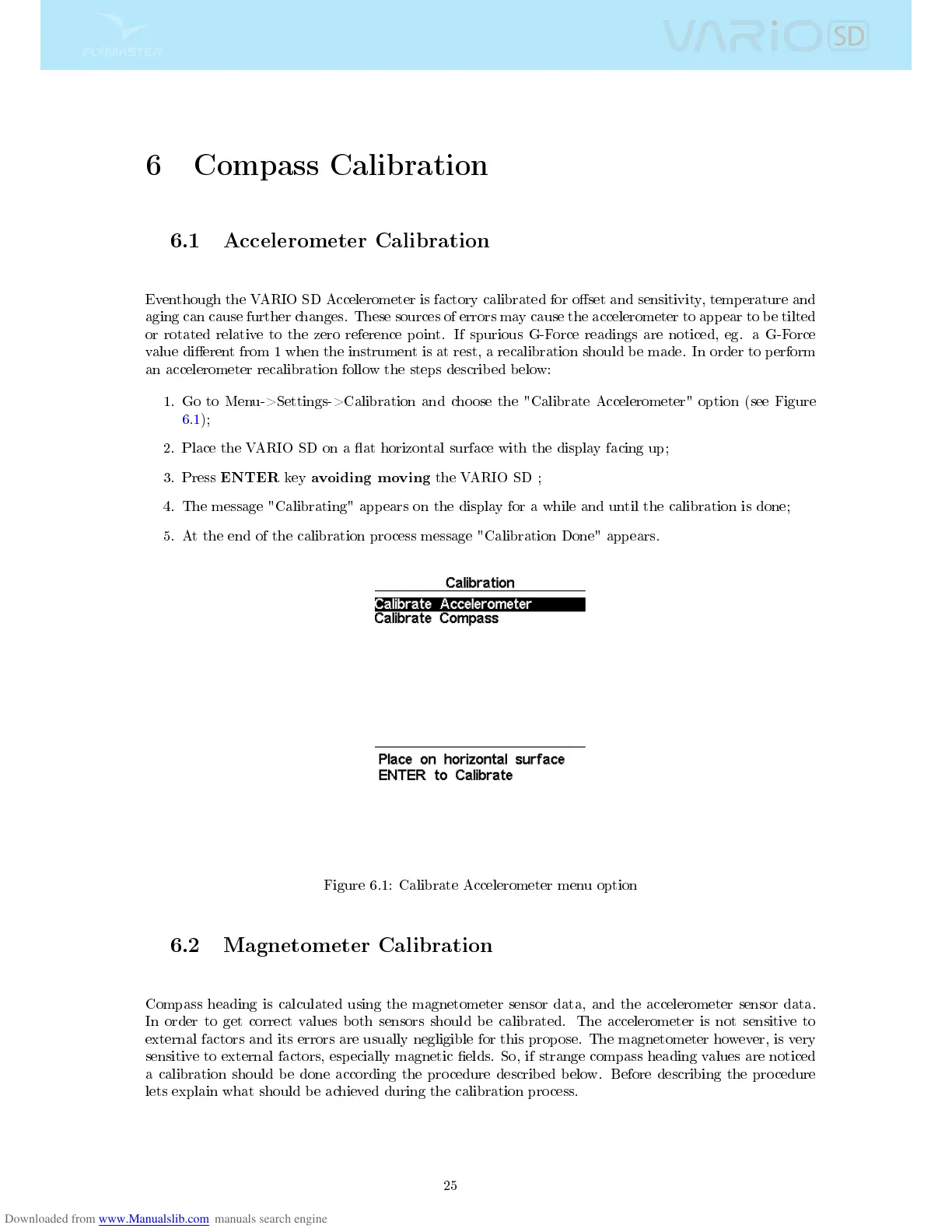
1. Go to Menu->Settings->Calibration and choose the "Calibrate Accelerometer" option (see Figure
6.1);
2. Place the VARIO SD on a at horizontal surface with the display facing up;
3. Press
ENTER
key
avoiding moving
the VARIO SD ;
4. The message "Calibrating" appears on the display for a while and until the calibration is done;
5. At the end of the calibration process message "Calibration Done" appears.
Figure 6.1: Calibrate Accelerometer menu option
6.2 Magnetometer Calibration
Compass heading is calculated using the magnetometer sensor data, and the accelerometer sensor data.
In order to get correct values both sensors should be calibrated. The accelerometer is not sensitive to
external factors and its errors are usually negligible for this propose. The magnetometer however, is very
sensitive to external factors, especially magnetic elds. So, if strange compass heading values are noticed
a calibration should be done according the procedure described below. Before describing the procedure
lets explain what should be achieved during the calibration process.
25



 To Next Page