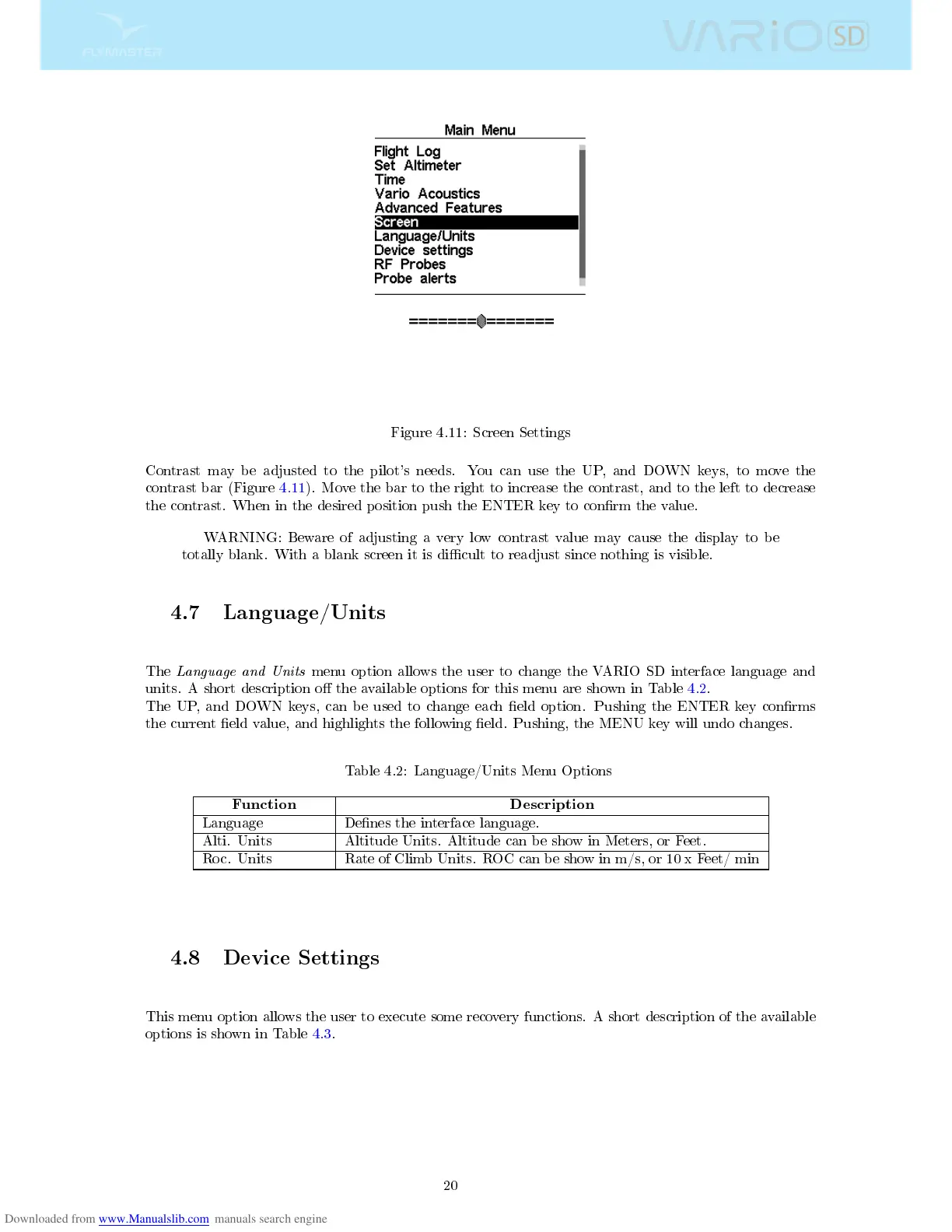
Figure 4.11: Screen Settings
Contrast may be adjusted to the pilot's needs. You can use the UP, and DOWN keys, to move the
contrast bar (Figure 4.11). Move the bar to the right to increase the contrast, and to the left to decrease
the contrast. When in the desired position push the ENTER key to conrm the value.
WARNING: Beware of adjusting a very low contrast value may cause the display to be
totally blank. With a blank screen it is dicult to readjust since nothing is visible.
4.7 Language/Units
The
Language and Units
menu option allows the user to change the VARIO SD interface language and
units. A short description o the available options for this menu are shown in Table 4.2.
The UP, and DOWN keys, can be used to change each eld option. Pushing the ENTER key conrms
the current eld value, and highlights the following eld. Pushing, the MENU key will undo changes.
Table 4.2: Language/Units Menu Options
Function Description
Language Denes the interface language.
Alti. Units Altitude Units. Altitude can be show in Meters, or Feet.
Roc. Units Rate of Climb Units. ROC can be show in m/s, or 10 x Feet/ min
4.8 Device Settings
This menu option allows the user to execute some recovery functions. A short description of the available
options is shown in Table 4.3.
20



 To Next Page