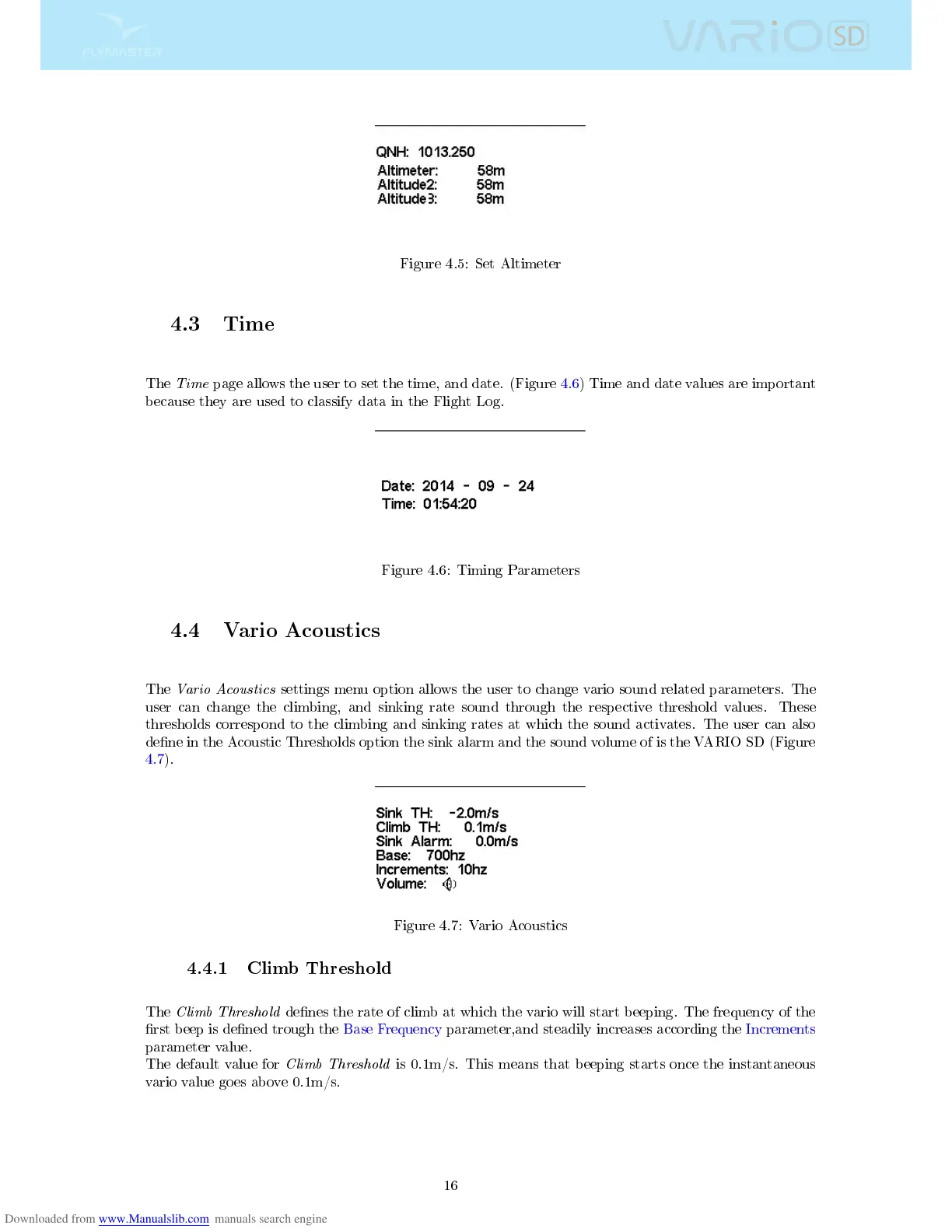
Figure 4.5: Set Altimeter
4.3 Time
The
Time
page allows the user to set the time, and date. (Figure 4.6) Time and date values are important
because they are used to classify data in the Flight Log.
Figure 4.6: Timing Parameters
4.4 Vario Acoustics
The
Vario Acoustics
settings menu option allows the user to change vario sound related parameters. The
user can change the climbing, and sinking rate sound through the respective threshold values. These
thresholds correspond to the climbing and sinking rates at which the sound activates. The user can also
dene in the Acoustic Thresholds option the sink alarm and the sound volume of is the VARIO SD (Figure
4.7).
Figure 4.7: Vario Acoustics
4.4.1 Climb Threshold
The
Climb Threshold
denes the rate of climb at which the vario will start beeping. The frequency of the
rst beep is dened trough the Base Frequency parameter,and steadily increases according the Increments
parameter value.
The default value for
Climb Threshold
is 0.1m/s. This means that beeping starts once the instantaneous
vario value goes above 0.1m/s.
16



 To Next Page