
 To Next Page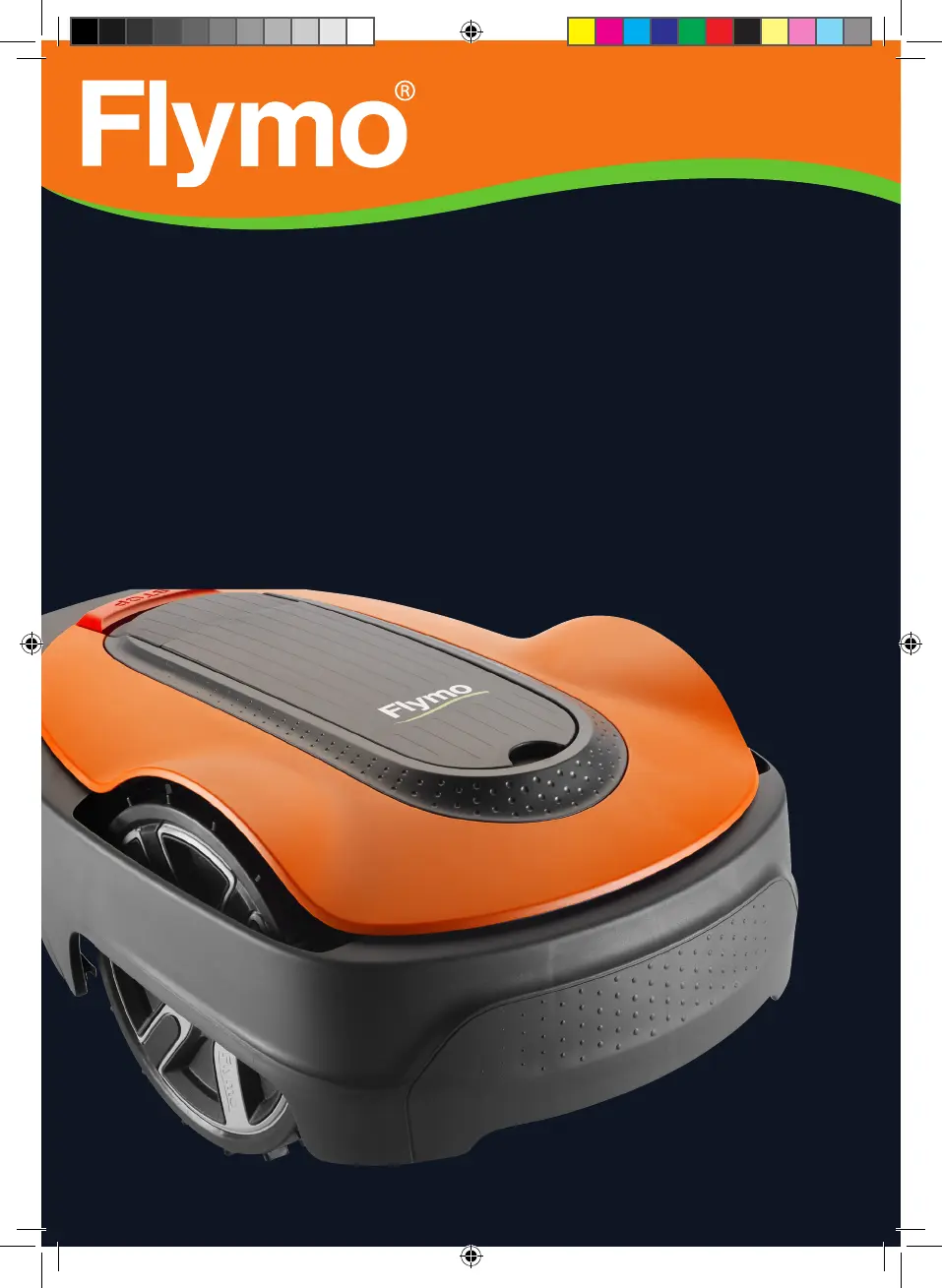

D
davidmcclainSep 8, 2025
What should I do if the wheel motor is blocked on my Flymo EasiLife 200?
- CcrodriguezSep 8, 2025
If the wheel motor is blocked, check the drive wheel and remove any grass or other object that may have wrapped around it.

What should I do if the wheel motor is blocked on my Flymo EasiLife 200?
If the wheel motor is blocked, check the drive wheel and remove any grass or other object that may have wrapped around it.
What happens if I enter the wrong PIN code on my Flymo EasiLife 200?
If you enter the wrong PIN code, you are permitted five attempts before the keypad is blocked for five minutes. Enter the correct PIN code. Contact Flymo customer service if you forget the PIN code.
Why does my Flymo EasiLife 200 Lawn Mower say no loop signal?
If your Flymo Lawn Mower displays a 'no loop signal' message, several factors could be the cause. First, verify that the power supply is properly connected and that an earth-fault breaker hasn't tripped. Also, inspect the low voltage cable for any damage or disconnection. Ensure the boundary wire is securely connected to the charging station. Finally, if ECO mode is enabled, place the product in the charging station and press the STOP button.
What to do if my Flymo EasiLife 200 Lawn Mower is trapped?
If your Flymo Lawn Mower is trapped, free the product and rectify the reason for it becoming trapped. Check if there are any obstacles which make it hard for the product to move on from this location.
Why does my Flymo Lawn Mower have no drive?
If your Flymo Lawn Mower has no drive, it may be caught on something; free the product and rectify the reason for the lack of drive. If the work area includes a steep slope, these slopes should be isolated. If the guide wire is laid on a slope, it must be laid at an angle across the slope.
Why does my Flymo EasiLife 200 mow for shorter periods?
If your Flymo Lawn Mower is mowing for shorter periods than usual, grass or other foreign objects may be blocking the blade disc; remove and clean the blade disc. The battery may be spent, requiring replacement. Dull blades can also cause this issue because more energy is needed when cutting the grass; replace the blades.
Why is my Flymo EasiLife 200 having difficulty docking?
If your Flymo Lawn Mower is having trouble docking, check that the charging station has been installed according to the instructions, ensuring the guide wire is laid in a long straight line far enough from the charging station. Make sure the guide wire is always in its slot in the charging station. Place the charging station on a surface that is entirely level.
What to do if Flymo EasiLife 200 charging station is blocked?
If the charging station is blocked, ensure that the charging plates and contact plates make good contact by placing the product in the charging station. Remove any object obstructing the product. Ensure the charging station is placed on a fully flat and horizontal ground. Check if the guide wire is installed according to the instructions.
Why does my Flymo Lawn Mower vibrate so much?
If your Flymo Lawn Mower is vibrating, inspect the blades and screws and replace them if necessary, as damaged blades can lead to imbalance. Check that only one blade is fitted at each screw, as too many blades in the same position can cause imbalance. Also, verify if the blades are of different versions (thickness).
Why does my Flymo Lawn Mower run at the wrong time?
If your Flymo Lawn Mower is running at the wrong time, the clock or date in the product may be incorrect; set the clock or date. Alternatively, the start and stop times for mowing might be incorrect; in that case, change the schedule settings.
Overview of the mower, support, product description, and mowing techniques.
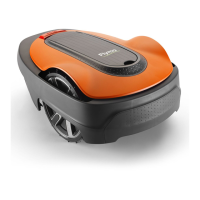
Visual identification and description of all parts of the robotic lawn mower.
Explanation of symbols on the product, display, and battery for user guidance.
Guide to manual structure, navigation, and menu overviews for product operation.
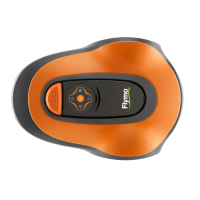
How to use the product's display and keypad for settings and navigation.
Critical safety information and general precautions for product use.
Safe operation, battery handling, lifting, and thunderstorm precautions.
Safety during maintenance and electrical safety measures.
Planning, components, and general preparations for installation.
Detailed guidance on positioning and installing boundary and guide wires.
Installing the charging station, connecting wires, and performing initial setup.
Setting schedules, guide calibration, and other initial configurations.
How to use the ON/OFF button, start, stop, and understand the indicator lamp.
Explains operating modes, schedules, standby periods, and battery charging.
Procedures for adjusting cutting height and charging the battery.
How to clean the product's chassis, wheels, and body for optimal performance.
Step-by-step guide for replacing wear parts like blades and the battery.
Guidance on professional servicing and preparation for winter storage.
Identifies common fault messages, their causes, and corrective actions.
Guide to resolve issues based on observed product symptoms and operational problems.
Procedures for finding and fixing breaks in the boundary or guide loop wire.
Guidelines for storing the product safely, including charging and cleaning.
Information on local recycling requirements and regulations for product disposal.
Detailed technical data on dimensions, weight, and electrical system components.
Specifications for mowing, noise emissions, IP-classification, and Bluetooth.
Details the product warranty period, coverage, and conditions for claims.
Official statement confirming the product's adherence to relevant EU machinery and safety directives.
 General
| Type | Robotic lawn mower |
|---|---|
| Noise level | 58 dB |
| Display type | LCD |
| Cutting width | 160 mm |
| Grass catcher | - |
| Product color | Black, Orange |
| Number of blades | 3 |
| Number of wheels | 3 wheel(s) |
| Maximum lawn area | 200 m² |
| Maximum cutting height | 50 mm |
| Minimum cutting height | 20 mm |
| Cutting clearance adjustment | Yes |
| Power source | Battery |
 Weight and Dimensions
| Depth | 550 mm |
|---|---|
| Width | 380 mm |
| Height | 230 mm |
| Weight | 7300 g |