EasyManua.ls Logo

Flymo EasiLife 200 - User Manual

Flymo EasiLife 200
56 pages
Print Icon
To Next Page IconTo Next Page
Loading...
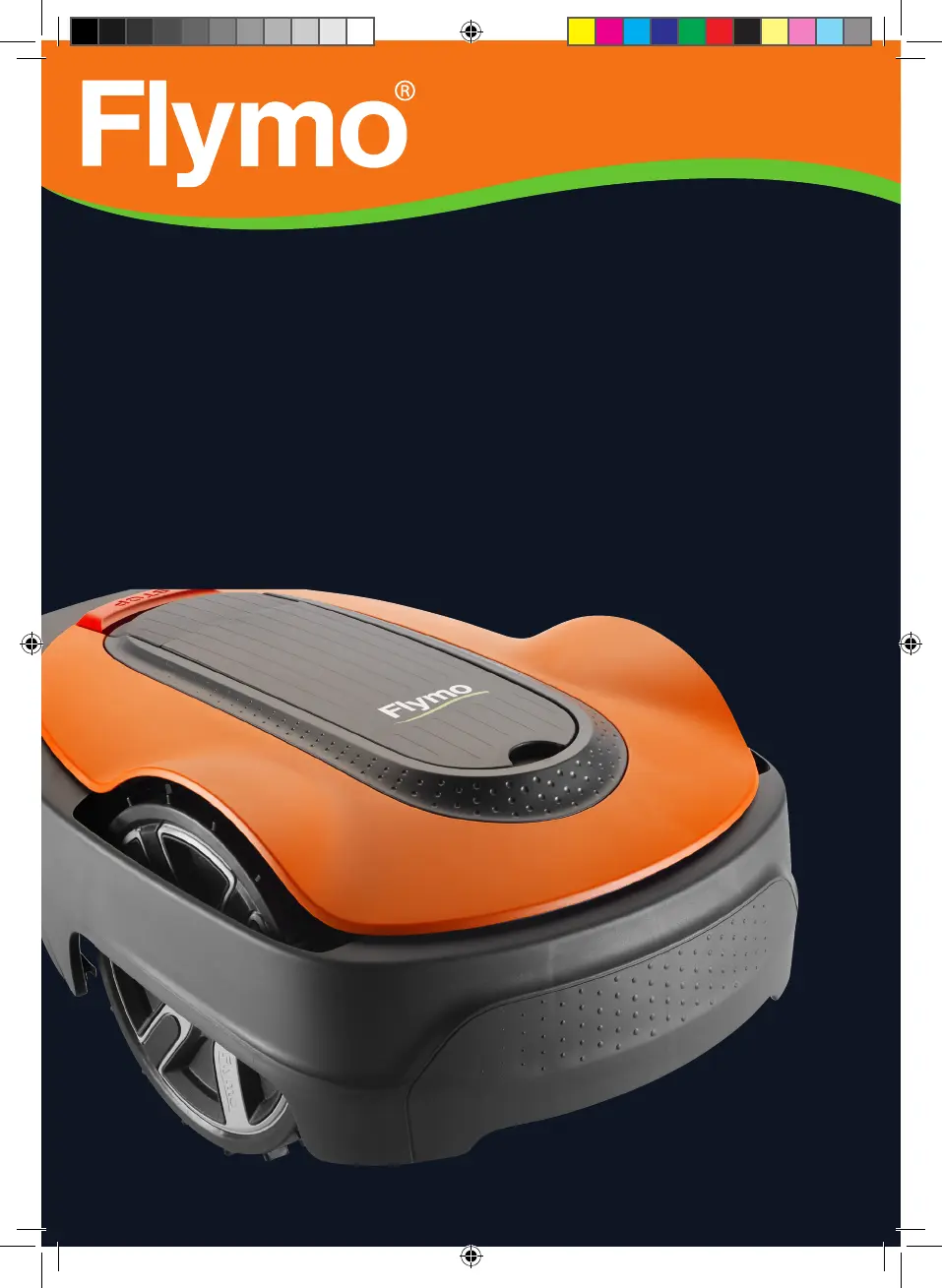
Operator‘s manual
Robotic Lawn mower
EasiLife 200
EasiLife 350
EasiLife 500
Easier by Design
www.flymo.com/uk
FRONTCOVER_P01_Flymo.indd 1FRONTCOVER_P01_Flymo.indd 1 2019-11-18 14:54:442019-11-18 14:54:44

Other manuals for Flymo EasiLife 200

Questions and Answers

  • M
    Mr. Edward JohnsonAug 27, 2025
    How to fix a Flymo EasiLife 200 cutting system that is blocked?
    • J
      James ElliottAug 27, 2025
      If the cutting system of your Flymo Lawn Mower is blocked, it may be due to several reasons. Check the blade disc and remove any grass or other objects that may have wrapped around it. If the blade disc is in a pool of water, move the product and prevent water from collecting in the work area. If the grass is too high, cut it before installing the product, ensuring it is no more than 4 cm / 1.6 in.
  • R
    Robert KimAug 25, 2025
    Why is my Flymo EasiLife 200 Lawn Mower going outside of the working area?
    • B
      Brianna RussellAug 26, 2025
      If your Flymo Lawn Mower is operating outside the designated working area, check the boundary wire connections to the charging station to ensure they are correctly connected. Verify that the boundary wire is laid according to the instructions. Try moving the boundary wire if there are disturbances from metal objects or buried cables nearby. If there is another product installation nearby, place the product in the charging station and generate a new loop signal.
  • Z
    Zachary BarnettAug 25, 2025
    What to do if my Flymo Lawn Mower has an empty battery?
    • M
      Megan MckeeAug 25, 2025
      If your Flymo Lawn Mower's battery is empty, there are several potential reasons. Ensure the charging station and guide wire are correctly installed. Check if the indicator lamp in the charging station is flashing yellow, which could indicate a broken or disconnected guide wire. If the battery is spent, it will need to be replaced. Also, check if the indicator lamp in the charging station flashes red, which indicates a defective charging station antenna.

Summary

Introduction and Product Information

General Introduction, Support, and Description

Overview of the mower, support, product description, and mowing techniques.

Product Overview and Components

Visual identification and description of all parts of the robotic lawn mower.

Product Symbols and Indicators

Explanation of symbols on the product, display, and battery for user guidance.

Manual Navigation and Menu Structure

Guide to manual structure, navigation, and menu overviews for product operation.

Display and Keypad Operation

How to use the product's display and keypad for settings and navigation.

Safety Precautions

Essential Safety Instructions

Critical safety information and general precautions for product use.

Operational, Battery, and Lifting Safety

Safe operation, battery handling, lifting, and thunderstorm precautions.

Maintenance and Electrical Safety

Safety during maintenance and electrical safety measures.

Installation and Setup

Installation Planning and Components

Planning, components, and general preparations for installation.

Wire Placement and Installation

Detailed guidance on positioning and installing boundary and guide wires.

Charging Station and Initial Configuration

Installing the charging station, connecting wires, and performing initial setup.

Schedule and Calibration Settings

Setting schedules, guide calibration, and other initial configurations.

Operation

Starting, Stopping, and Controls

How to use the ON/OFF button, start, stop, and understand the indicator lamp.

Operating Modes and Scheduling

Explains operating modes, schedules, standby periods, and battery charging.

Cutting Height and Battery Charging

Procedures for adjusting cutting height and charging the battery.

Maintenance

Routine Cleaning and Care

How to clean the product's chassis, wheels, and body for optimal performance.

Replacing Blades and Battery

Step-by-step guide for replacing wear parts like blades and the battery.

Winter Service Recommendations

Guidance on professional servicing and preparation for winter storage.

Troubleshooting

Fault Messages and Causes

Identifies common fault messages, their causes, and corrective actions.

Product Symptoms and Solutions

Guide to resolve issues based on observed product symptoms and operational problems.

Loop Wire Break Detection and Repair

Procedures for finding and fixing breaks in the boundary or guide loop wire.

Transportation, Storage, and Disposal

Product Storage and Handling

Guidelines for storing the product safely, including charging and cleaning.

Disposal Regulations

Information on local recycling requirements and regulations for product disposal.

Technical Data

Product Specifications and Electrical Data

Detailed technical data on dimensions, weight, and electrical system components.

Mowing Performance and Safety Data

Specifications for mowing, noise emissions, IP-classification, and Bluetooth.

Warranty

Warranty Terms and Exclusions

Details the product warranty period, coverage, and conditions for claims.

EC Declaration of Conformity

Compliance with EU Directives

Official statement confirming the product's adherence to relevant EU machinery and safety directives.

Flymo EasiLife 200 Specifications

General IconGeneral
TypeRobotic lawn mower
Noise level58 dB
Display typeLCD
Cutting width160 mm
Grass catcher-
Product colorBlack, Orange
Number of blades3
Number of wheels3 wheel(s)
Maximum lawn area200 m²
Maximum cutting height50 mm
Minimum cutting height20 mm
Cutting clearance adjustmentYes
Power sourceBattery
Weight and Dimensions IconWeight and Dimensions
Depth550 mm
Width380 mm
Height230 mm
Weight7300 g

Related product manuals