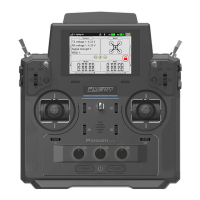
FS-MG41
Digital Proportional Radio Control System
4
3.GettingStarted
Before operation, install the battery and connect the system as instructed below.
3.1TransmitterBatteryInstallation
Danger
• Onlyusespeciedbattery(X4AAbatteries).
Danger
• Donotopen,disassemble,orattempttorepairthebattery.
Danger • Donotcrush/puncturethebattery,orshorttheexternalcontacts.
Danger
• Donotexposetoexcessiveheatorliquids.
Danger
• Donotdropthebatteryorexposetostrongshocksorvibrations.
Danger • Alwaysstorethebatteryinacool,dryplace.
Danger • Donotusethebatteryifdamaged.
Battery Type:AAA
Battery Installation:
1. Open the battery compartment cover.
2. Insert 4 fully-charged AAA batteries into the compartment. Make sure that the
battery makes good contact with the battery compartment's contacts.
3. Replace battery compartment cover.
Low battery alarm: When the battery is lower than 4.2v, the G.LED on the
panel will flash slowly.
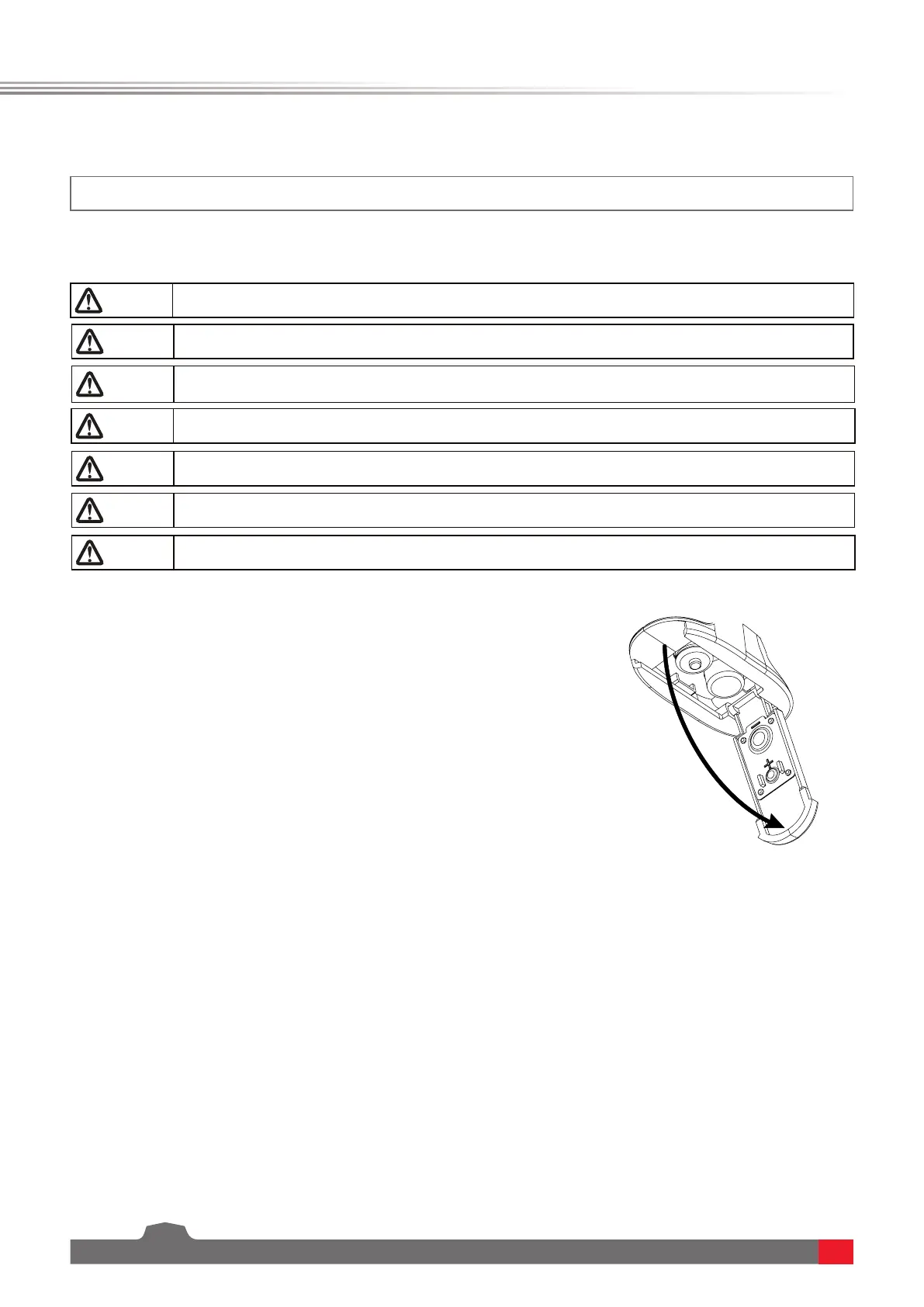
Note: When installing the batteries, be careful to handle the positive and
negative poles. (As shown in the picture on the right)



 To Next Page