16
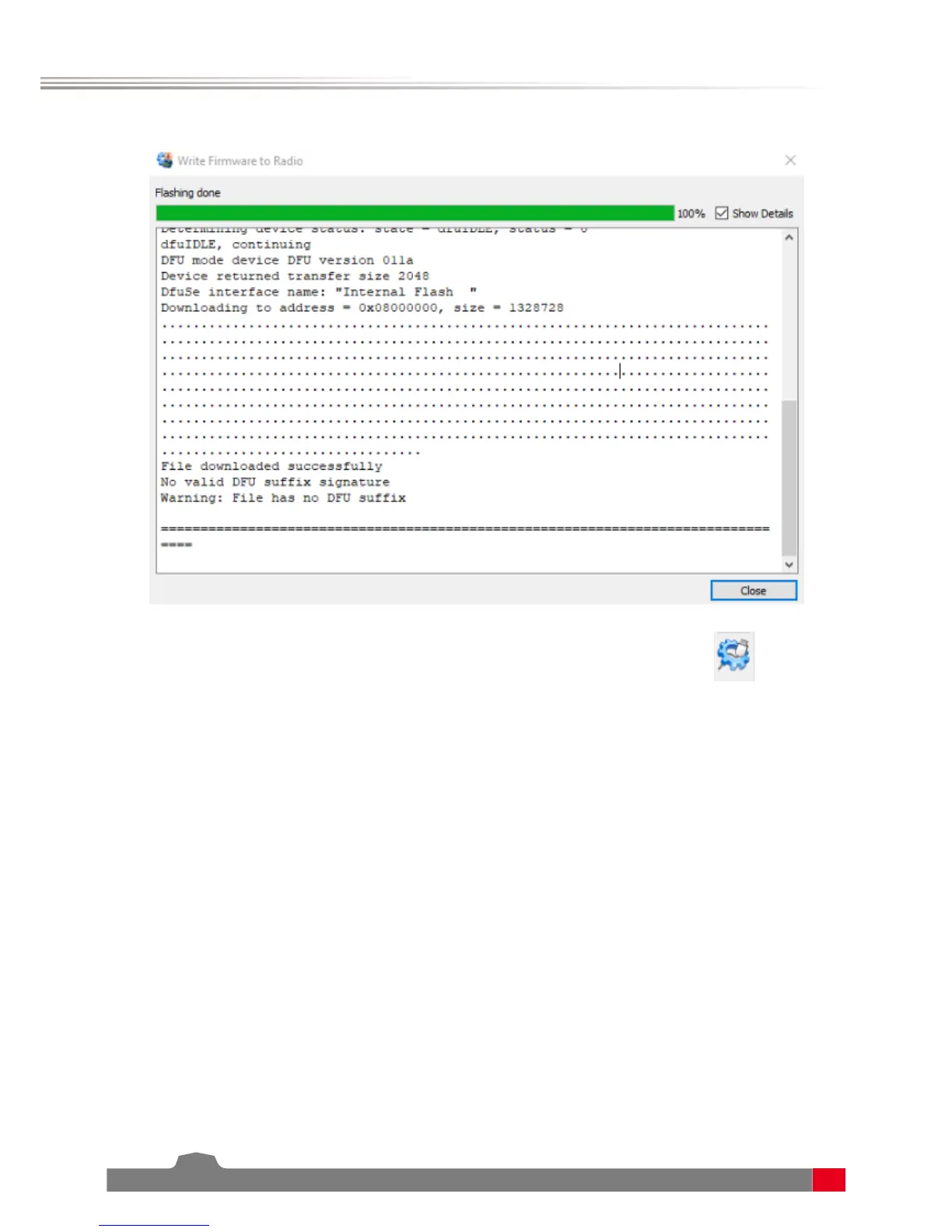
5. Once the ashing is complete, click done, disconnect the USB cable and power on the transmitter.
Note: If you get an error saying “Cannot Open Device“, reinstall the USB drivers.
Another thing to check is that companion has dfu-util.exe congured correctly by clicking the
icon and
making sure it leads to this address C:/Program Files (x86)/OpenTX/Companion2.2/dfu-util.exe
Your Nirvana is now updated and ready to use!


 To Next Page