focusrite.com Tell the world 13
Recording with a microphone (cont)
The Vocaster DM1 microphone supplied
with your Vocaster Studio is a dynamic
microphone optimised for voice recording,
and is suitable for Podcasting, Voice Over,
Audiobook Narration or any other spoken
word application. Connect the Vocaster DM1
to the Vocaster’s mic input using the included
XLR cable.
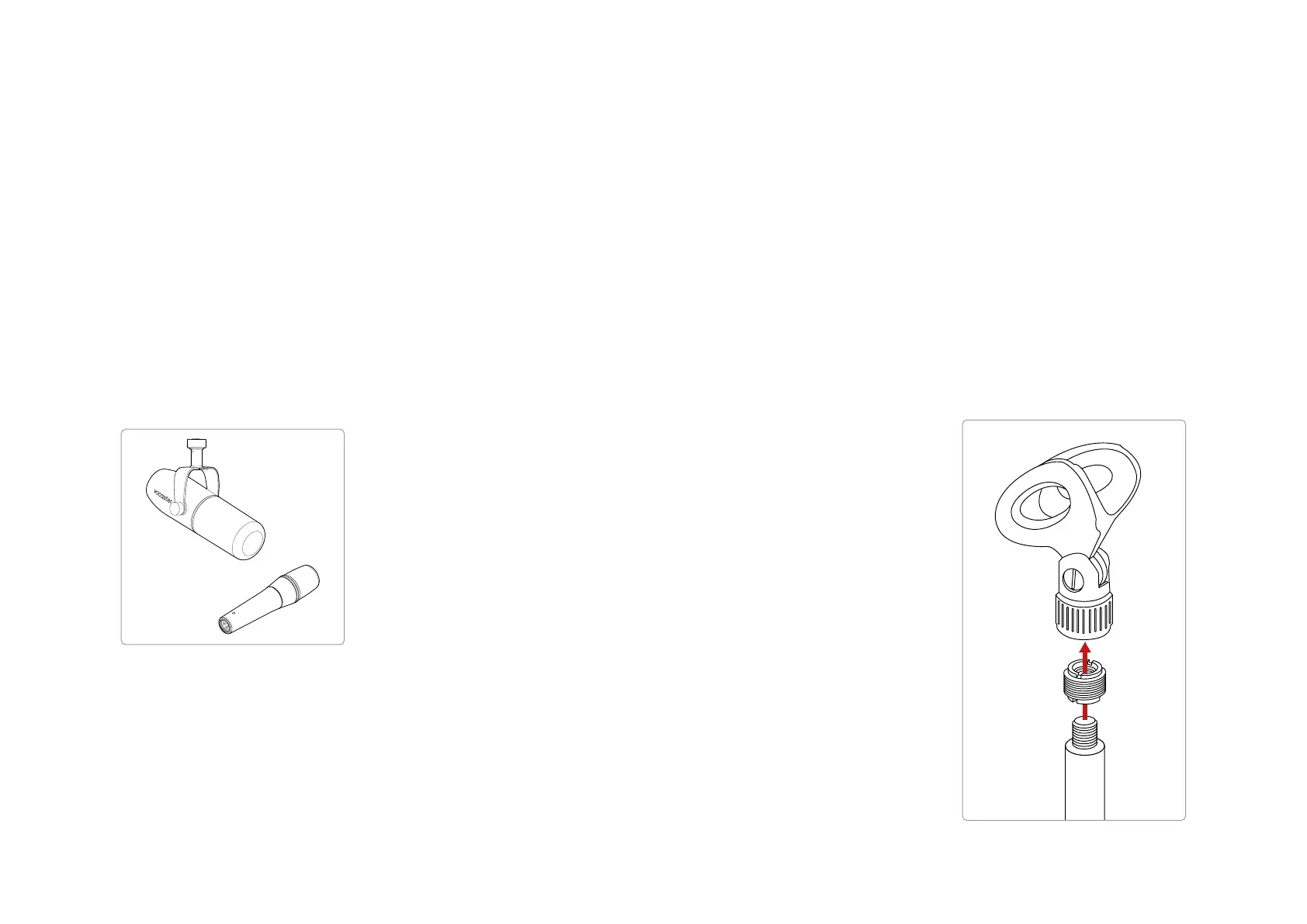
Two types of dynamic microphone
Vocaster One can provide phantom power
(48 volts) at the XLR input if you’re using
a condenser microphone that needs it. To
enable phantom power, push the 48V button
on the rear panel: the 48V LED lights red to
conrm it’s active.
Dynamic microphones, such as the Vocaster
DM1 included in your Vocaster One Studio,
do not require phantom power. It’s rare,
but some microphones can be damaged by
phantom power. We recommend turning off
phantom power when you use a dynamic
microphone. If you are unsure whether your
microphone needs phantom power, please
check its documentation.
Microphone Tips
A guide to microphone technique is beyond
the scope of this User Guide but if you
are new to recording with a studio-quality
microphone, you should follow some
guidelines:
• Make sure you have the correct level.
Use Vocaster’s Auto Gain function to
get to a useful starting point. It’s not
unusual to turn the gain up high. If
the level is too low, turn the gain up
or move closer, if the level is too high,
reduce the gain or move slightly further
from your microphone.
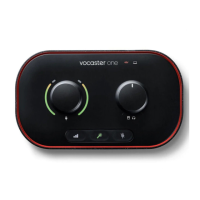
• Use a mic stand. As the Vocaster DM1
is a dynamic microphone, handling
noise is low but a microphone stand
is always a good idea. The Vocaster
DM1’s clip has a standard 5/8” thread
and a 3/8” adaptor is included. One
of these thread sizes will t almost any
microphone stand.
Top to bottom:
Microphone Clip, thread adaptor, microphone stand
EXAMPLES OF USE


 To Next Page