focusrite.com Tell the world 18
Listening with headphones
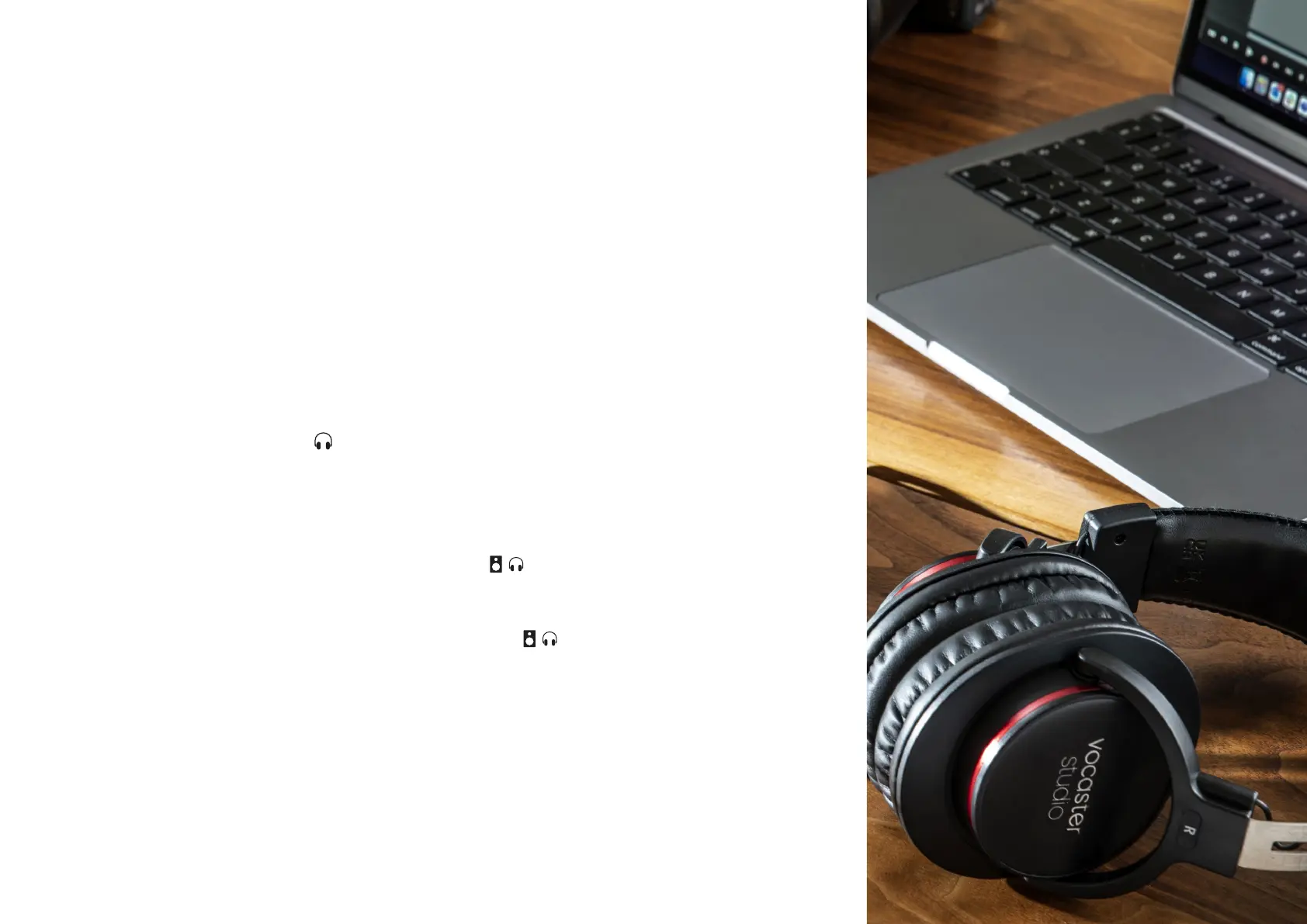
The Vocaster One Studio includes a set
of high quality HP60v headphones. They
are lightweight and durable, and should
prove comfortable to wear for extended
periods. The headband is adjustable.
The HP60v headphones are tted with
a ¼” (6.35 mm) 3-pole (TRS) jack plug.
You can connect headphones to the front
panel headphone socket marked to
hear what you are recording.
You can use this headphone output with
other headphones: if they have in a 3.5
mm TRS jack, use a TRS 3.5 mm-to-¼”
jack adaptor.
The headphone output on Vocaster One
may not work correctly with headphones
terminating in a 3.5 mm TRRS connector.
The headphones let you hear what you
are recording. This is a ‘default’ mix of
your microphone and any other audio
sources, such as audio from a phone
or computer playback (the Loopback
channels).
You can adjust the volume of individual
audio sources using the mixer in Vocaster
Hub.
You can adjust the volume in the
headphones with the control on Vocaster
One marked
: this control does not affect your
recording level.
The Host level controls both the
headphones and speaker outputs. When
you’re using headphones we suggest
muting your monitors in Vocaster Hub.
EXAMPLES OF USE


 To Next Page