focusrite.com Tell the world 6
GETTING STARTED
Getting Started
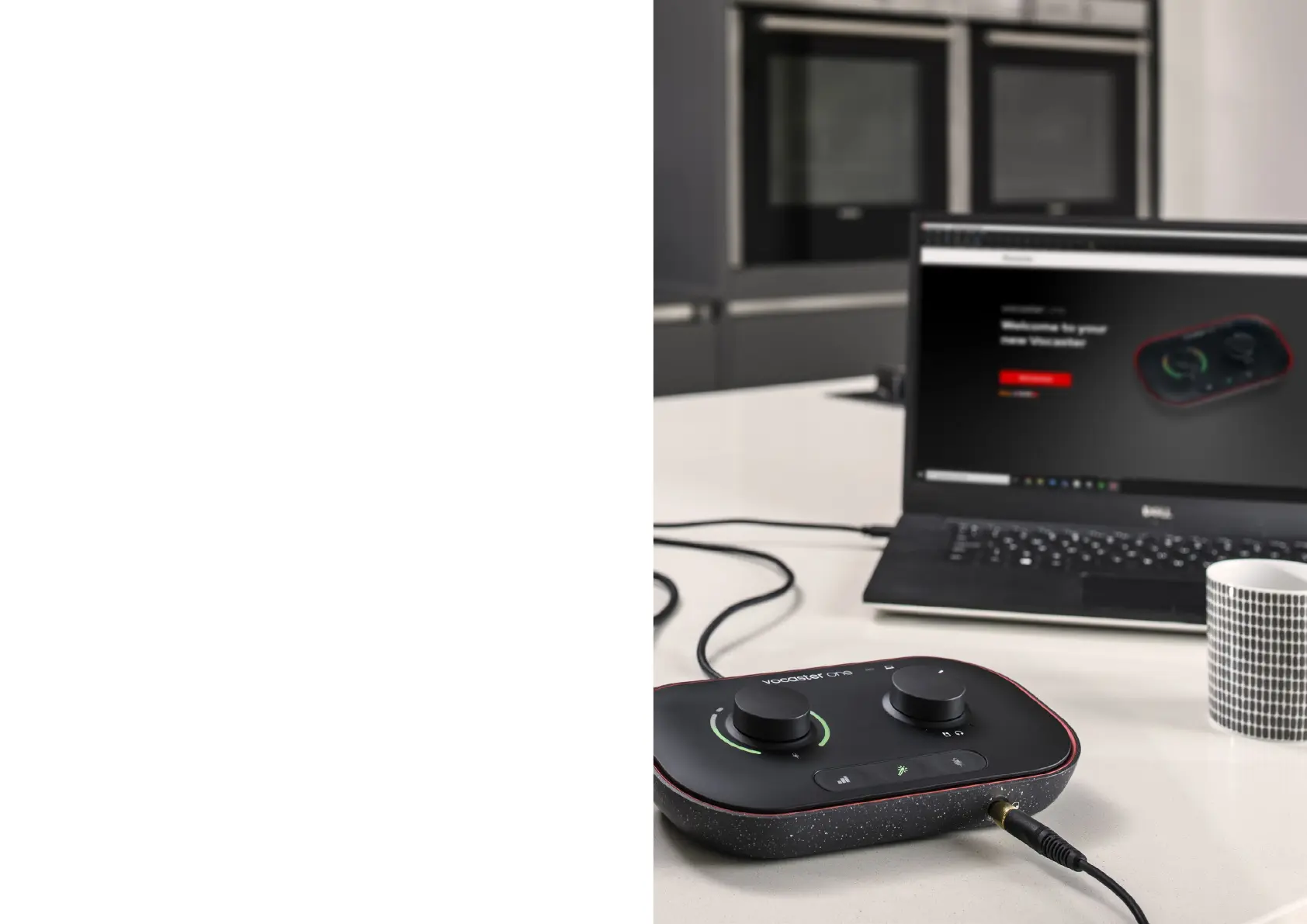
When you connect Vocaster One for the rst time, your computer
recognises it in the same way as if it were a USB memory stick.
Easy Start Tool
Getting up and running with your Vocaster One is made easy by our
Easy Start Tool. To use this, connect Vocaster One to your computer
with the USB cable supplied, and power it on by pressing the power
button next to the rear panel USB port.
The following steps show you what will appear on screen: these help
you get set up whether or not you’re new to audio interfaces.


 To Next Page