10
INSTALLATION GUIDE
UNIT CONNECTIONS AND FEATURES
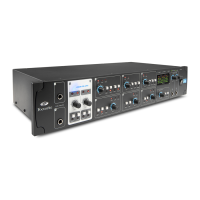
RedNet I/O interfaces
Full details of the front panel controls, indicators and rear panel connections of the various RedNet
hardware interfaces will be found in the separate User Guide supplied with each unit.
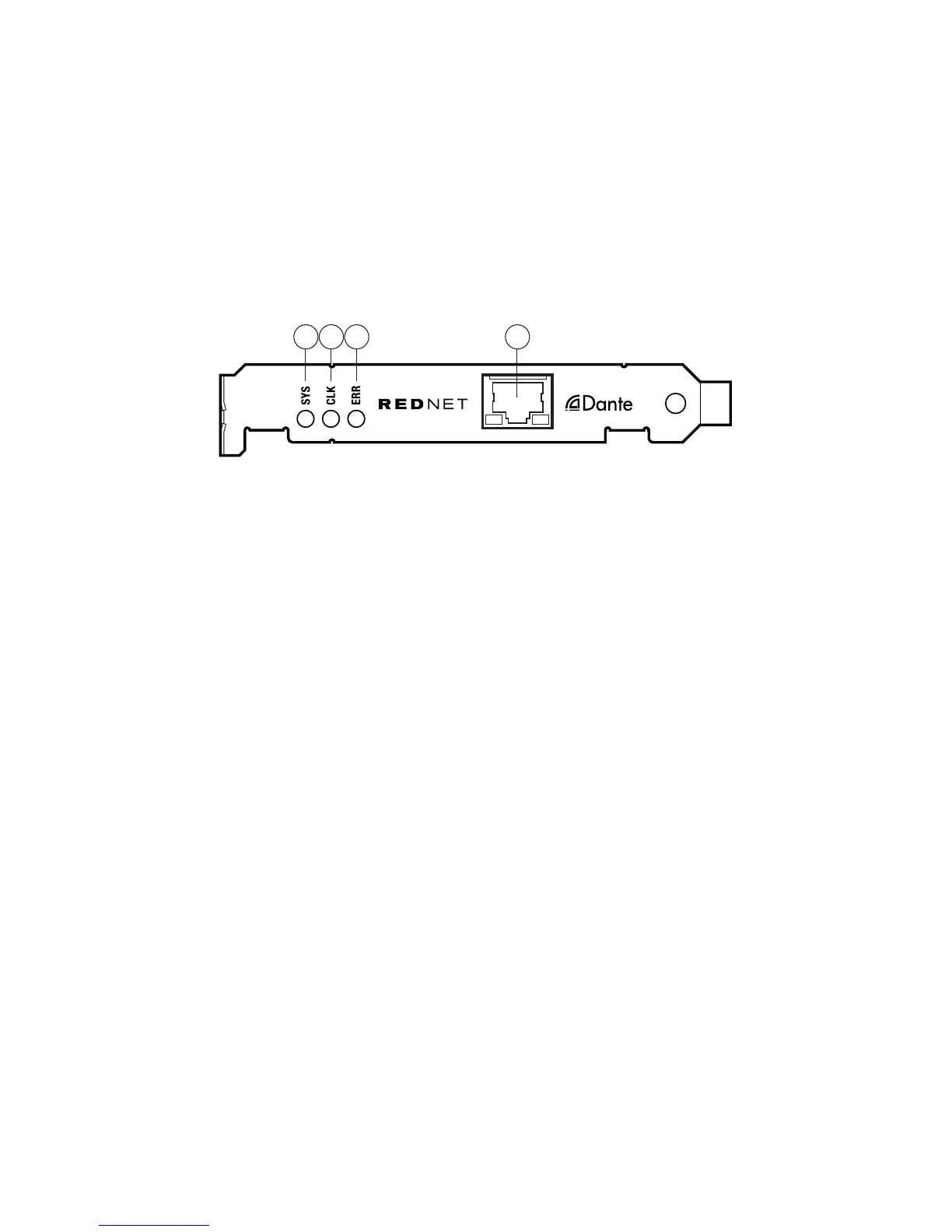
Rednet PCIe card
1432
1. RJ45 network socket. Connect this to the Gigabit network switch local to the computer. The
port is the primary interface for all the channels of audio on the RedNet network. The socket
has integral LEDs which illuminate to indicate connection to an active network port, and
network activity.
2. SYS – multi-colour LED indicating the card’s Dante system status:
• Green – normal operation
• Orange – system failure
3. CLK – multi-colour LED indicating the card’s sync status:
• Green (steady) – confirms card is a Dante PTP slave; the card will sync to the clock embedded
in the incoming Dante bitstream
• Green (blinking) – confirms card is a Dante PTP master; the card is set (in Dante Controller)
to generate the Dante clock which will be used by other units.
• Orange – sync failure
4. ERR – reserved for future use.
NOTE: additional LED displays are thus:
• All LEDs red – card has entered failsafe mode. If this situation occurs, users are recommended
to contact Focusrite Customer Support.
• All LEDs blinking green – identify function has been activated from Dante Controller.
The RedNet PCIe card is a standard single-width PCIe card which will fit an empty card slot in a PC
or Mac. The slot used must be “4-lane” minimum, though 16-lane is necessary to achieve maximum
performance. Please check your computer’s motherboard documentation if you are unsure of the
slot specification.
The RedNet PCIe card is powered by the computer in which it is installed. It conforms to the PCIe
card supply voltage standard, and provided your computer’s PSU is working normally, you should
experience no power-related issues with any computer.











 To Next Page