6. Installation and operating instructions
6.1 Operating environment
The permitted ambient temperature range during operation
extends from -5°C to +40°C.
During storage or transportation, the temperature should be
between -15°C and +40°C.
If dew forms on the rear panel of the unit during transportation
or storage, allow the unit to acclimatise for approx. 2 hours
before use.
The speaker should be operated in a dry environment with
normal dust and moisture levels in the air. Do not expose the
unit to aggressive chemical liquids or vapours.
You can set up the unit in any position. Please make sure
that the heat dissipation outlet on the rear connection panel
(cooler) is always clear.
1.
2.
3.
4.
5.
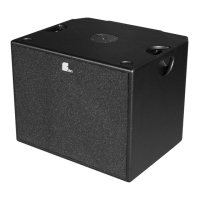
Sub
The best position for the subwoofer is on the floor because this is
beneficial to bass reproduction. Bass signals are not dispersed in a
specific direction and the subwoofer does not therefore need to be
positioned centrally. It can be operated from one side of the stage.
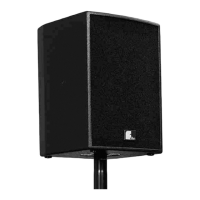
Linea LX-100/150
In order to produce the most even sound possible and achieve
maximum speech comprehension right up to the back rows at the
venue, the Linea LX speakers should be mounted as high up as
possible. You will require speaker stands here. The Linea LX speakers
should be clearly visible (full length) from every seating and
standing position. People or objects should not absorb the sound
produced by the Linea LX speakers!
You can use the accessories (see page 26) to align every Linea LX
speaker correctly. The speaker stand and stand adapter SA-6 allow
the Linea LX speaker to be mounted at a higher level and tilted
downwards (directed) towards the audience.
Note:
The Linea LX speakers are like „headlights“ shining on each
member of the audience.
6.2 Optimised positioning of the Xperience system
6.3 Preventing feedback
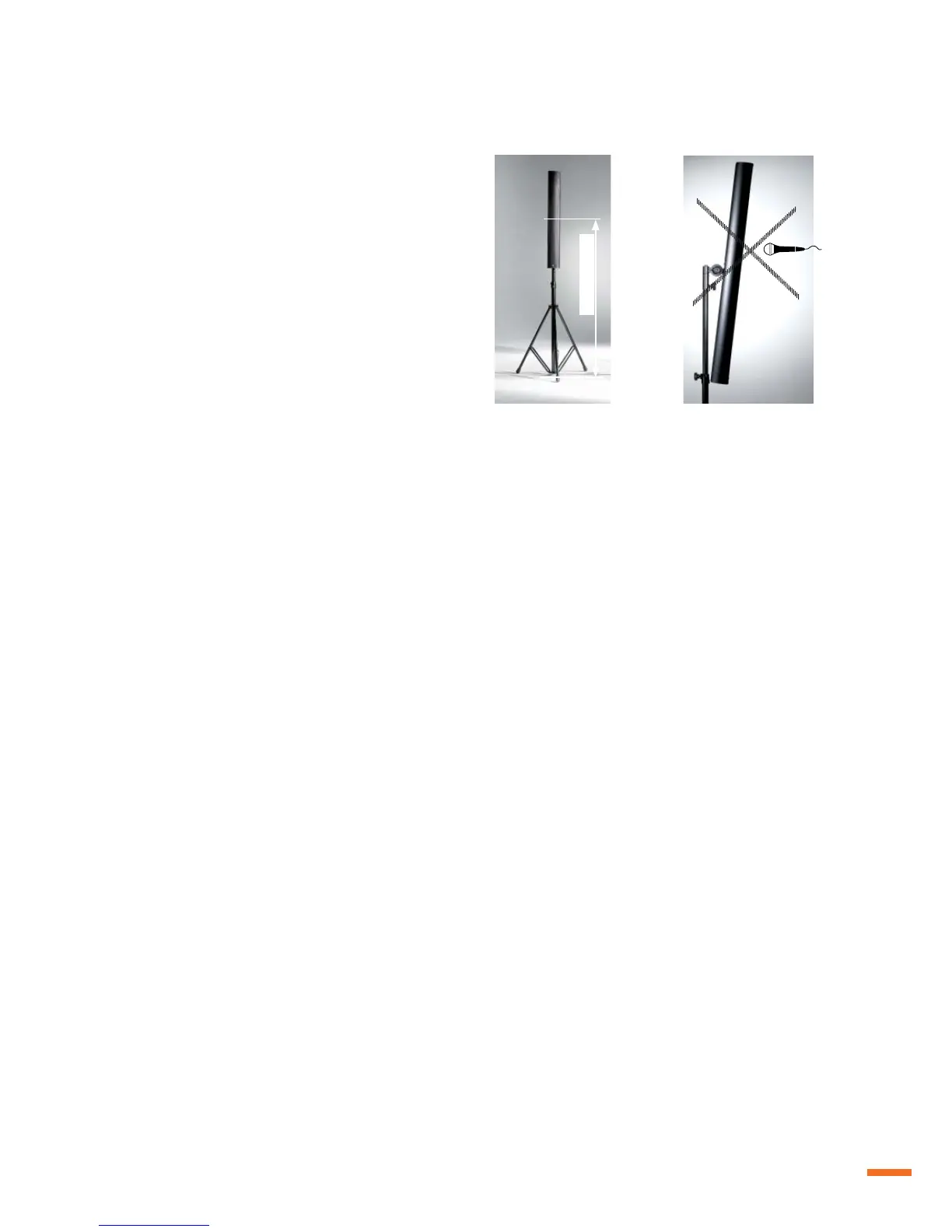
If a microphone is used, acoustic feedback may occur and cause the
speaker to produce high-pitched whistling noises.
To avoid feedback:
Make sure the person speaking stands behind the speaker
Never point the microphone directly at the speaker
Hold the handheld transmitter by the shaft. Do not cover the
microphone with your hand.
Should the speaker start whistling or screeching, turn the
VOLUME control down CCW until the feedback stops.
1.
2.
3.
4.
6.4 Protection and maintenance
To ensure trouble-free operation, never expose the system to
extreme sunshine, high temperatures, moisture or dust for longer
periods. Avoid operating the unit when subjected to large vibrations
and never remove the speaker grille. If the unit is faulty, please
contact the Fohhn Audio AG service centre. Do not open the unit!
6.5 Preventing interference
Do not operate the system in the immediate vicinity of a radio or
television, as this may cause interference. When connecting to
other equipment, avoid so-called mains humming. If humming is
audible, however, this can be prevented by actuating the ìground/
lift“ switch on the operating panel.
Linea Live | 33


 To Next Page
 Loading...