C SERIES USER’S MANUAL
30
Chapter Seven Print Output
1. When all parameters are well set, switch the cutter into online status.
2. Install the necessary software. (C series cutter is compatible with standard HPGL, DMPL
code. So it is compatible with many software, if you need to obtain the detailed list, please
contact to our Technical Department.)
3. In the software setting, please note that both baud rate and port setting shall be identical
with the cutter. If you have any questions please refer to Appendix or contact us directly.
Please refer to the relevant setting please refer to the relevant software user manual.
7.1 ARTCUT Output Parameter and Port Setting
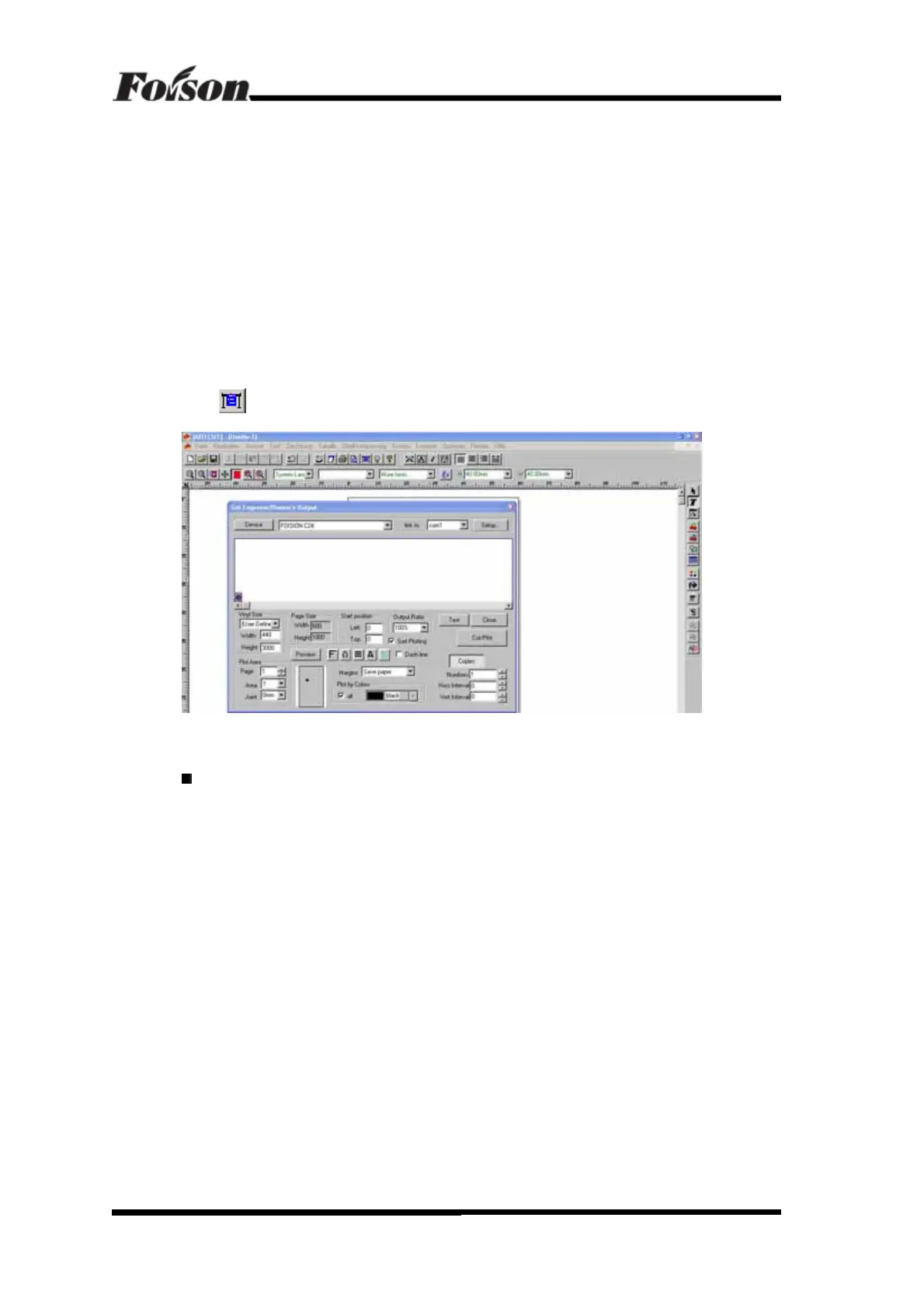
Click
Cut/Plot shortcut button will pop up a dialogue, shown as following:
Click Device and select the cutter manufacturer and model, shown as following:
ARTCUT Output Parameter and Port Setting



 To Next Page