9
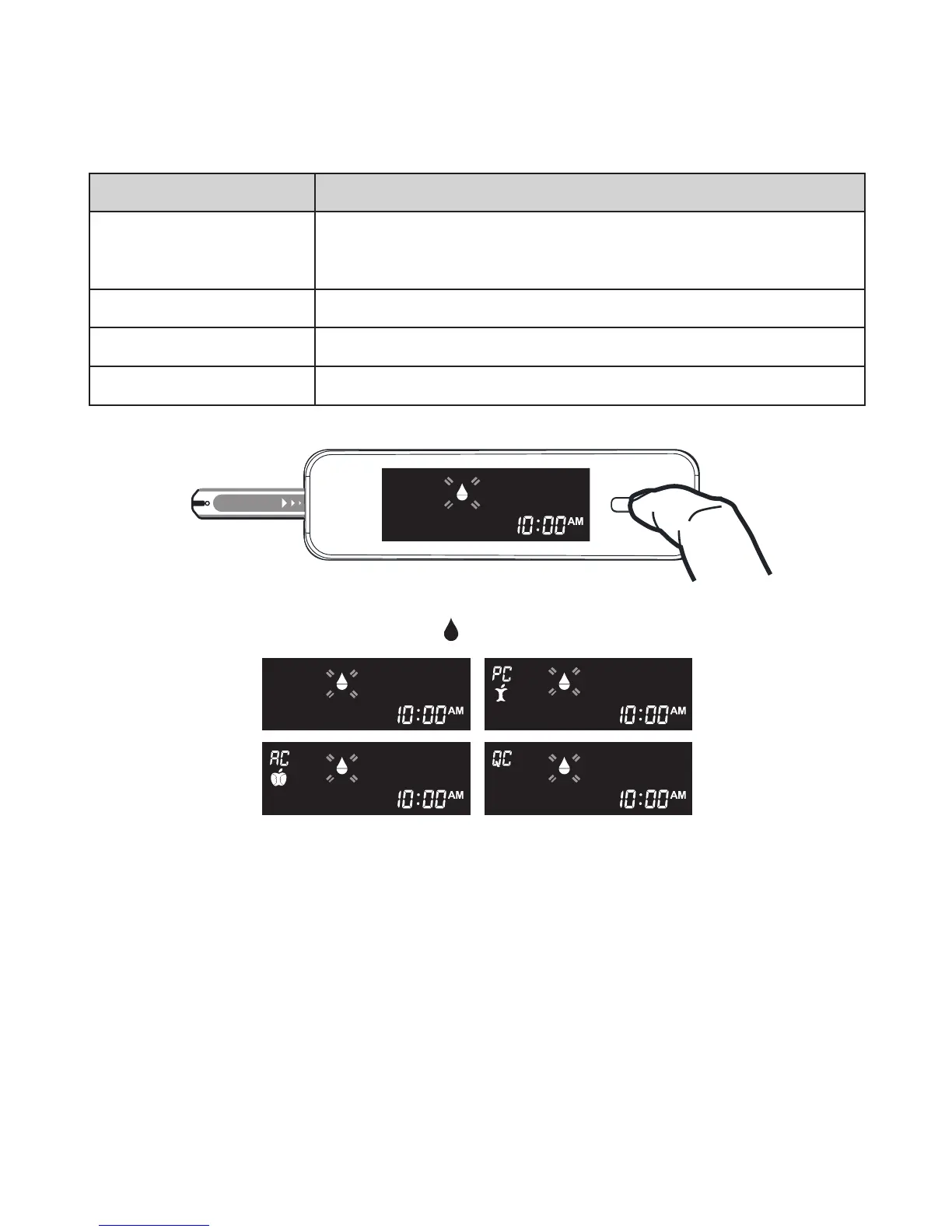
You can switch between each mode by:
The meter provides you with four modes for measuring, General, AC, PC
and QC.
1. Start with the meter switched off. Insert a test strip to turn on the
meter. The screen will display a “
” .
THE FOUR MEASURING MODES
MODES
General
(displays as “Gen”)
AC
PC
QC
USE WHEN
any time of day without regard to time since last
meal
no food intake for at least 8 hours
2 hours after a meal
testing with the control solution
2. Press Main button to switch between General, AC, PC and QC mode.
CHECKING THE SYSTEM WITH
CONTROL SOLUTIONS
Our control solutions contain a known amount of glucose that reacts with
test strips. By comparing the result of your control solution test with the
expected range printed on the test strip vial label, you can check that the
meter and the test strips are working together as a system and that you
are performing the test correctly. I
t is very important that you perform this
simple check routinely to make sure you get accurate results.



 To Next Page