14
Setting the Meter
Before using your meter for the rst time or if you change the meter
battery, you should check and update these settings. Make sure you
complete the steps below and have your desired settings saved.
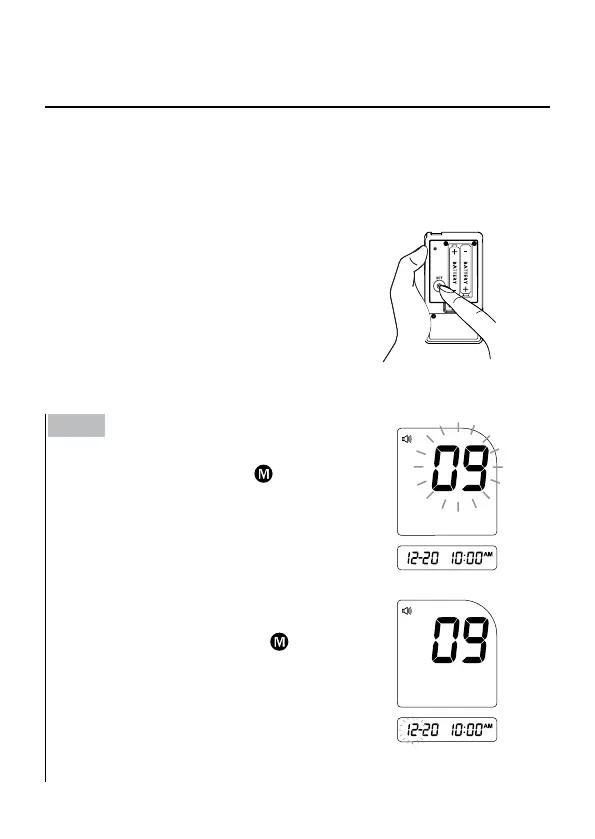
► Entering the Setting Mode.
Start with the meter off (no test strip
inserted). Press SET to turn on the meter.
Step 1
Setting the date.
With the year ashing, press
until the
correct year appears. Press SET.
With the month ashing, press
until the
correct month appears. Press SET.



 To Next Page