15
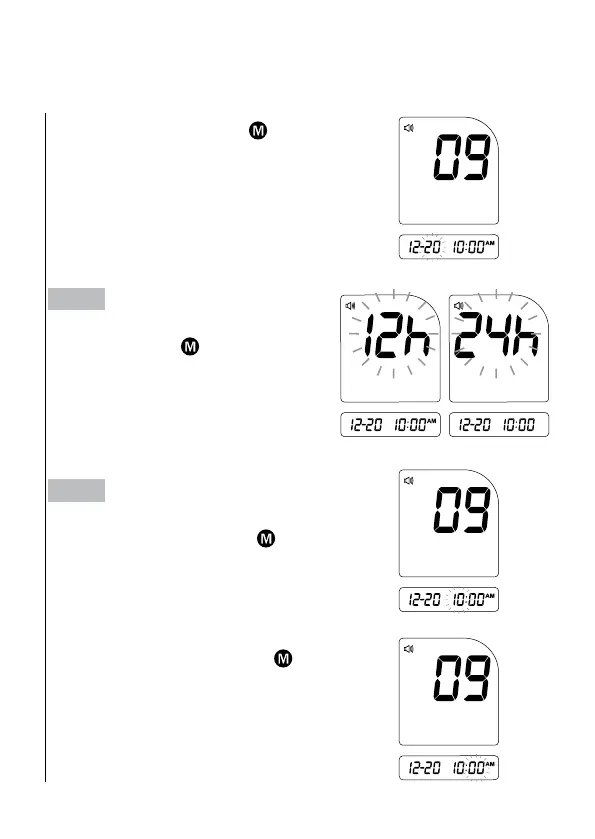
With the day ashing, press
until
the correct day appears. Press SET.
Step 2
Setting the time format.
Press and release
to select the
desired time format --- 12h or 24h.
Press SET.
Step 3
Setting the time.
With the hour ashing, press
until
the correct hour appears. Press SET.
With the minute ashing, press
until
the correct minute appears. Press SET.



 To Next Page