Oxygen Concentrator User Manual
Flowmeter
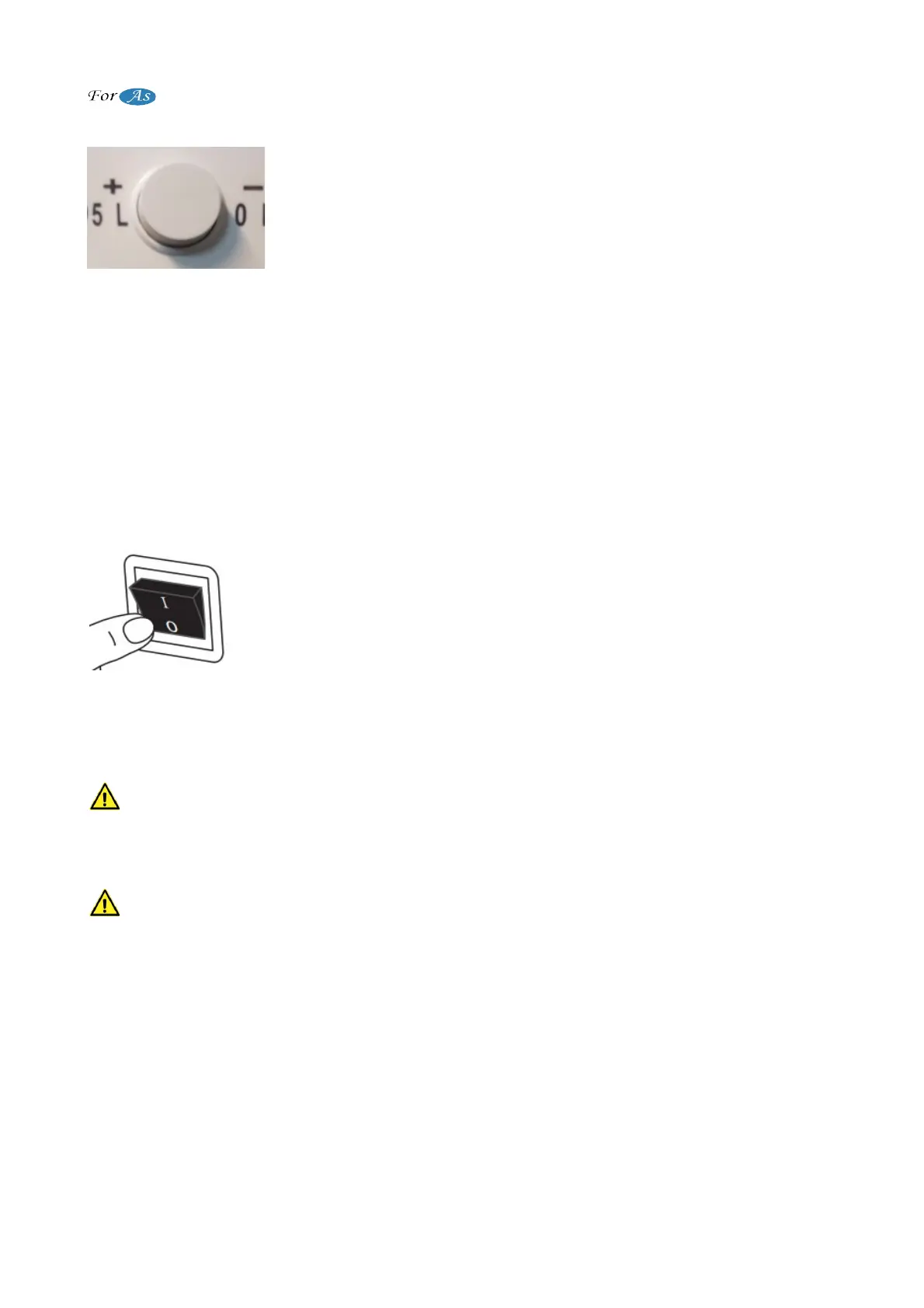
After operating the device, desired setting should be made by
adjustment knob shown in Figure 10. When the button is turned to
the "+" side, the flow increases. When the button is turned to the "-"
side the flow decreases. If there is no change in the flow of the
display when the button is turned, contact technical service.
(Figure 10)
Flow increases when the adjustment knob is turned to the "+" side. Flow decreases when
the adjustment knob is turned to the other side.
When the flowmeter is turned clockwise, it decreases and stops at the last point. It
rises when reversed.
CAUTION ! : Use the flowmeter to adjust the oxygen recommended by your doctor.
Otherwise, do not change the oxygen flowmeter setting by yourself.
Not: You may want to set the oxygen flowmeter for you where you bought the device.
Device can be turned off by pressing "0" as shown in Figure 11.
When the button is presses, it turns on immediately.
(Figure 11)
MAINTENANCE AND CONTROLS
Grease oil, machine oil and any kind of oil like this should not be used in the device
in any way.
CAUTION !: Keep the device off while performing general controls and maintenance.
Make sure that the cabinet of device is not opened by yourself or unauthorized
persons. Do not use it in any way in case there is an opening in cabinet. The cabin
must be opened only by an authorized personnel. Avoid liquid contact with the device.
It is recommended that the device serviced once in every 12 months. The
performance of the device depends on its proper operating.
9 / 18


 To Next Page