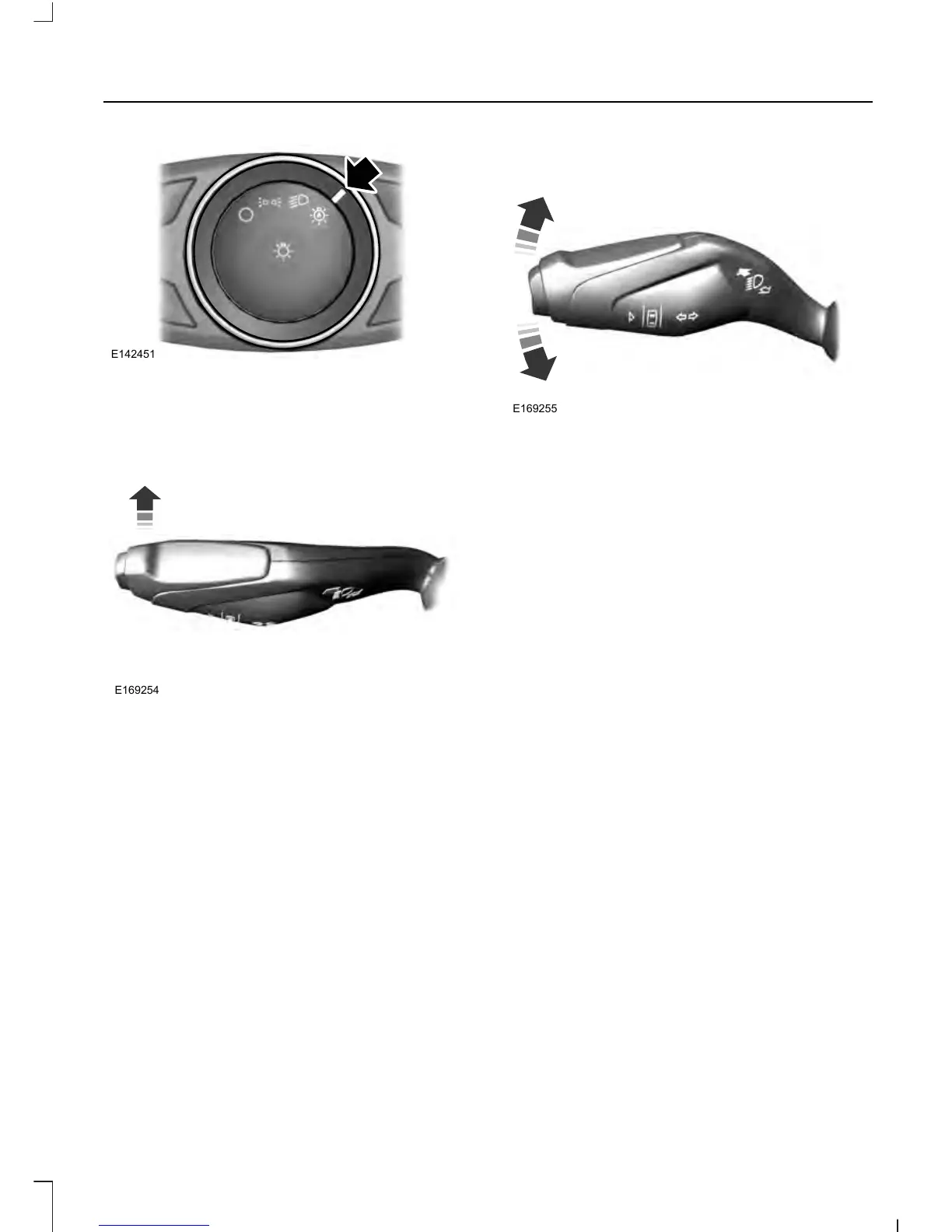
When the automatic control has activated
the high beams, pushing or pulling the stalk
will provide a temporary override to low
beam.
Use the information display menu to
permanently deactivate the system, or turn
the lighting control switch from autolamps
to headlamps.
DIRECTION INDICATORS
Push the lever up or down to use the
direction indicators.
Note: Tap the lever up or down to make the
direction indicators flash three times to
indicate a lane change.
INTERIOR LAMPS
The lamps will turn on when you have met
one of the following conditions:
• You open any door.
• You press a remote control button.
• You press the all lamps on button on
the front interior lamp.
Front Interior Lamp
Note: The front interior lamp buttons are
on the overhead console. The exact location
of each button on the overhead console
depends upon which roof, moonroof, and
window shade features are equipped on the
vehicle.
85
Edge/Galaxy/S-MAX (CDQ), enUSA, First Printing
Lighting



 To Next Page
 Loading...