Note: If your vehicle sustains damage to
the bumper or fascia leaving it misaligned
or bent, it could alter the sensing zone
causing inaccurate measurement of
obstacles or false alerts.
Note: Vehicle loading and suspension
changes can impact the angle of the sensors
and may change the normal detection zone
of the system resulting in inaccurate
measurement of obstacles or false alerts.
Note: When you connect a trailer, the
system may detect the trailer and provide
an alert, or the system turns off. If the
system does not turn off, switch the system
off manually after you connect the trailer.
Note: You may experience reduced system
performance on road surfaces that limit
deceleration. For example, roads with ice,
loose gravel, mud or sand.
SWITCHING CROSS TRAFFIC
BRAKING ON AND OFF -
EXCLUDING: POLICE
1. From the settings menu, press Driver
Assistance. See Center Display (page
457).
2. Press Cross Traffic Alert or Braking.
3. Switch the feature on or off.
SWITCHING CROSS TRAFFIC
BRAKING ON AND OFF -
POLICE
You can switch the entire system off at any
time by pressing the button next to the
center display.
OVERRIDING CROSS TRAFFIC
BRAKING
There could be instances when
unexpected or unwanted braking occurs.
Firmly pressing the accelerator pedal or
switching the feature off overrides the
system.
CROSS TRAFFIC BRAKING
INDICATORS
If the system determines that a collision
with an obstacle may occur, full braking
may apply. Bring your vehicle to a stop a
safe distance away from the obstacle.
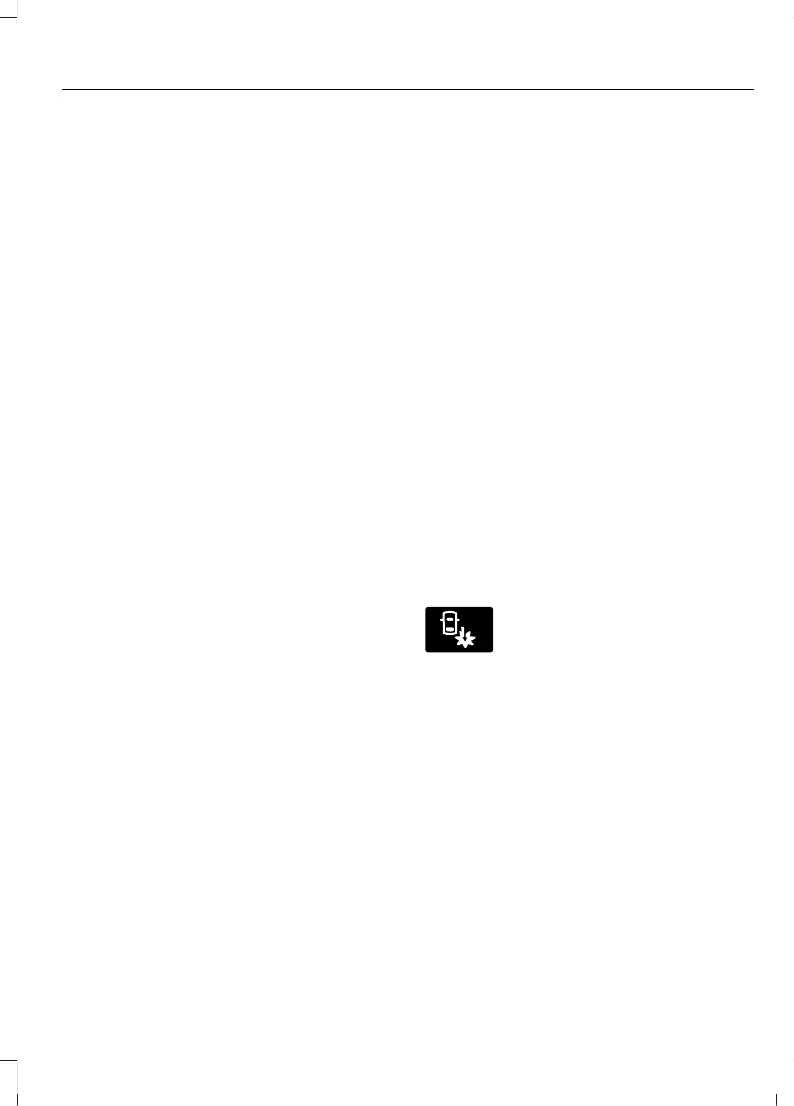
A message and warning
indicator appear when the
system applies the brakes.
229
Explorer (CTW) Canada/Mexico/United States of America, enUSA, Edition date: 202401, DOM
Cross Traffic Braking








 To Next Page