Panic Alarm (If Equipped)
Press the button to sound the
panic alarm. See Sounding the
Panic Alarm (page 74).
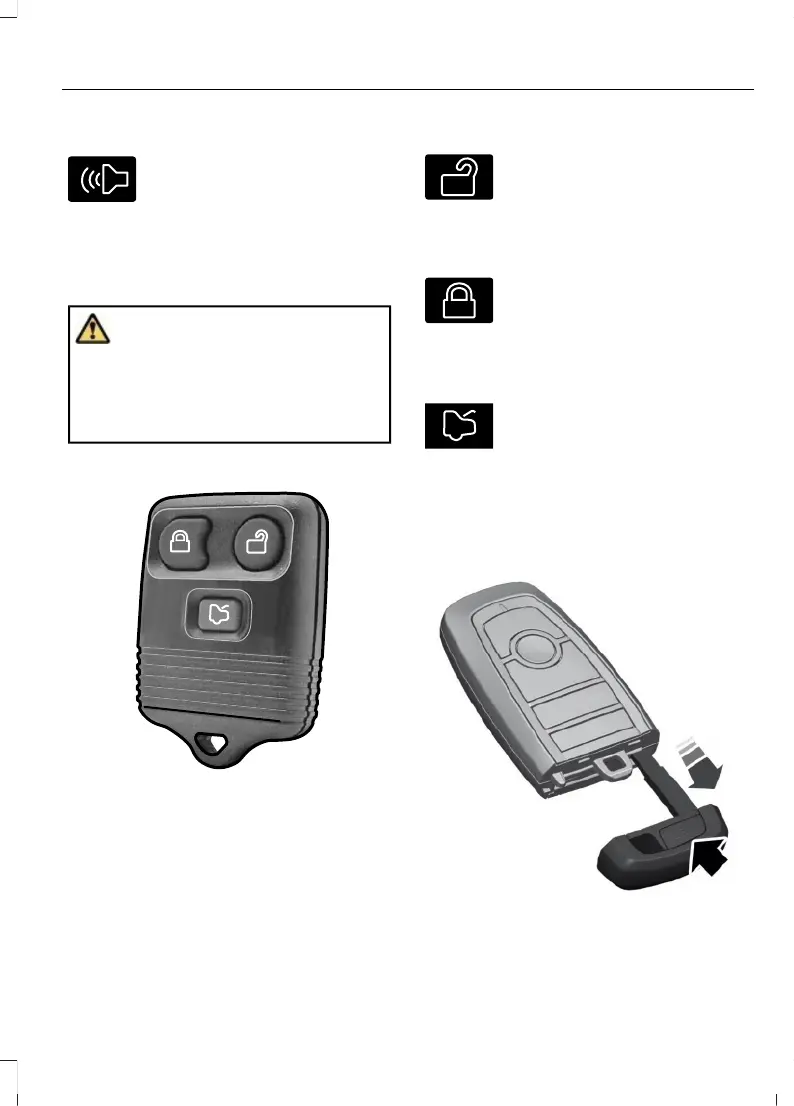
USING THE REMOTE CONTROL
- POLICE
WARNING: Do not leave a key or
remote control unattended in the vehicle.
Children or pets could operate the power
windows, moonroof or other controls.
Failure to follow this instruction could
result in personal injury or death.
Note: If there is a problem with the remote
entry system, make sure to take all remote
controls with you to an authorized dealer in
order to aid in troubleshooting the problem.
Unlock
Press the button to unlock all
doors. See Unlocking and
Locking the Doors Using the
Remote Control (page 79).
Lock
Press the button to lock all
doors. See Unlocking and
Locking the Doors Using the
Remote Control (page 79).
Releasing the Liftgate (If Equipped)
Press the button once to release
lock.
Note: Be careful when opening or closing
the liftgate in a garage or other enclosed
area to avoid damaging the liftgate.
REMOVING THE KEY BLADE
Push the release button on your passive
key and pull the key blade out.
73
Explorer (CTW) Canada/Mexico/United States of America, enUSA, Edition date: 202401, DOM
Keys and Remote Controls














 To Next Page