STOPPING THE LIFTGATE
MOVEMENT
Note: Do not apply sudden excessive force
to the liftgate while it is in motion. This
could damage the power liftgate and its
components.
Note: Selections vary depending on region
or options.
You can stop the liftgate movement by
doing any of the following:
• Pressing the liftgate control button on
the liftgate.
• Pressing the liftgate control button
inside the vehicle.
• Pressing the liftgate button on the
remote control twice.
• Pressing the liftgate button on an
authorized device.
LIFTGATE OBSTACLE
DETECTION
Closing the Liftgate
The system stops when it detects an
obstacle. A tone sounds and the system
reverses to open. Once you remove the
obstacle, you can power close the liftgate.
Note: To prevent accidental obstacle
detection, let the power liftgate close
completely before you enter your vehicle.
Opening the Liftgate
The system stops when it detects an
obstacle and a tone sounds. Once you
remove the obstacle, you can continue to
operate the liftgate.
LIFTGATE –
TROUBLESHOOTING
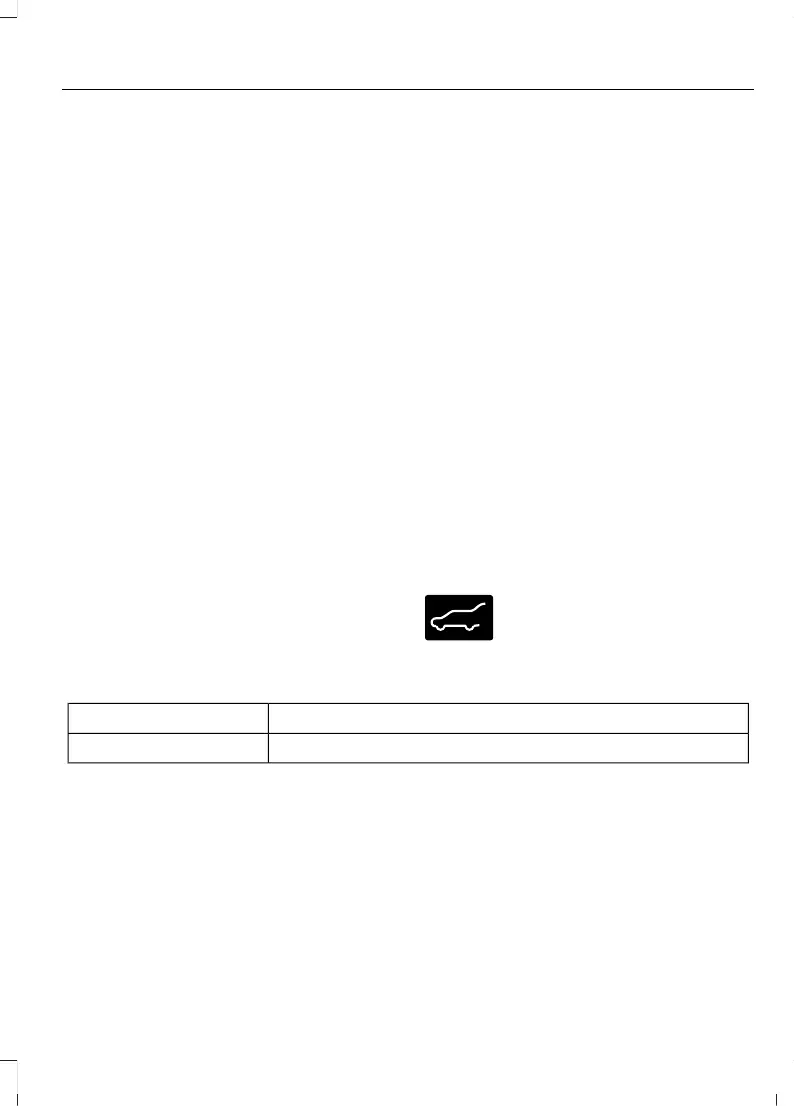
LIFTGATE – WARNING LAMPS
Illuminates when the liftgate is
not completely closed.
LIFTGATE – INFORMATION MESSAGES
ActionMessage
The liftgate is not completely closed. Close the liftgate.Liftgate Ajar
91
Explorer (CTW) Canada/Mexico/United States of America, enUSA, Edition date: 202401, DOM
Liftgate














 To Next Page