Note: Do not pour or spray alcohol onto
the touchscreen.
Using Voice Recognition
Using voice commands allows you to keep
your hands on the wheel and focus on
what is in front of you. The system
provides feedback through audible tones,
prompts, questions and spoken
confirmations depending on the situation
and the chosen level of interaction (voice
settings).
The system also asks short questions
(confirmation prompts) when it is not sure
of your request or when there are multiple
possible responses to your request.
When using voice commands, words and
icons may appear in the status bar
indicating the status of the voice command
session. See Using Voice Recognition
(page 19).
Accessing and Adjusting Modes
Through Your Vehicle Information
Display (If Equipped)
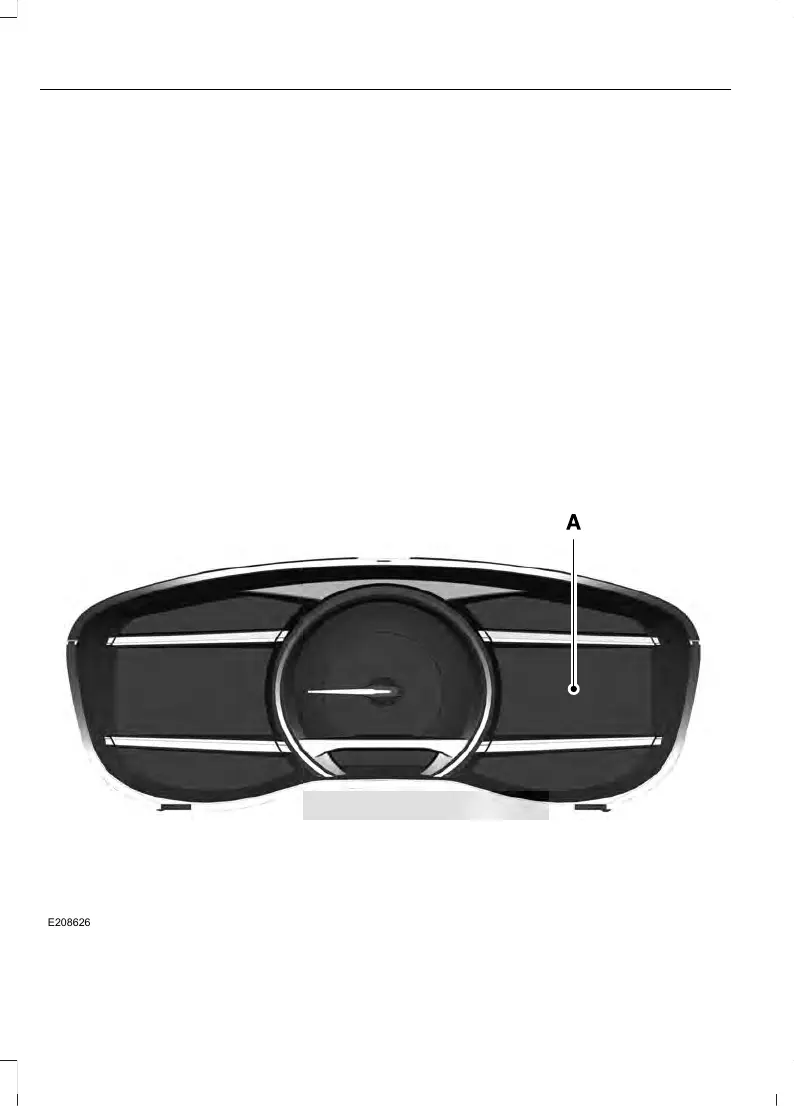
Depending on your vehicle and selected
options you may be able to control some
of the SYNC 3 features on your information
display. The features are visible either in
the right hand display (A) or in the center
of the display (B).



 To Next Page