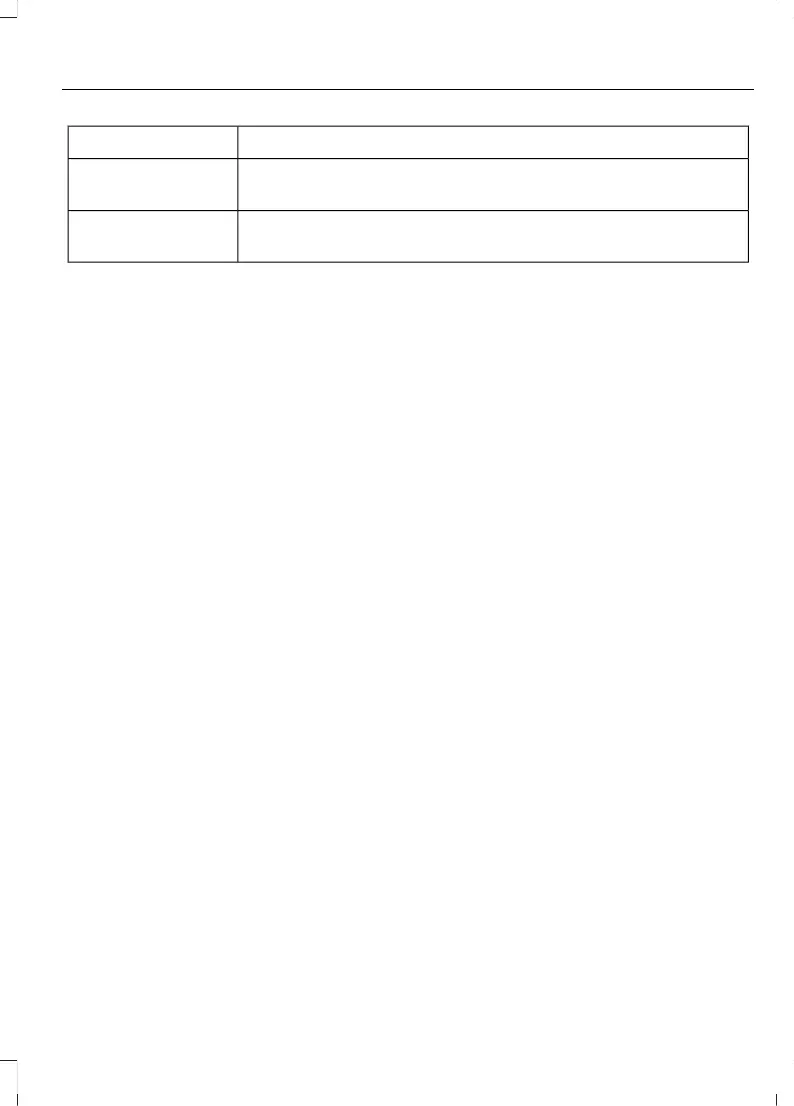
Action and DescriptionMenu Item
Touching this button erases the GO Time and cabin conditioning
temperature.
Clear
Touching this button stores the GO Time and temperature
settings.
Save
Note: If you select a GO Time, but choose Off for the temperature setting, the vehicle
schedules charging to be complete by your GO Time and does not condition the cabin.
Note: Make sure you save your settings before returning to the previous screen. If you
do not touch Save, the system will not automatically store the settings.
Value Charge Profiles
You can access the Value Charge Profile
screen by selecting the edit option in the
bottom right hand corner of the Charge
Settings screen.
75
MKC (TME) , enUSA, Edition date: 01/2016, Second Printing
SYNC™ 3



 To Next Page