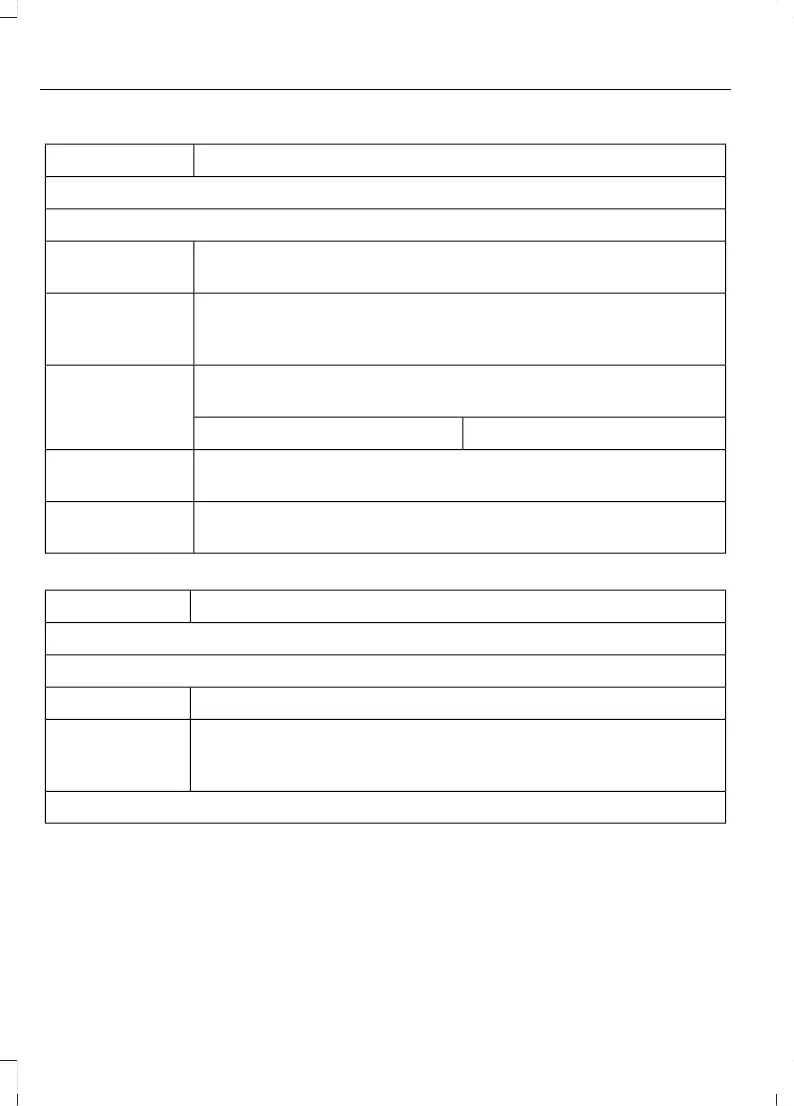
Action and DescriptionMenu Item
Manage Contacts
You can then select:
Enable this option to have SYNC 3 periodically re-download your
phonebook to keep your contact list up to date.
Auto Phonebook
Download
Enable this option to have the photos associated with your contacts
displayed on the touchscreen, if this feature is supported by your
phone.
Display Contact
Photos
Choose how you would like the system to display your contacts.
You can choose:
Sort By:
Last NameFirst Name
Select this option to re-download your contact list manually.Re-download
Phonebook
Select this option to delete the in vehicle contact list. Deleting the
in vehicle list does not erase the contact list on the connected phone.
Delete Phone-
book
Action and DescriptionMenu Item
Set Phone Ringtone
You can then select:
No sound plays when a call comes to your phone.No Ringtone
The currently selected ringtone on your phone plays when you
receive a call. This option may not be available for all phones. If this
option is available, it is the default setting.
Use Phone Ring-
tone
You can also select one of the three available ringers.
90
MKC (TME) , enUSA, Edition date: 01/2016, Second Printing
SYNC™ 3



 To Next Page