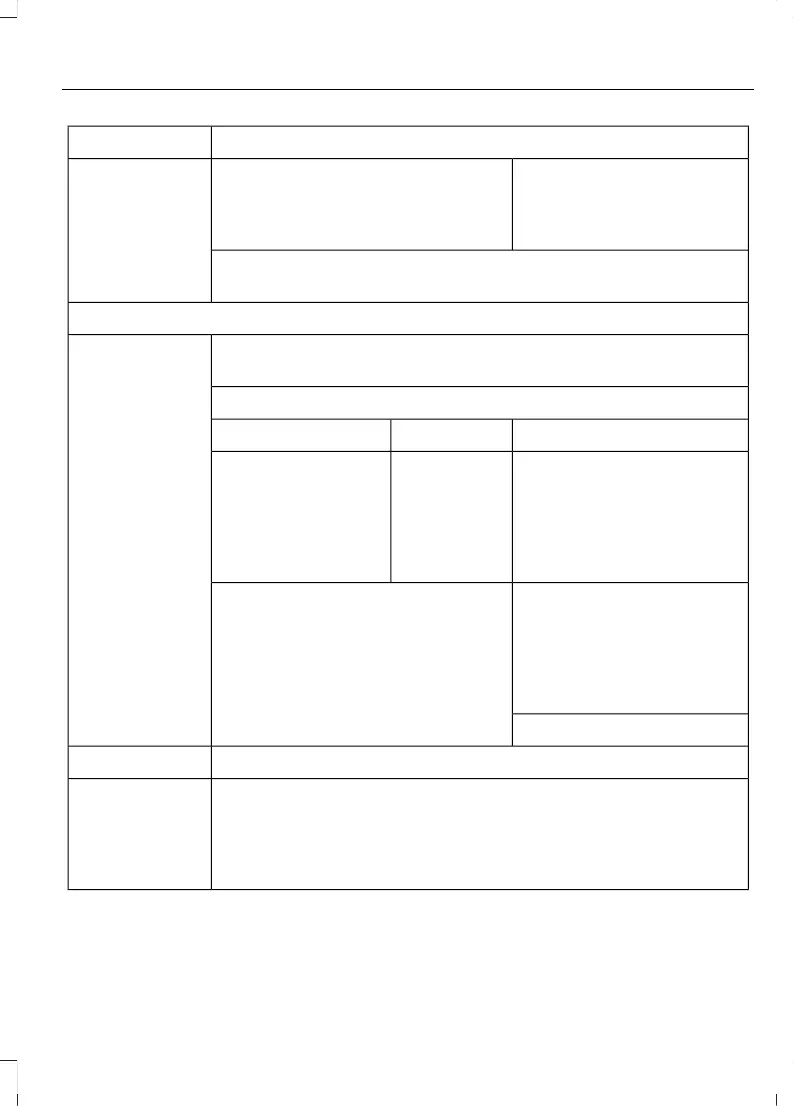
Action and DescriptionMenu Item
Off Disabling mobile apps in the
settings menu disables auto-
matic updates and the use of
mobile apps on SYNC 3.
You can view the status of mobile app permissions in the settings
menu.
Once Mobile Apps is enabled, you have the following options:
This provides information on the current state of available app
updates.
Update Mobile
Apps
There are three possible statuses:
Updating Mobile Apps…Up-To-DateUpdate Needed
The system is trying to
receive an update.
No update is
required.
The system has
detected a new app
requiring authoriza-
tion or a general
permissions update is
required.
Select this button if an update
is required and you want to
request this update manually.
For example, when your
mobile device is connected
to a Wi-Fi hotspot, select:
Request Update
Request Update
Grant or deny permissions to all apps at once.All Apps
Grant or deny an individual app particular permissions. App permis-
sions are organized into groups. By pressing the info book icon, you
can see which signals are included in each group.
There may also
be SYNC 3
enabled apps
listed under
these options.
95
MKC (TME) , enUSA, Edition date: 01/2016, Second Printing
SYNC™ 3



 To Next Page