25
9.2.3. Parameter Settings of Utility box
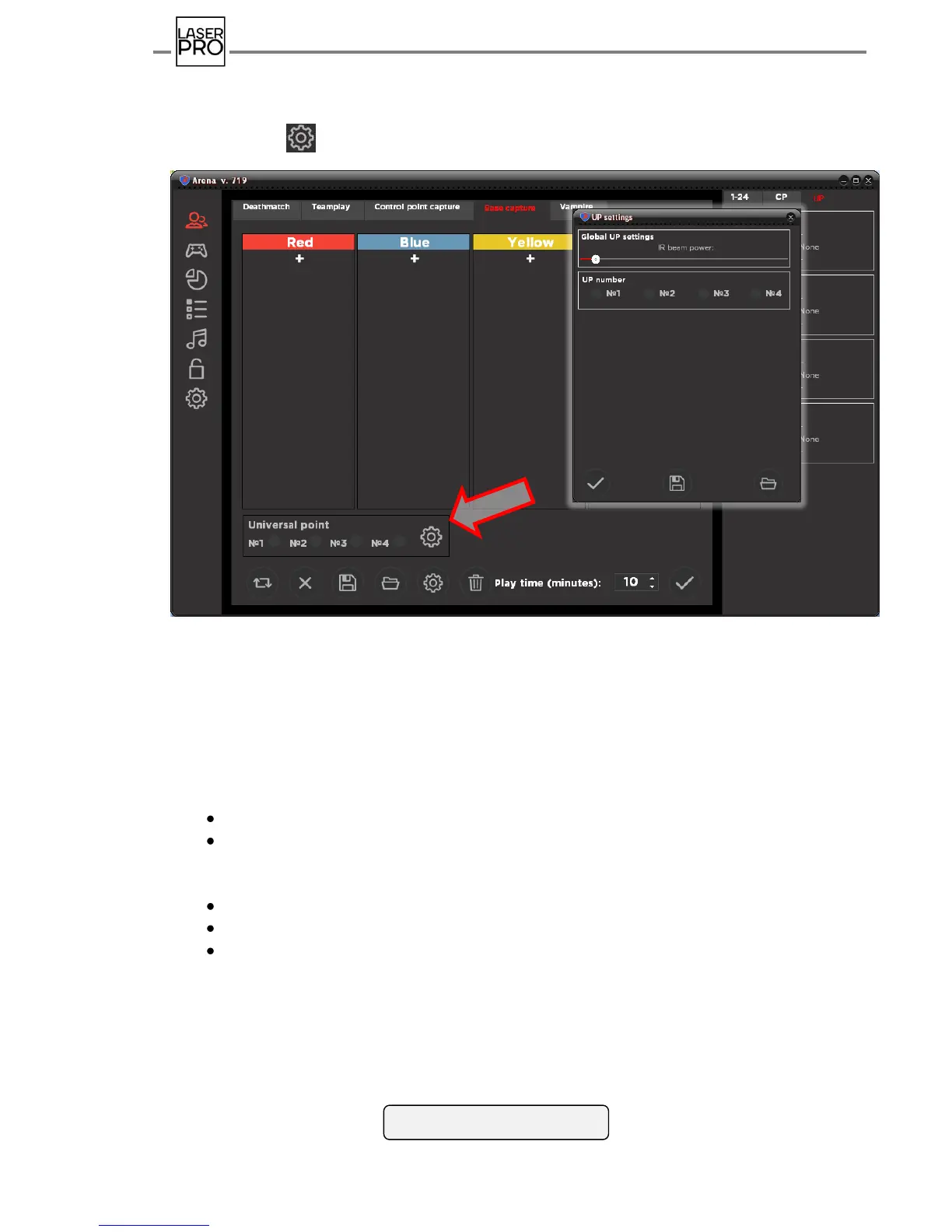
It is necessary to select utility boxes participating in the game in the tab "Base capture"
and click icon .
Fig.25 Utility boxes settings
Navigating the scrollbox, opened window allows to set emissive power of
infrared diodes(i.e. impact range as to players) immediately for all UB.
Modes of Utility boxes are also set up on the tab – selecting required boxes it is
possible to choose mode "Respawn", "Radiation", "Anomaly" or "Random" for each of
them. Setting for each mode may be modified:
number of "health" points (1-254);
impact (respawn or hit) on all or individual teams; damage deactivation - player's
weapon damage is multiplied by a coefficient when beam hits into the Utility box (1-
254);
activity interval - frequency of teams extradition by IR channel (1-254 s);
inactivity interval - standby unattended time of a point after deactivation (1-254 s);
damage applied (only in modes "Radiation" and "Random") (1-254).



 To Next Page