10
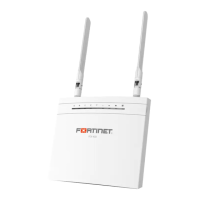
FEX-40D
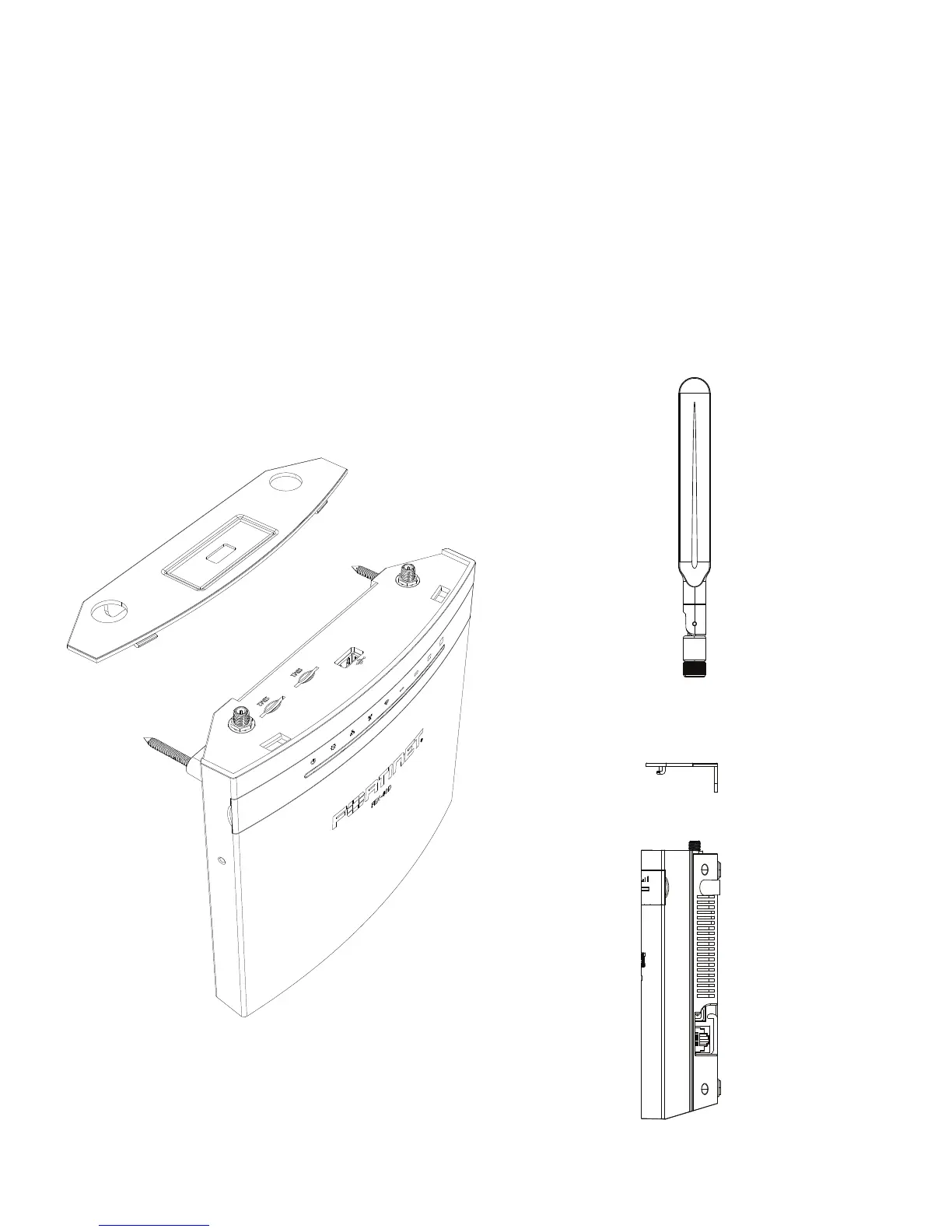
1. Remove the dust cover that protects the SIM ports and fits over the antenna posts.
2. Insert your 3G/4G LTE SIM card(s) into the SIM ports. A Micro/Nano to Mini SIM card
adapter is provided. Observe these guidelines:
• If you install one SIM card, it can be inserted in either SIM port.
• If you install two SIM cards, SIM1 is the primary port and SIM2 is the secondary.
3. Press the SIM card in slot 1 as primary and slot 2 for backup link. Press again to
remove.
4. Reattach the cover and then attach the antennas.
Step 1
Step 4


 To Next Page