9
Assembly
2
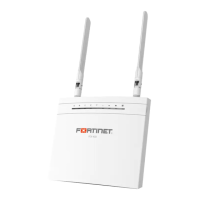
FEX-20D
1. Insert a supported 3G/4G modem
into the USB port on the device either
directly or using the provided USB
extension adapter.
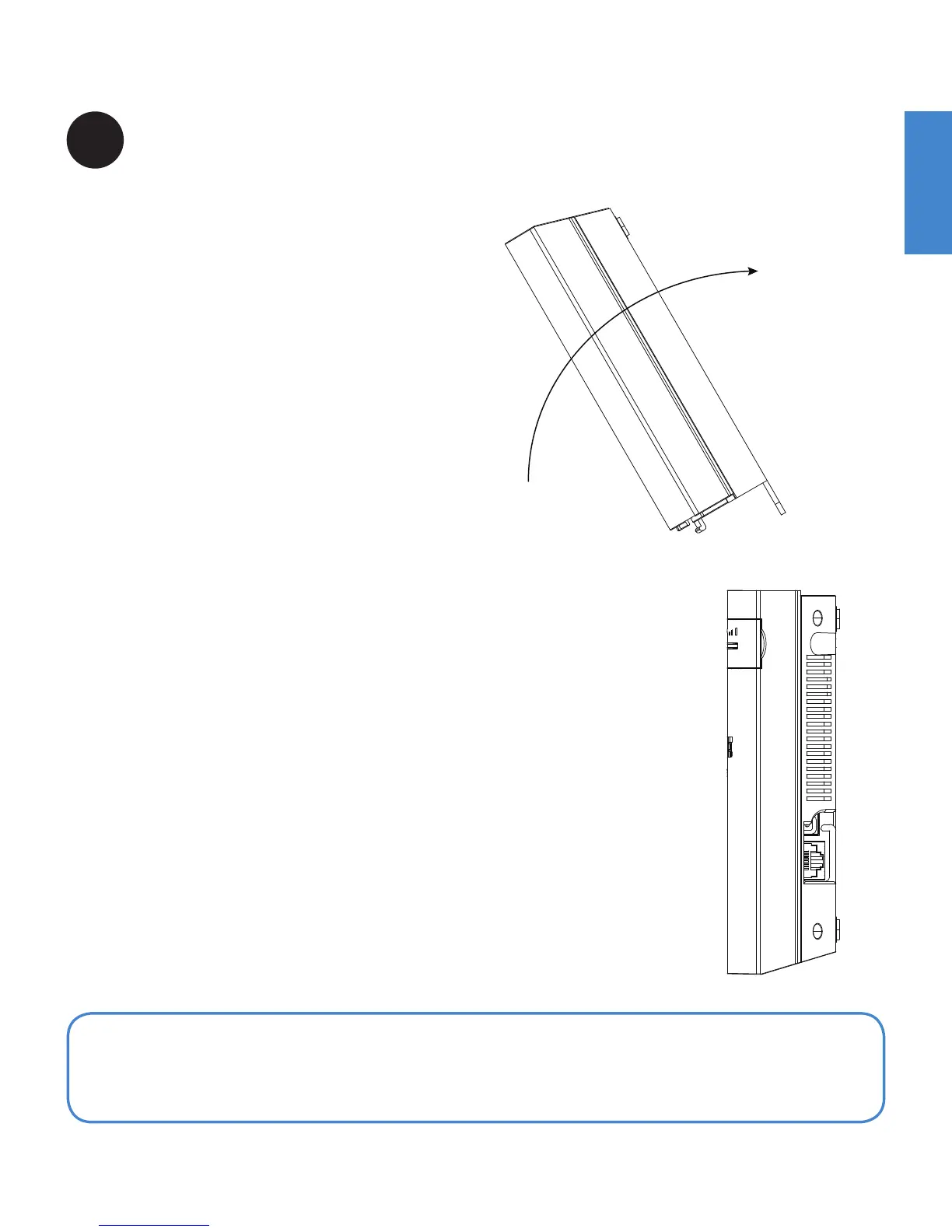
2. Attach the cover:
a. Insert the front tabs.
b. Align the front lip.
c. Tilt back and secure the cover with
two machine screws.
Note: For the latest FortiExtender USB modem compatibility matrix please visit:
http://docs.fortinet.com/d/modem-compatibility-matrix


 To Next Page