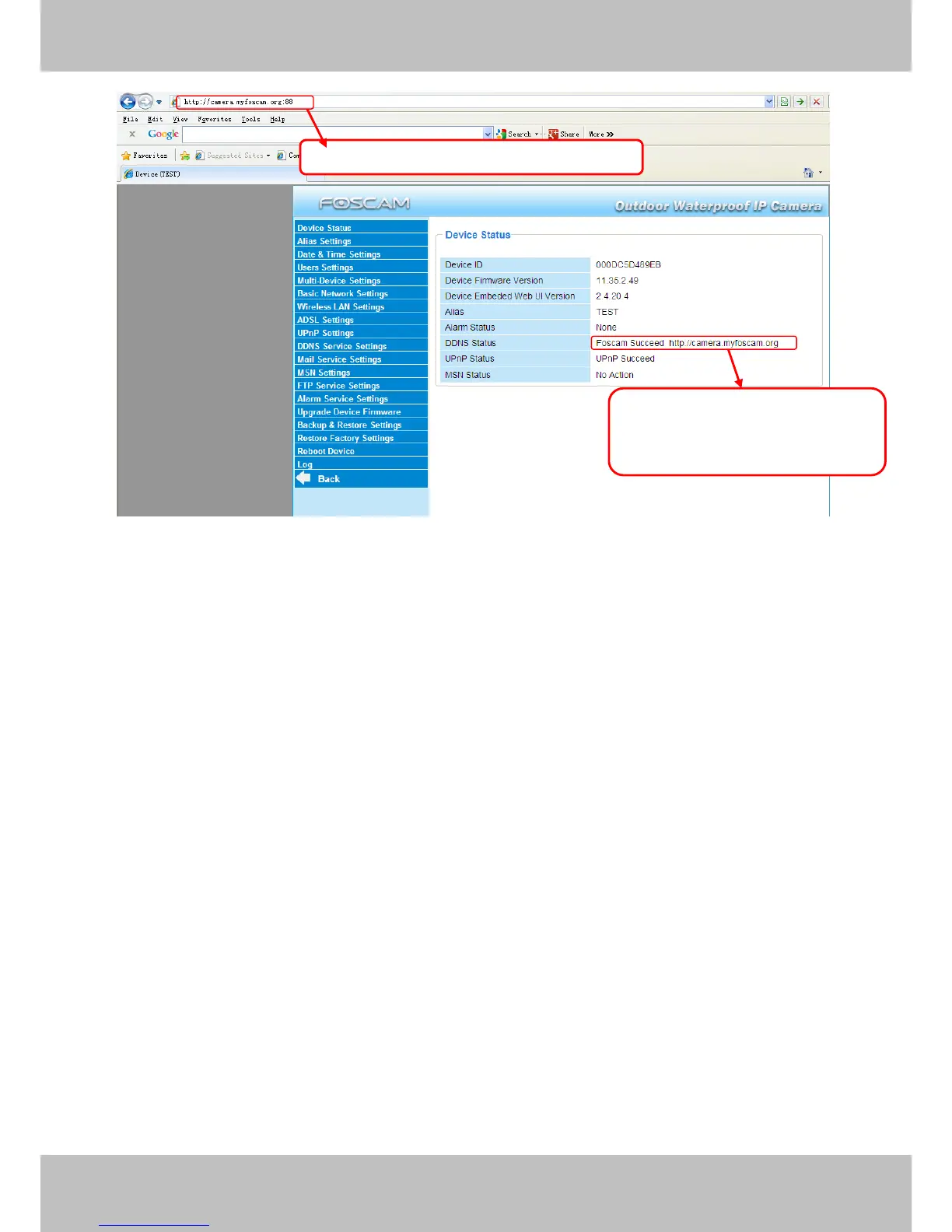
Figure 3.10
If you have several cameras, you can use the same DDNS domain name; you only need to set
a different port number for each camera.
Click Multi-Device Settings. Choose The 2nd Device. Fill in the 2nd camera’s name, DDNS
domain name, port number. Enter user name and password and then choose Add. (Figure
3.11)
NOTE: Here the Host must be entered as the second camera’s DDNS domain name, not its
LAN IP.



 To Next Page