EasyManua.ls Logo

Foscam FI8905E - DDNS Service Settings

Foscam FI8905E
71 pages
Print Icon
To Next Page IconTo Next Page
To Previous Page IconTo Previous Page
Loading...
28
w
w
w
w
w
w
w
w
.
.
f
f
o
o
s
s
c
c
a
a
m
m
.
.
c
c
o
o
m
m
S
S
h
h
e
e
n
n
z
z
h
h
e
e
n
n
F
F
o
o
s
s
c
c
a
a
m
m
I
I
n
n
t
t
e
e
l
l
l
l
i
i
g
g
e
e
n
n
t
t
T
T
e
e
c
c
h
h
n
n
o
o
l
l
o
o
g
g
y
y
C
C
o
o
.
.
,
,
L
L
i
i
m
m
i
i
t
t
e
e
d
d
T
T
e
e
l
l
:
:
8
8
6
6
7
7
5
5
5
5
2
2
6
6
7
7
4
4
5
5
6
6
6
6
8
8
F
F
a
a
x
x
:
:
8
8
6
6
7
7
5
5
5
5
2
2
6
6
7
7
4
4
5
5
1
1
6
6
8
8
28
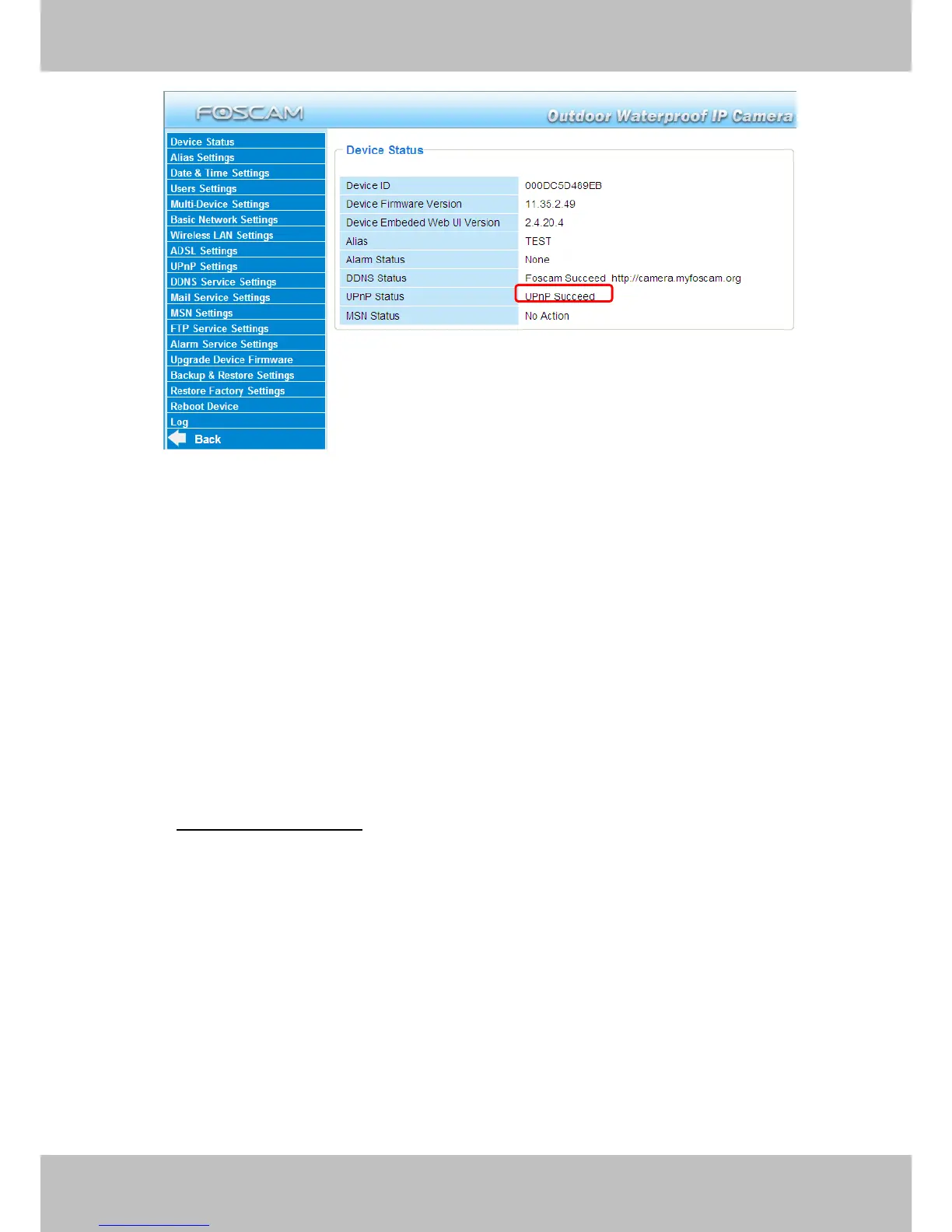
There may be issues with your routers security settings, and sometimes may error. We
recommend you configure port forwarding manually on your router (Figure 3.26).
3.10 DDNS Service Settings
FOSCAM camera has embedded a unique DDNS domain name when producing, and you can
directly use the domain name, you can also use the third party domain name.
FOSCAM domain name
Here take camera.myfoscam.org for example. Go to option of DDNS Service Settings on the
administrator panel, you can see the domain name.
Please enable the FOSCAM DDNS name first.


Other manuals for Foscam FI8905E

Related product manuals