EasyManua.ls Logo

Foscam FI8905E - Basic Network Settings

Foscam FI8905E
71 pages
Print Icon
To Next Page IconTo Next Page
To Previous Page IconTo Previous Page
Loading...
23
w
w
w
w
w
w
w
w
.
.
f
f
o
o
s
s
c
c
a
a
m
m
.
.
c
c
o
o
m
m
S
S
h
h
e
e
n
n
z
z
h
h
e
e
n
n
F
F
o
o
s
s
c
c
a
a
m
m
I
I
n
n
t
t
e
e
l
l
l
l
i
i
g
g
e
e
n
n
t
t
T
T
e
e
c
c
h
h
n
n
o
o
l
l
o
o
g
g
y
y
C
C
o
o
.
.
,
,
L
L
i
i
m
m
i
i
t
t
e
e
d
d
T
T
e
e
l
l
:
:
8
8
6
6
7
7
5
5
5
5
2
2
6
6
7
7
4
4
5
5
6
6
6
6
8
8
F
F
a
a
x
x
:
:
8
8
6
6
7
7
5
5
5
5
2
2
6
6
7
7
4
4
5
5
1
1
6
6
8
8
23
3
3
.
.
6
6
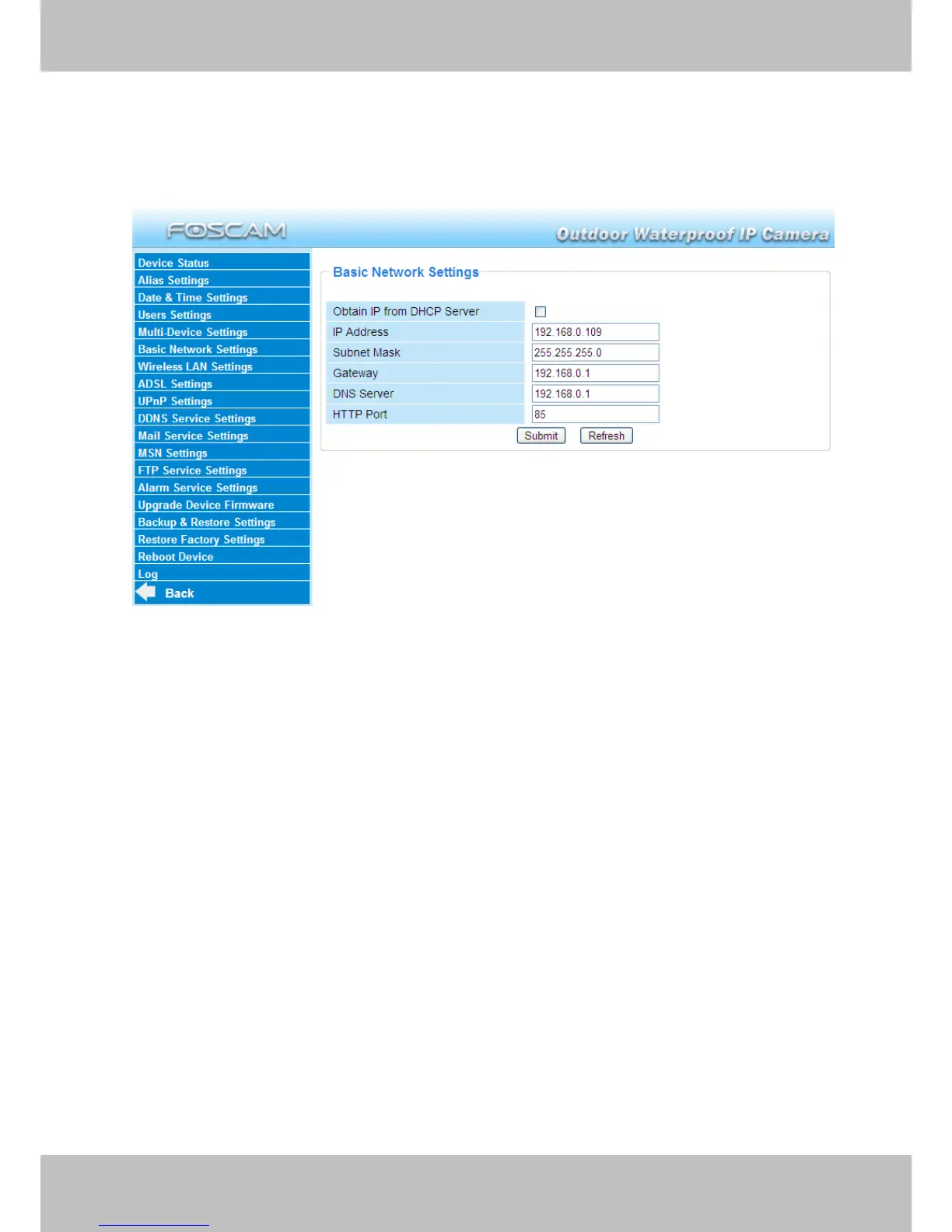
Basic Network Settings
If you want to set a static IP for the camera, select Basic Network Settings. Keep the camera
in the same subnet of your router or computer.
Figure 3.14
Changing settings here is the same as using the IP Camera Tool. (Figure 3.17/3.18)
It is recommended that you use the subnet mask, gateway and DNS server from your locally
attached PC. If you don’t know the subnet mask, gateway and DNS server, you can check your
computer’s local area connection as follows:
Control PanelNetwork ConnectionsLocal Area Connections Choose
SupportDetails.


Other manuals for Foscam FI8905E

Related product manuals