5 APPENDIX
5.1 Frequently Asked Questions
NOTE: Always verify network connections are working by checking the status of the indicators
on the network server, hub, exchange and network card.
5.1.1 I have forgotten the administrator username and/or password
To reset the administrator username and password, press and hold down the RESET BUTTON
for 10 seconds. Releasing the reset button, username and password will turn to the factory
default administrator username and password. Please power on the camera before reset
Default administrator username: admin
Default administrator password: No password
5.1.2 Subnet doesn’t match, dbclick to change
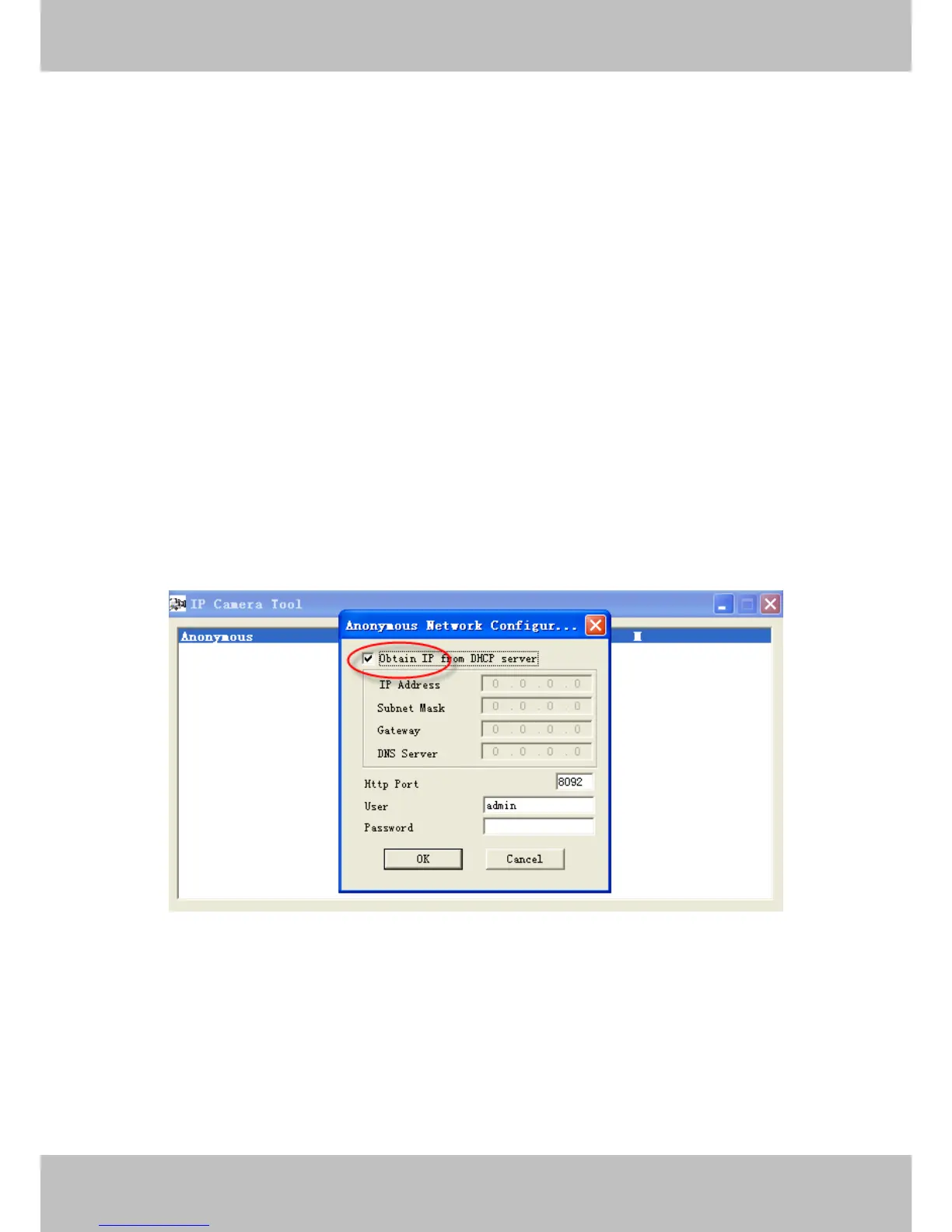
If IP Camera Tool shows the error information “Subnet doesn’t match, dbclick to change!” select
Obtain IP from DHCP server.
If this error still exists after obtain IP from DHCP server, check your local area connection of your
computer and verify the, subnet, gateway of the camera which should be the same subnet of
your computer.
5.1.3 No Pictures Problems
The video streaming is transmitted by the ActiveX controller. If ActiveX controller isn’t installed
correctly you will see no video image. There are two ways to resolve this problem:
1) Re-install “IP Camera Tool” and activeX control(recommendable).



 To Next Page