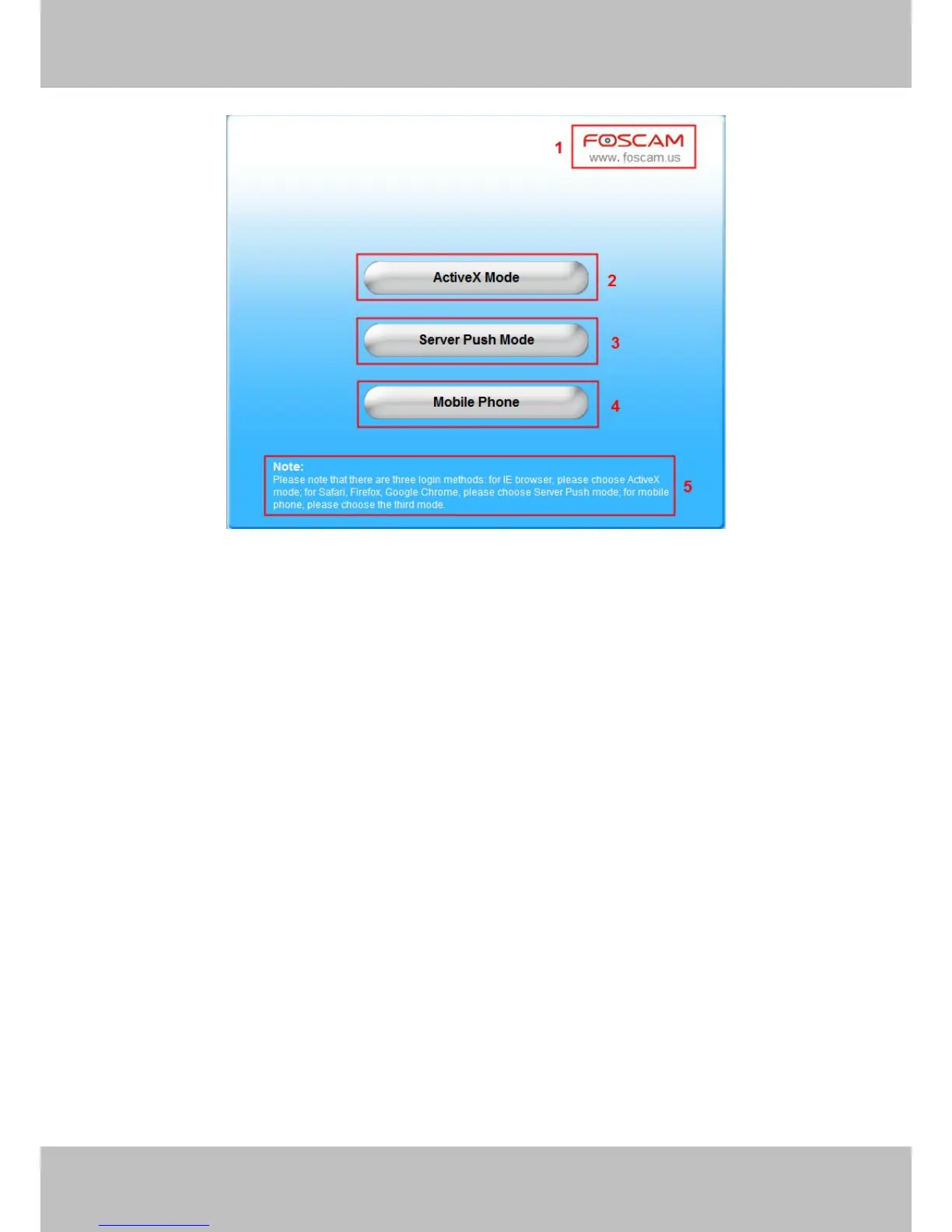
Figure 2.1
Section 1 FOSCAM Website Link
There is an access link to Foscam website homepage, if you need tech support you can contact
Foscam directly.
Section 2 ActiveX Mode
If your PC is windows based OS, such as Windows XP, Windows7, Windows Vista and you are
using IE-based browsers like IE6, IE7, IE8, please choose IE ActiveX Mode login mode.
Section 3 Server Push Mode
If you are using non-IE based browser, like Firefox, Safari, Google Chrome please choose
Server Push Mode.
Section 4 Mobile Phone
If you are using the Mobile to access the camera, here you need to select Mobile Phone login
mode.
Section 5 Note
Note that when you login the camera, please select the corresponding login mode.



 To Next Page