camera will be reset back to the factory default parameter.
2) Press and hold down the RESET BUTTON about 4 seconds, then press the WPS button on
the router, then you can use the WPS function. (For more details: please read Wireless Settings
in the User Manual)
Bottom View
There are some labels located at the bottom of the camera, this is an important feature of original
Foscam cameras. If your camera does not have labels, it may be a clone. Cloned Foscam
cameras can not use original firmware and are not eligible for warranty or technical services.
2 Surveillance Software GUI
Please refer to the Quick Installation Guide if you install the camera at first time. After finishing
quick installation, you can take time to learn the operation of the software.
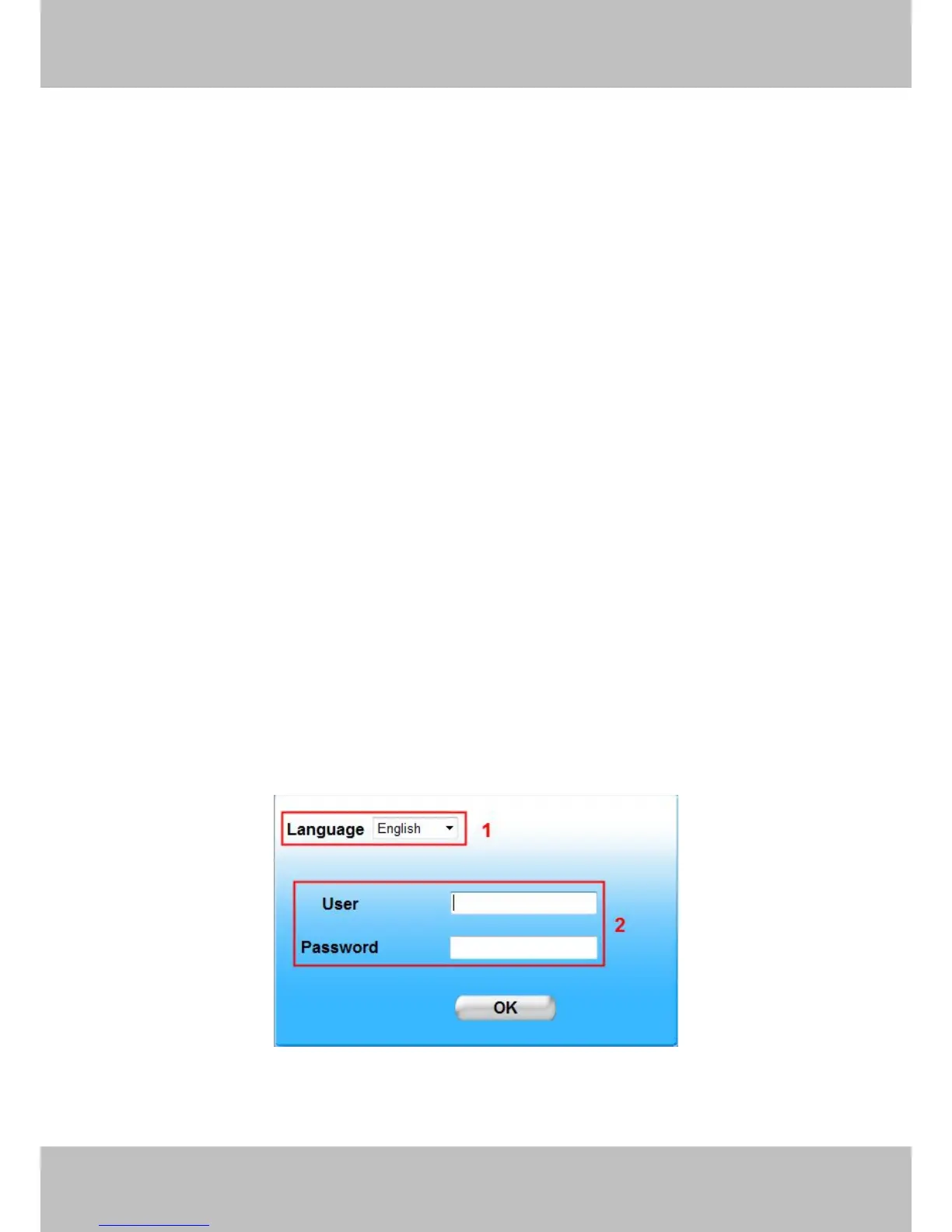
2.1 Login Window
Section1 Language
FOSCAM camera supports up to multi-languages, such as English, Spanish, Deutsch and so on.



 To Next Page