W
W
w
w
ww.foscam.
ww.foscam.
us
us
Foscam Digital Technologies LLC
Telephone: 1-800-930-0949
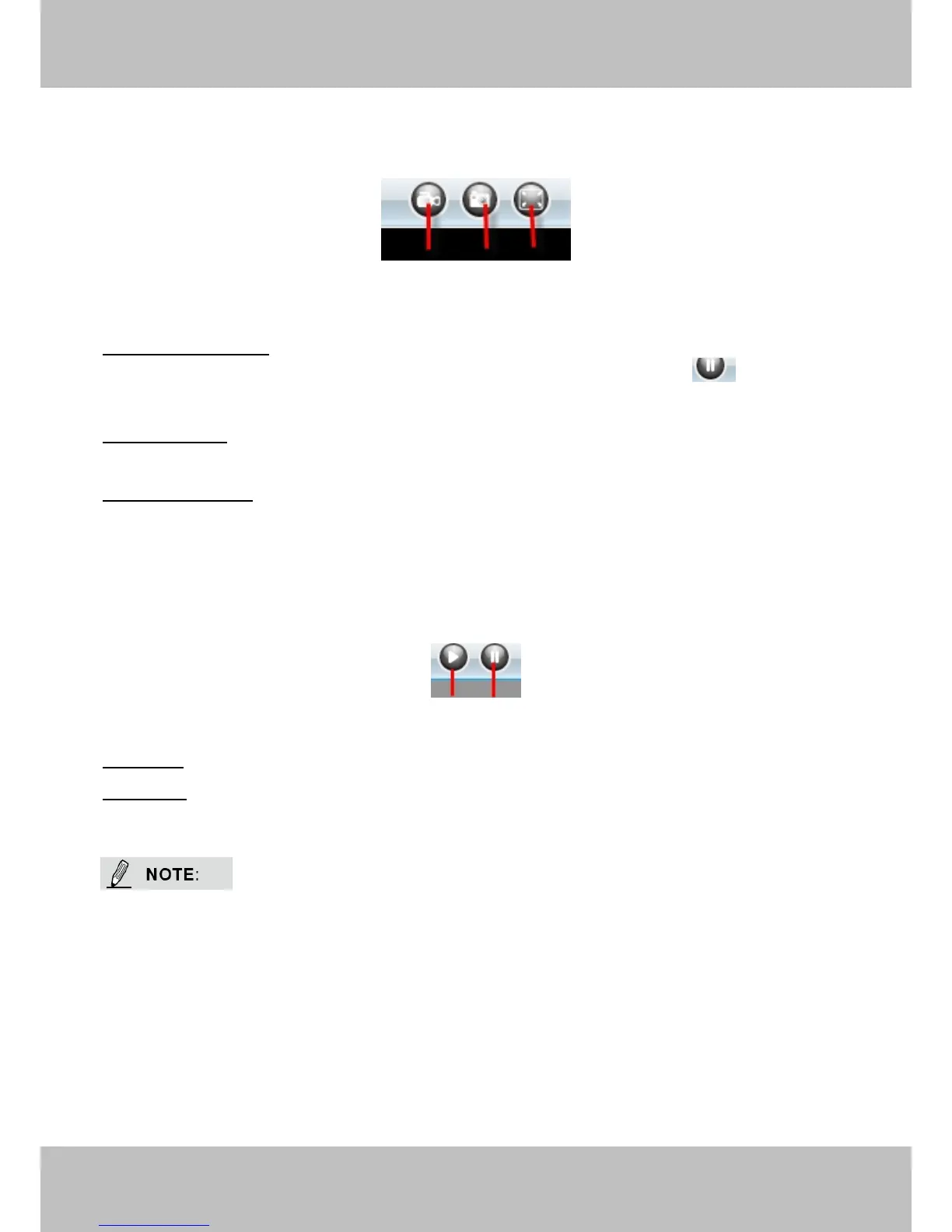
Section6 Record & Snapshot & Full Screen Buttons
1------Record Button Click it and it pop-up a path-setting window, you can select the storage
path and the record file name. At the same time the record icon changes to ,, Click it again
2------Snapshot Click it to make snapshot and it pop-up a window which picture you snapshot,
right click in the window and save the picture to anywhere you want.
3------Full Screen Click it to make full-screen, or you can double click the surveillance screen
Section7 Play/Stop Buttons
1------Play Click it to play the video of the camera
2------Stop Click it to stop the video of the camera
Record and multi-device function are controlled by ActiveX controller, therefore Firefox or
Google Chrome, Safari browsers will not allow these functions.
For Firefox, Google Chrome, Safari, you should select the Server Push Mode and you can see
the following screen:



 To Next Page