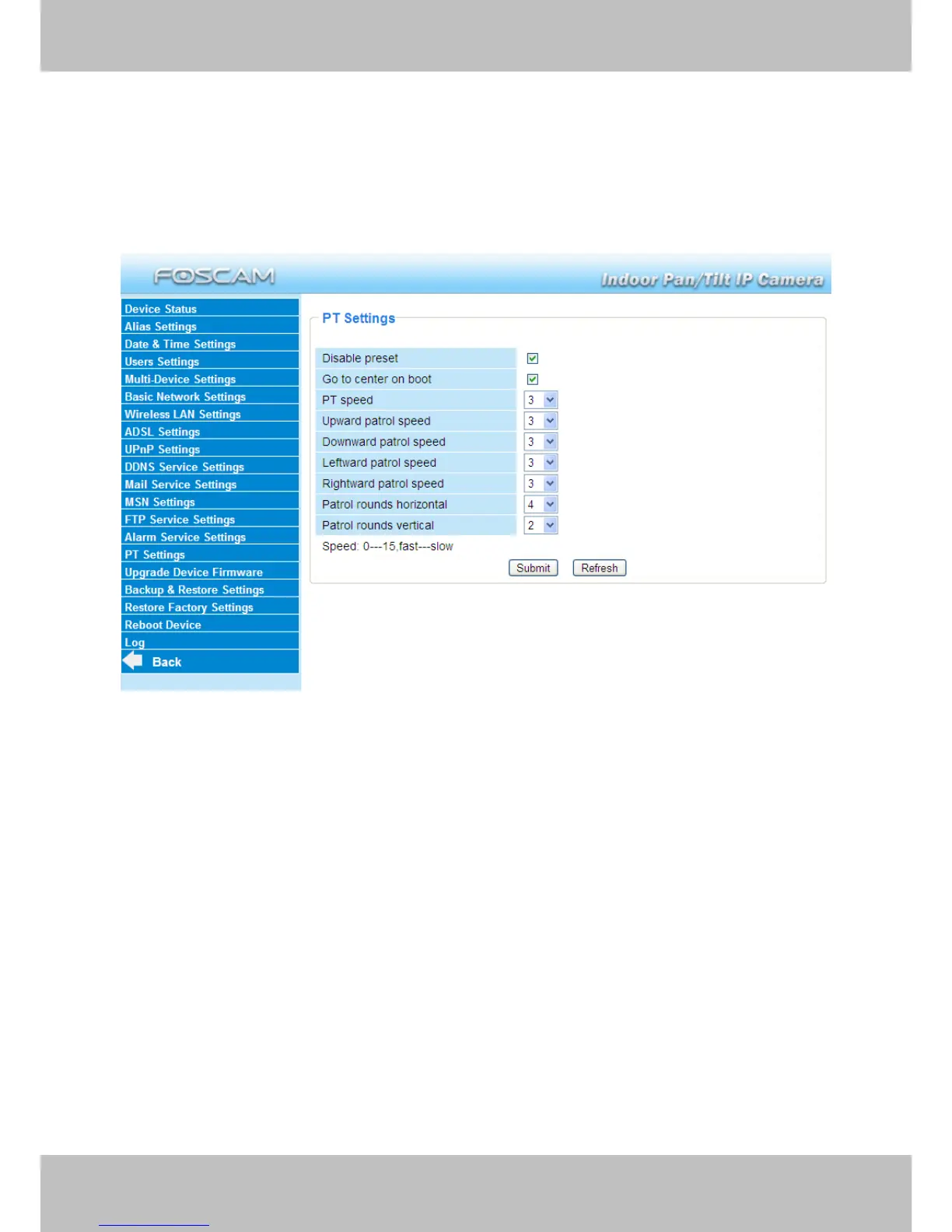
3.15 PT Settings
You can set pan/tilt speed. Normally, PT speed is 3. The larger the setting number, the lower
speed. Don’t enable the checkbox “disable preset” if you want to use the function of preset, it will
be effective after you reboot device.
Figure 3.46
Patrol rounds horizontal: Set the round between 1 and 10, then click Submit. Back to
surveillance window. Click the Horizon patrol button, the camera will patrol the rounds
horizontally you set and then stop if you don’t click Stop horizon patrol button. For example, you
set 4 for the patrol rounds. Click submit and back to surveillance window. Click the Horizon patrol
button and do not click the Stop horizon patrol button, the camera will patrol 4 rounds and then
stop automatically.
Patrol rounds vertical: Set the round between 1 and 10, then click submit. Back to surveillance
window Click the Vertical patrol button, the camera will patrol the rounds vertically you set and
then stop if you don’t click Stop vertical patrol button.



 To Next Page