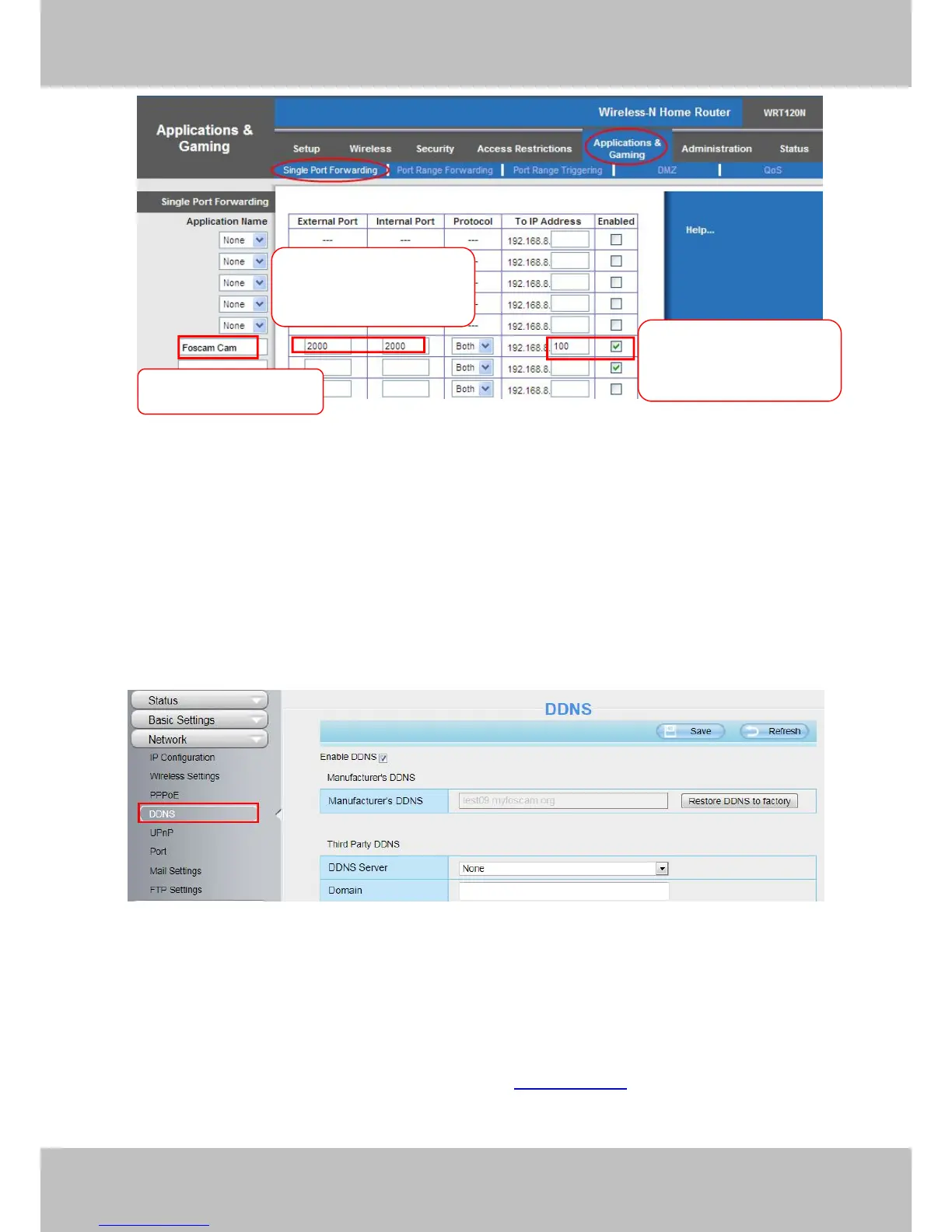
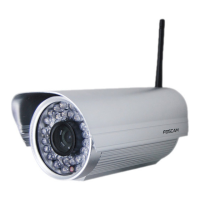
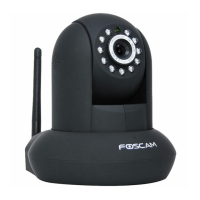
Figure 2.7
First method :
Use the embedded DDNS to access the camera via the Internet
Each Foscam camera has an embedded unique DDNS domain name, the format of this domain name is
xxxxxx.myfoscam.org. On the bottom of the camera, you can see the domain name sticker with this
information on it.
For example, we can use test09.myfoscam.org. In the camera, click Settings at the top, click “Network” on the
left, then click “DDNS” to get to the DDNS settings page. Here you can see the unique domain name of your
camera.
Figure 2.8
Now you can use “http://Domain name + HTTP Port” to access the camera via the Internet.
Take hostname test09.myfoscam.org and HTTP Port of 88 for example, the URL link to access the camera via
the Internet would be http:// test09.myfoscam.org:88.
Second method :
Use the Third party DDNS to access the camera via the Internet
Step 1 Please go to the third party DDNS website(such as www.no-ip.com) to create a free hostname.
Step 2 DO DDNS Service Settings within the Camera
Please set DDNS Settings within the camera by hostname, a user name and password you’ve got from



 To Next Page