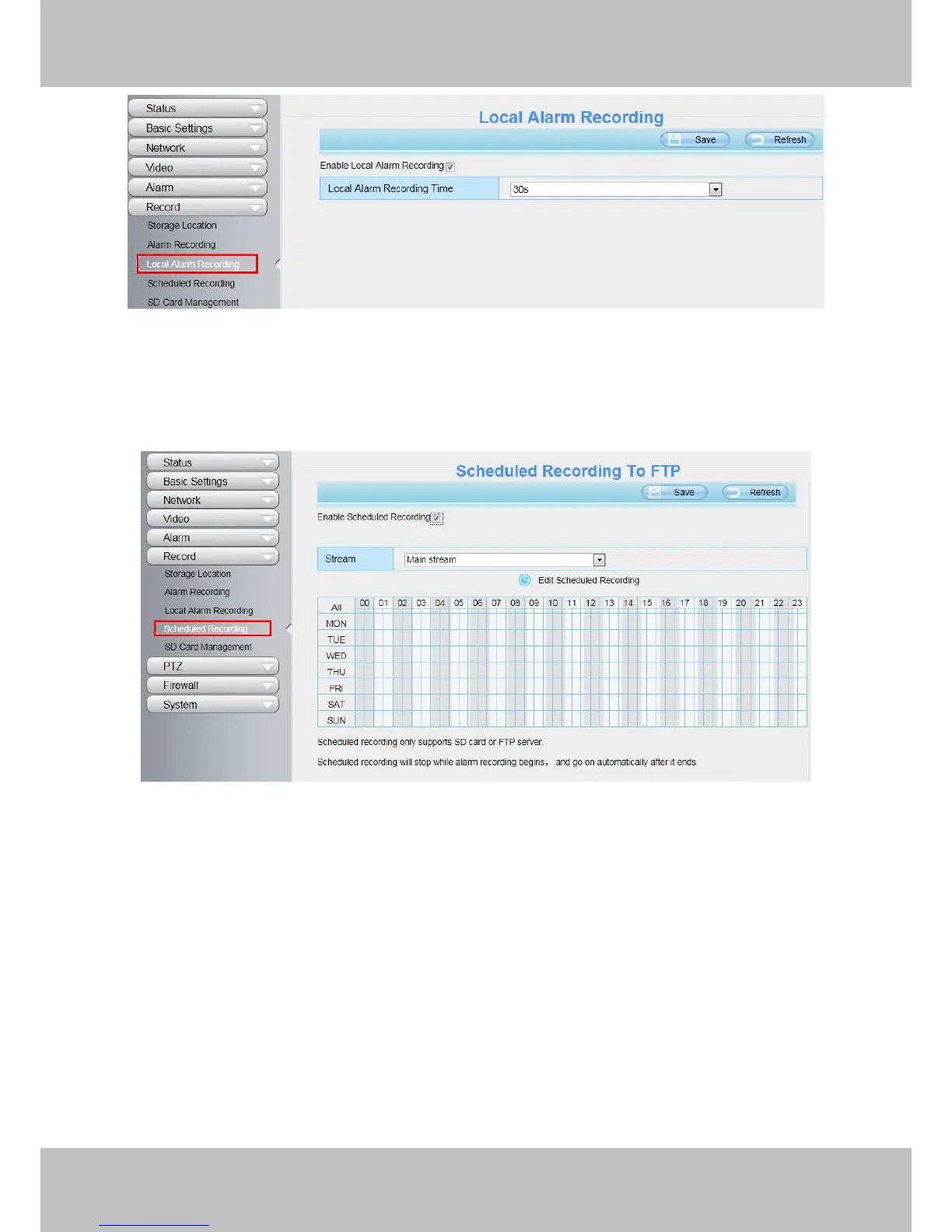
You can select the main stream or sub stream from the drop-down.
You can set the store path of the recording file on the Storage Location page.
Click Save button to take effect.
4.6.5 SD Card Management
This camera supports SD Card and the max size of SD card must be under 32G.
When you plug in the SD card during the camera work process, please reboot the camera again, or else the
SD Card may be cannot work well.
This page you can check the SD card information.



 To Next Page