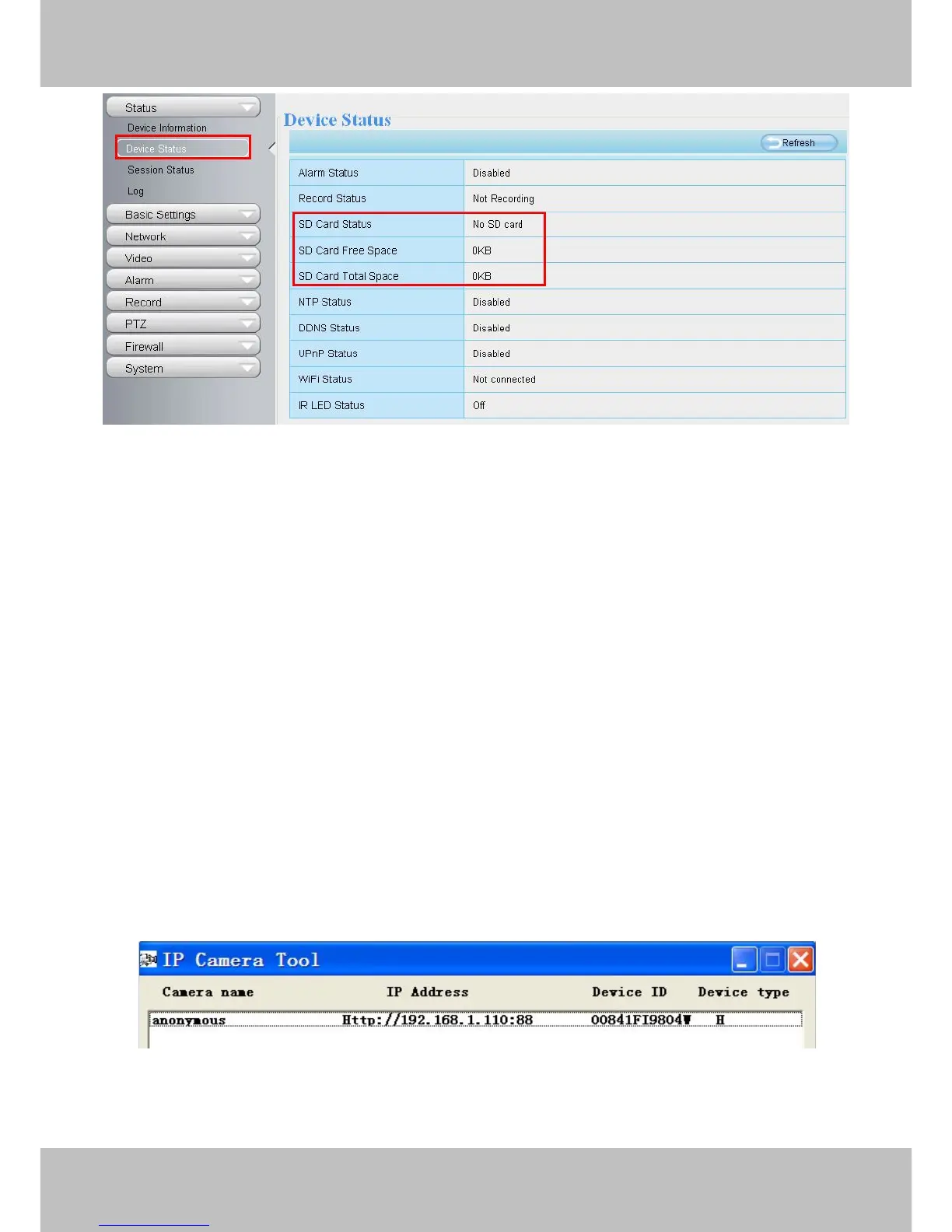
The default storage path of alarm record files is SD card, when the available size of SD card is less than 256M,
the old record files will be deleted automatically.
2 Access the IP Camera
This chapter explains how to access the camera through browser and RTSP player.
2.1 Access the Camera in LAN
This camera supports HTTP and HTTPS protocols, you can access the camera by two ways.
(1) http:// LAN IP + HTTP Port NO.
The default HTTP port no is 88. Double click the IP Camera Tool icon to run, and it should find the camera’s IP
address automatically after you plug in the network cable.
Figure 2.1
Double click the IP address of the camera; your default browser will open to the camera login page.



 To Next Page