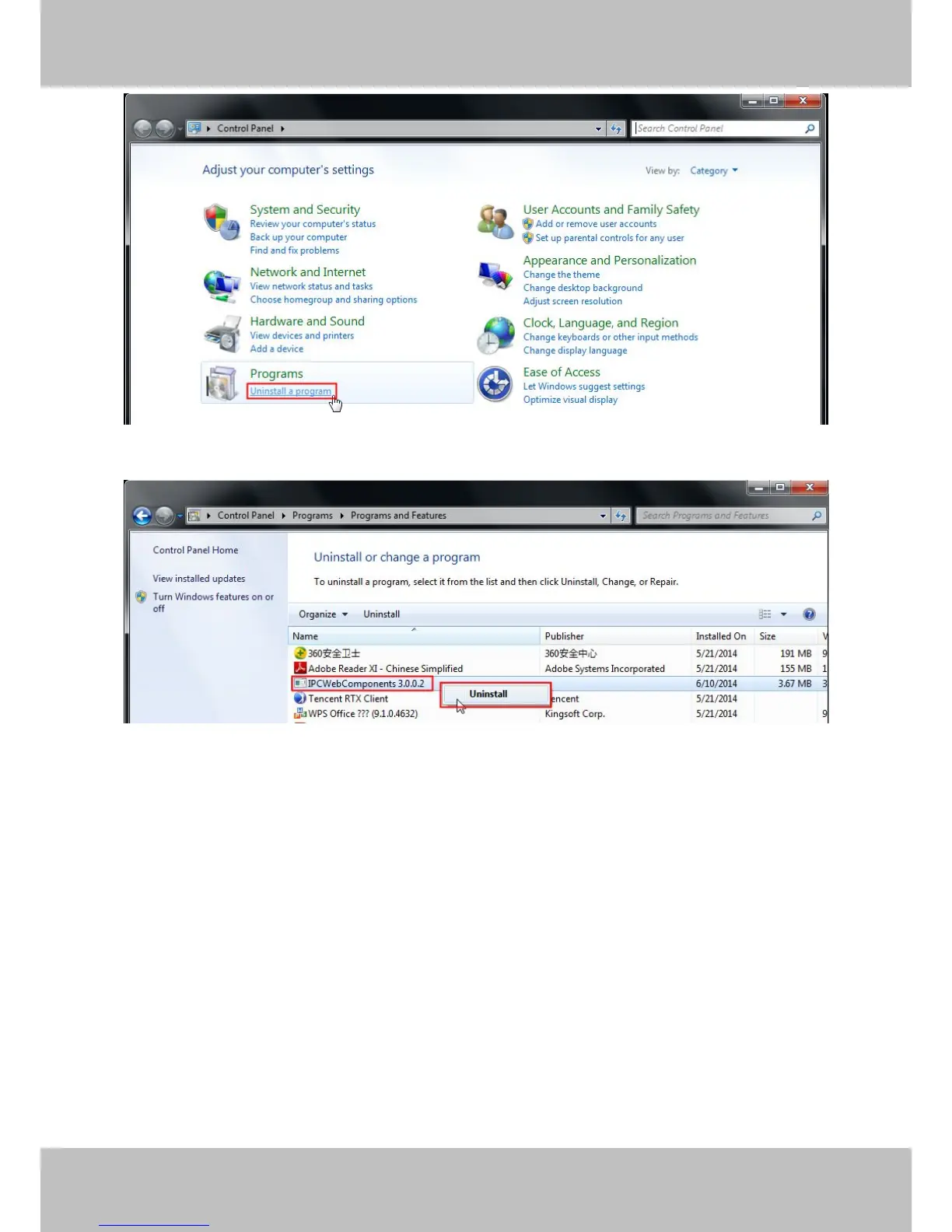
Figure 7.8
Figure 7.9
7.1.3 I have forgotten the administrator password
To reset the administrator username and password, press and hold down the RESET BUTTON for 5 seconds.
Upon releasing the reset button, wait for 20 seconds, the camera will reboot and the username and password
will return to the factory default administrator username and password. Please power on the camera before
reset .
Default administrator username: admin
Default administrator password: No password
7.1.4 Camera can not record
Camera can not record when I click Record button or I can’t change the manually record path.
When you use Windows7 or Vista, you may be not able to do manually record or change the record path
because of the security settings of computer.
There are two ways to resolve this problem:



 To Next Page