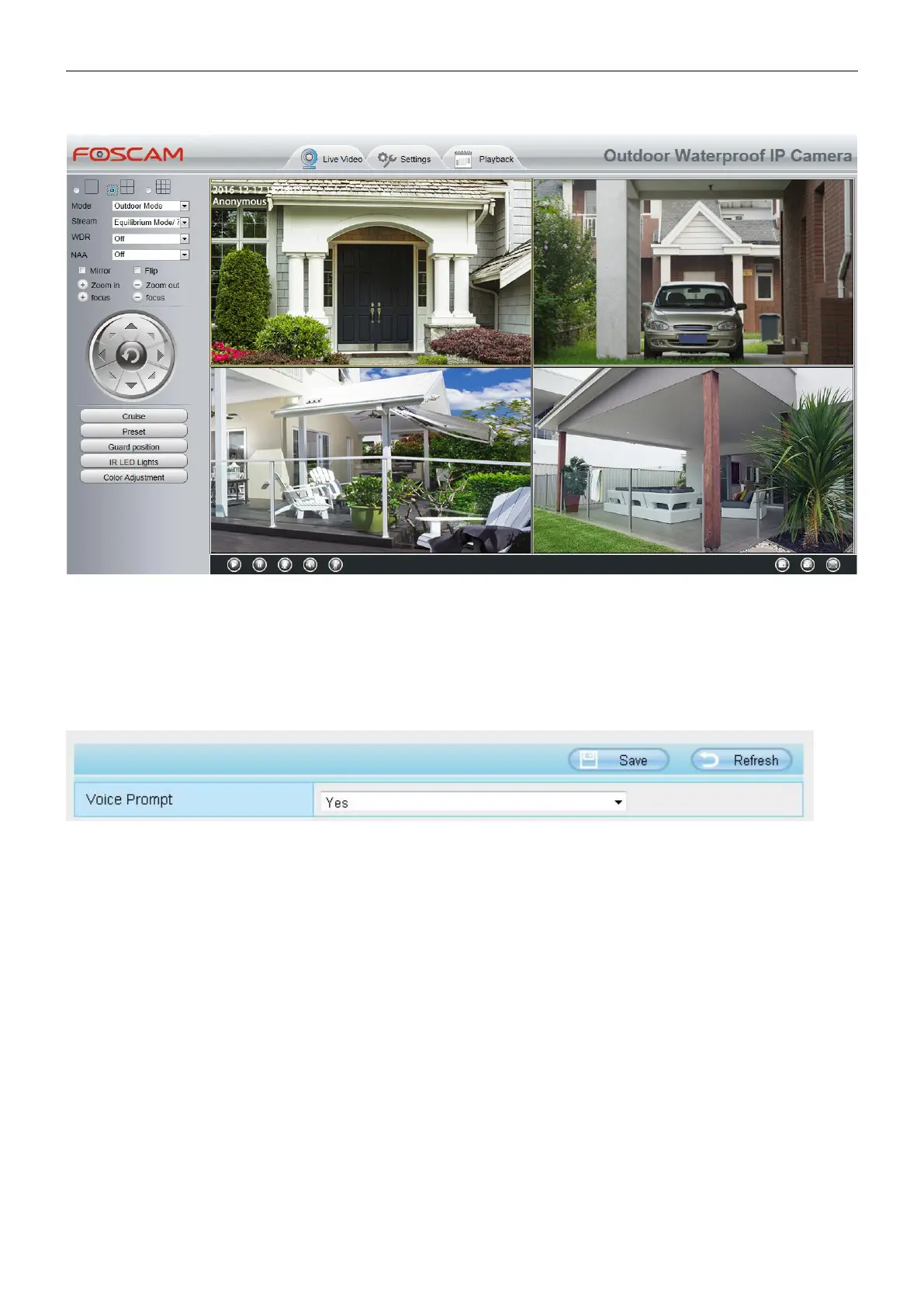
Back to Surveillance Windows, and click Four Windows option, you will see four cameras you added.
4.2.5 Voice Prompt
On this page, you can enable or disable voice prompt. Select “Yes” to enable or select “No” to disable.
If select ”Yes”, you can hear the voice prompt after connect the audio output device.
4.3 Network
This section will allow you to configure your camera's IP, Wireless Settings and Port.
4.3.1 IP Configuration
If you want to set a static IP for the camera, please go to IP Configuration page. Keep the camera in the same
subnet of your router or computer.



 To Next Page