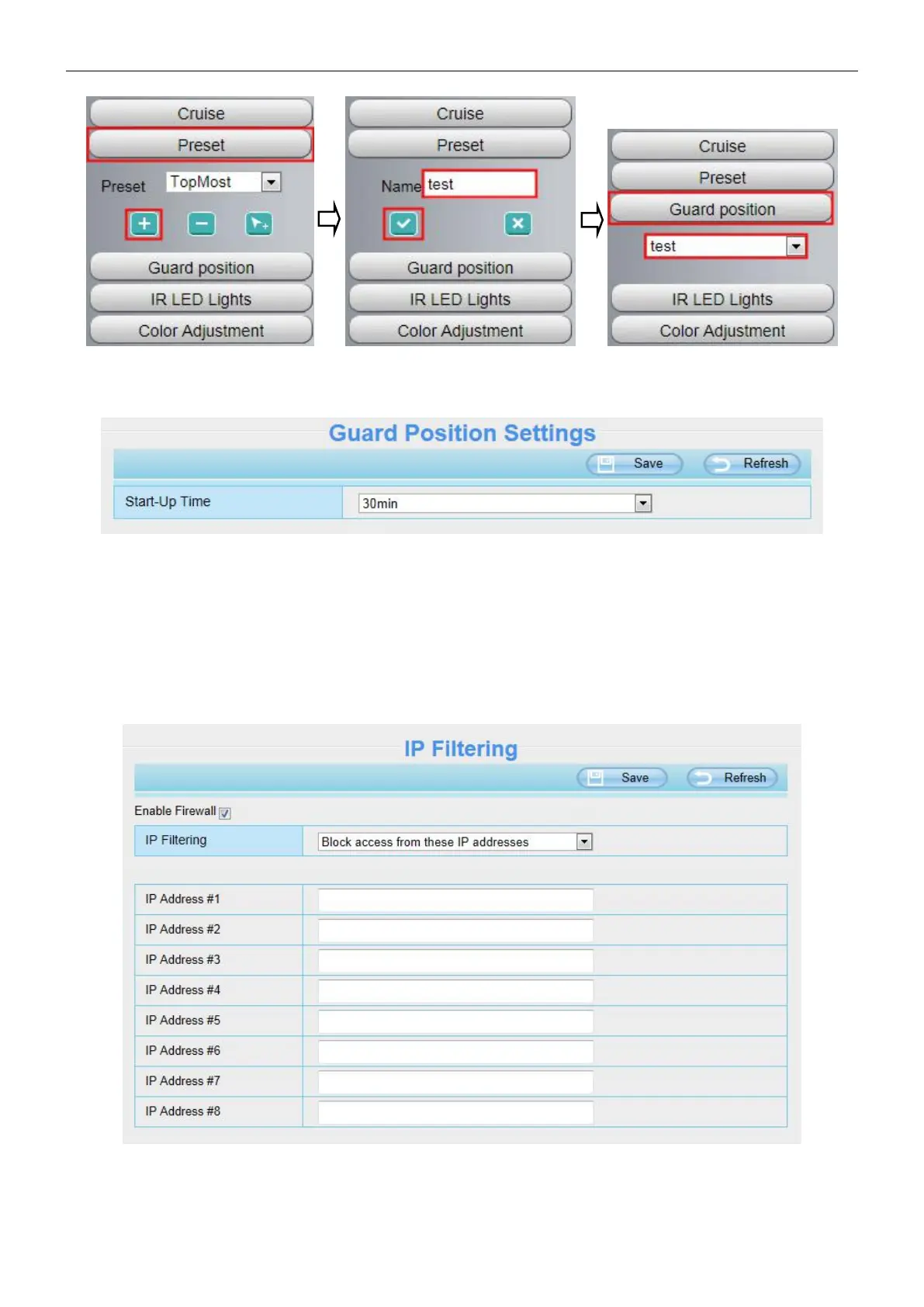
Then go to the Settings > PTZ > Guard Position Settings page to set time (min):
4.8 Firewall
This section explains how to control the access permission by checking the client PC's IP addresses. It is
composed of the following columns: Block access from these IP addresses and Only allow access from
these IP addresses.
Enable firewall, If you select Only allow access from these IP addresses and fill in 8 IP addresses at most, only



 To Next Page