Capture anytime
Click the black button up the MON, you will see all time range turn red. When something moving in the
detection area at anytime, the camera will capture.
Specify an capture schedule
Click the week day words, the corresponding column will be selected. For example, click TUE, the all
column of TUE turns to red, that means during Tuesday whole day, the camera will capture.
Press the left mouse and drag it on the time boxes, you can select the serial area,
4. Click Save button to take effect.
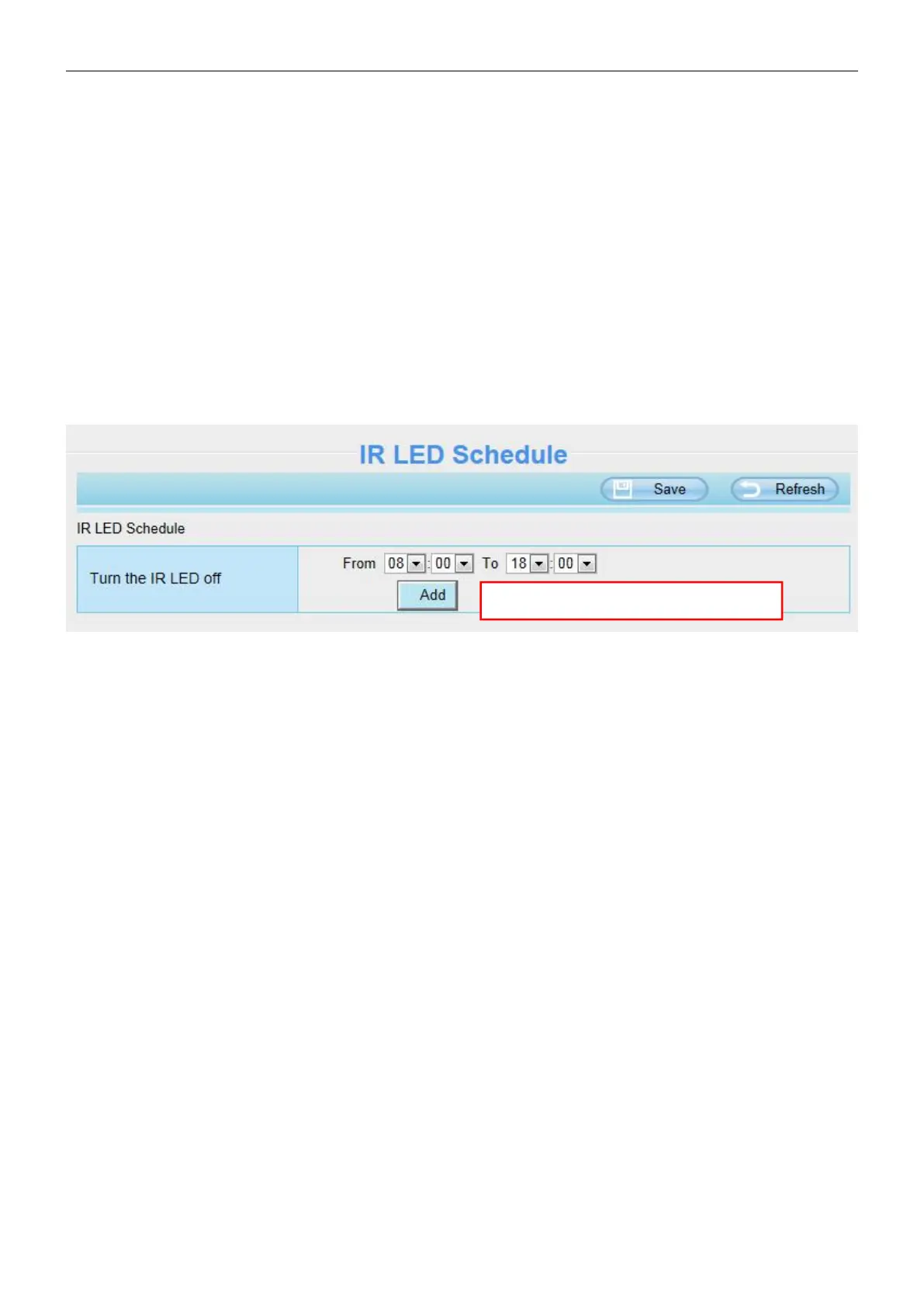
4.4.5 IR LED Schedule
You can set the period of time during which the infrared lamp is turned off. You can also turn off the infrared
lamp on the video preview page at any time.
4.5 Detector
4.5.1 Motion Detection
IP camera supports Motion Detection, when the motion has been detected, it will send emails or upload
images to FTP.
Click Add to add more periods.



 To Next Page