maximum frame rate is 25 fps. When the video format is 60Hz, the maximum frame rate is 30 fps. You should
lower frame rate when the bandwidth is limited. Normally, when the frame rate above 15, you can achieve
fluently video.
Key Frame Interval: The time between last key frame and next key frame. The shorter the duration, the more
likely you will get a better video quality, but at the cost of higher network bandwidth consumption.
Rate Control Mode: Select the Bit rate type to constant or variable. If select VBR, the camera will change the
video bit rate according to the situation, but will not more than the maximum parameter "Bit Rate"; If select
CBR, the Bit Rate is unchanged; If select LBR, the image quality will be low, you can select LBR when the the
Network is not good enough.
4.4.2 On Screen Display
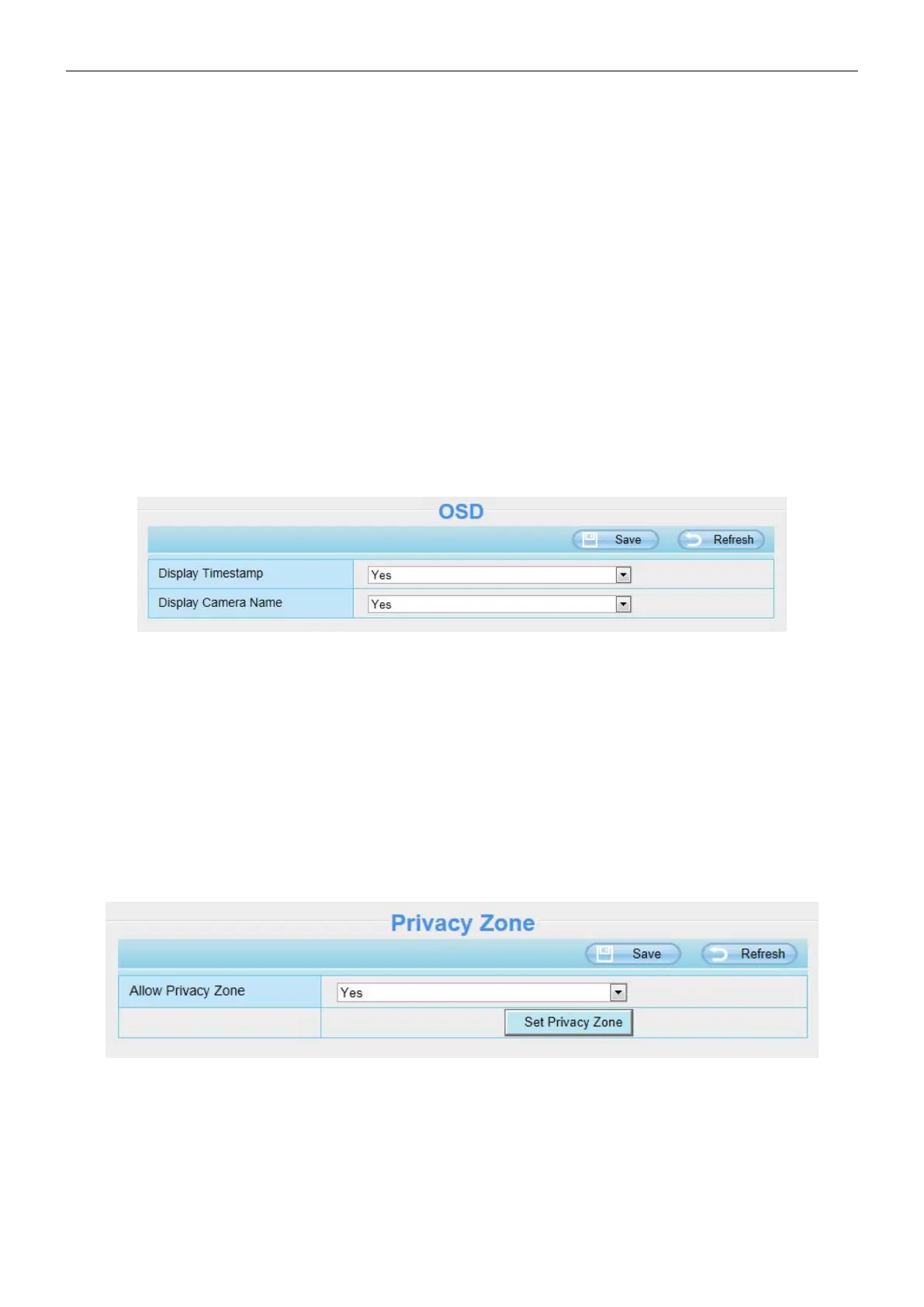
This page is used to add timestamp and device name on the video.
Display Timestamp: There are two options, Yes or NO. Select Yes and you can see the system date on the
video.
Display Camera Name: There are two options, Yes or NO. Select Yes and you can see the device name on
the video.
4.4.3 Privacy Zone
This page is used to set some mask as privacy zone on the video.
Allow Privacy Zone: Allow On Screen Display Mask, there are two options, Yes or NO. Select Yes and draw
a mask area on the video, the mask area will be black on the video.



 To Next Page