Section 4 IR LED Lights
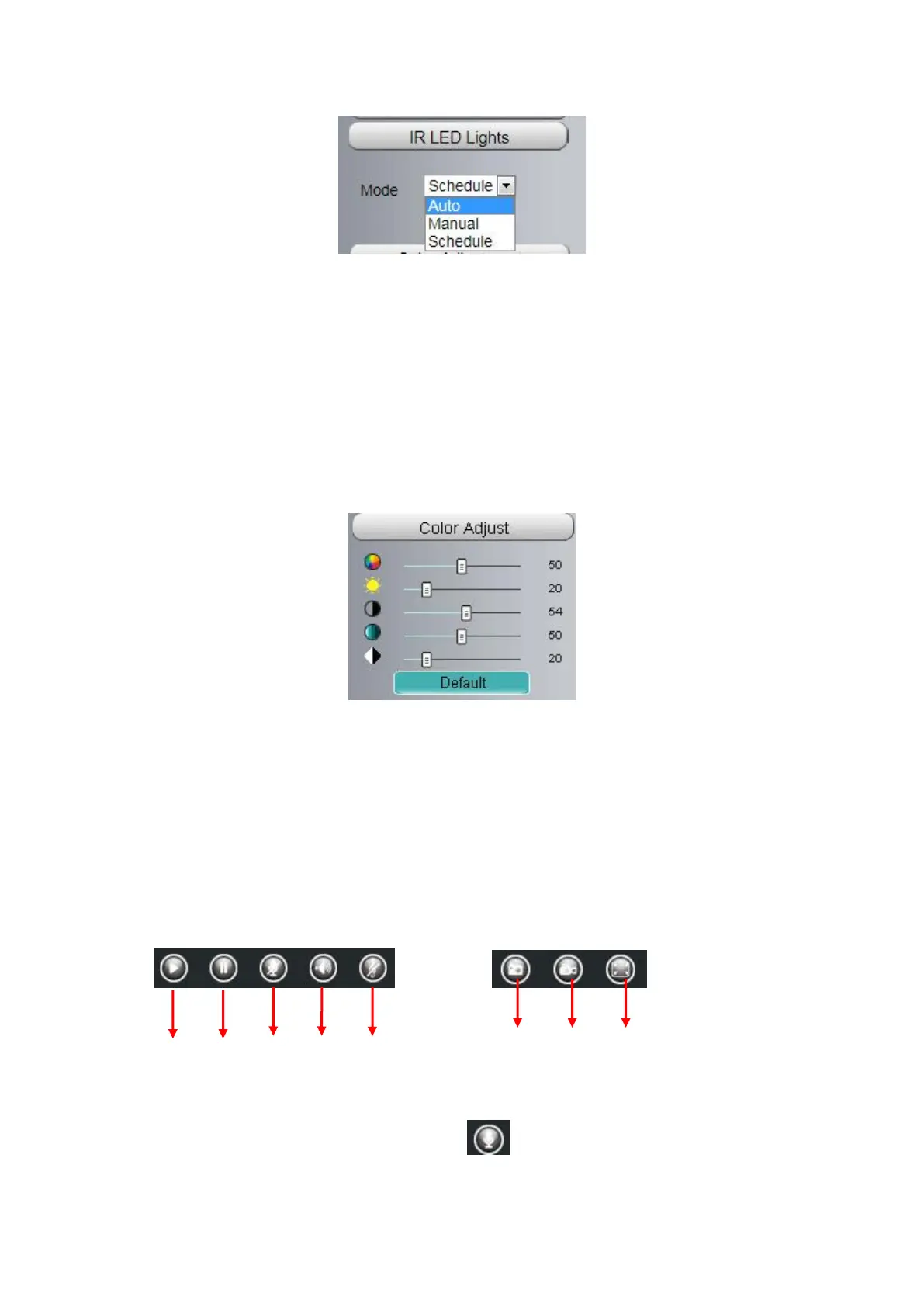
Click Infra led and there are three modes to adjust the infrared led: Auto, Manual and Schedule.
Auto: Select it and the camera will adjust the infra led (on or off) automatically.
Manual: Select it and turn off the infra led manually.
Schedule: Select it and the IR led light will be off at the schedule period. If you want to define or change the IR
led lights schedule time, please go to Settings > Video > IR LED Schedule page.
Section 5 Image quality settings
In this page, you can tune Hue, Brightness, Contrast, Saturation, and Sharpness to get higher quality.
Section 6 OSD
If you have added time and camera name in the video, you can see it in the live window.
Go to Settings > Basic settings > Camera name panel, and you can change another device name. The
default device name is anonymous.
Go to Settings > Basic Settings > Camera time panel and adjust the device time.
Go to Settings > Video > On Screen Display panel, you can add or no add OSD.
Section 7 Play / Stop / Snap / Record / Full screen button
1------Play Click it to play the video of the camera
2------Stop Click it to stop the video of the camera
3------ Talk Click the button and the icon will become to , then talk to the microphone that connected with
PC, people around the camera can hear your voice if the camera has connected with audio output device.
Click the icon again and stop talking.



 To Next Page