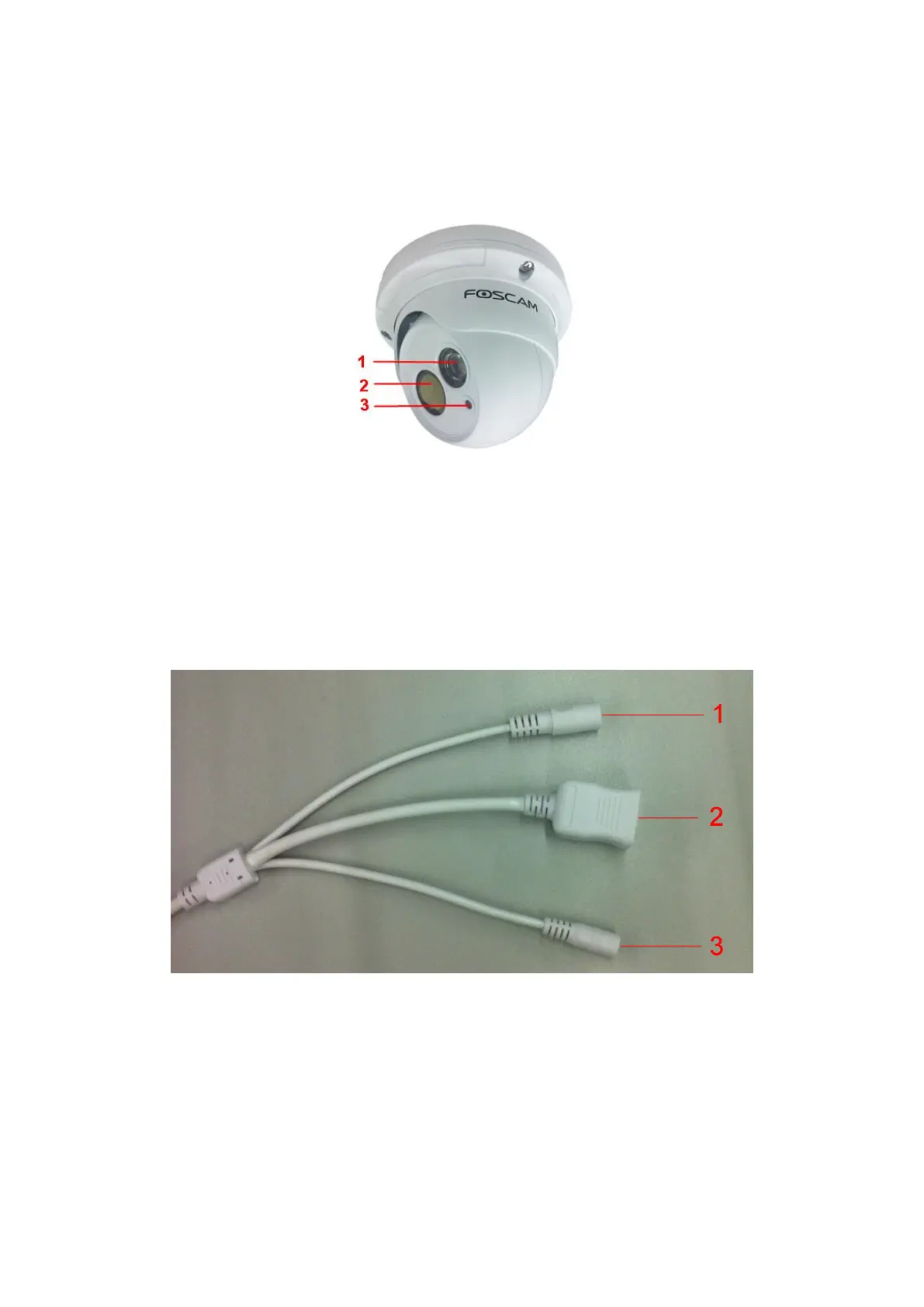
1.5 Physical Description
1.5.1 Front Panel
1 Infrared Lamp Array
2 LENS: CMOS sensor with fixed focus lens
3 Induction IC
1.5.2 Interface
1 Power Interface
Connect the external power adapter, request for 12V/1A power.
2 LAN
10/100M adaptive Ethernet interface. Through this interface, IP camera can be connected with various network
devices, such as hub, router, etc.
3 Reset button
Press and hold on the reset button for 5 seconds. Releasing the reset button, the password will back to the


 To Next Page